






%20(74).avif)
How to Get More from Microsoft Copilot
.avif)


.avif)

There's a version of AI adoption that costs a lot, takes months, and involves consultants with slides.
Then there's the version where you open Microsoft Edge on Monday morning, click the Copilot icon in the sidebar, and ask it to draft the email you've been putting off.
Most businesses on Microsoft 365 are closer to the second version than they realise, and they don't know it.
What you already have
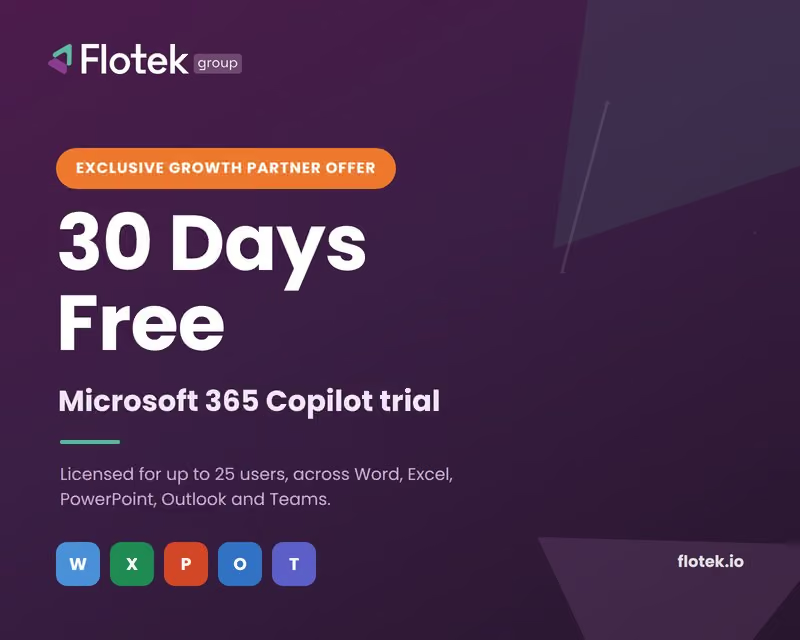
Copilot Chat is included at no extra cost with Microsoft 365 Business Basic, Business Standard, Business Premium, and Enterprise plans. If your business uses M365 and has fewer than 300 users, your whole team can start using it today.
It's not a cut-down version. Copilot Chat handles the vast majority of everyday Ai tasks: drafting, summarising, analysing, generating ideas. The difference between this and the paid Microsoft 365 Copilot licence (from £16.91 per user per month) is depth of integration. The paid tier embeds Copilot directly inside Word, Outlook, Teams, Excel and PowerPoint, with access to your actual emails, documents and calendar through Microsoft Graph.
For many businesses, starting with what's already there and building from that point is the right approach.
Why most Ai tools don't stick
Jay Ball, CEO of Flotek, has trained more than 200 SMEs on Copilot this year. The pattern he sees most often: a business owner attends a demo, gets genuinely excited, goes back to the office, tells their team about it, and three months later nothing has changed.
The reason isn't the technology. It's adoption.
Copilot doesn't embed itself. Someone has to champion it, demonstrate it repeatedly, and create the conditions for the rest of the team to build the habit. The businesses that get the most from it are the ones where a small group of internal champions keep showing people real examples, like a meeting summary that appeared before anyone left the room, a proposal drafted in eight minutes, a spreadsheet analysed without a single formula.
That's not a technology problem. It's a change management one.
Before you switch it on
One thing worth doing before you enable Copilot across your organisation: get a review of your Microsoft 365 tenancy.
Copilot surfaces data that users already have permission to access. That's the point. But most Microsoft environments accumulate permissions over time – a SharePoint site shared with "everyone in the organisation," a document link that was never revoked. If those loose ends exist, Copilot will find them.
It's not a reason to avoid Copilot. It's a reason to tidy up first. Flotek's tenancy security review costs £650–£850 for a 10–50 user business and takes approximately one day.
The practical guide
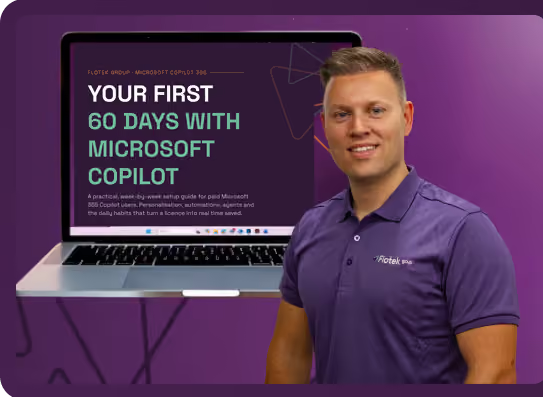
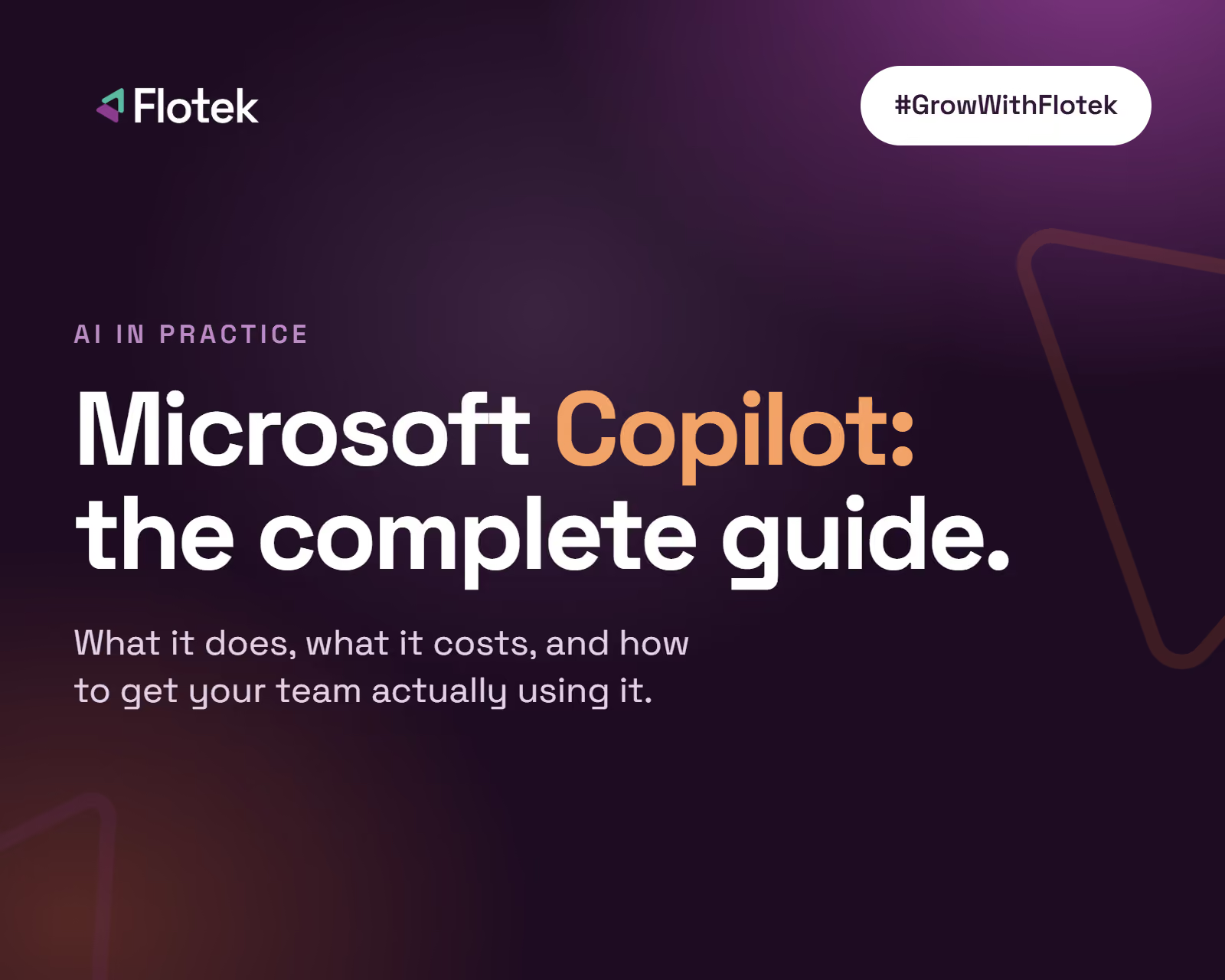
Flotek's 2026 Copilot Adoption Guide covers all of this in plain English. What Copilot actually is, how to start for free, what the paid licence adds, the eight-step adoption framework Jay uses with clients, and what a security review involves before you go live.
It's free to download and written for business owners and team leaders, not IT departments.
If you'd rather learn with a group, Flotek runs in-person Copilot workshops from £45 per person. Three hours, live demos across all the M365 apps, and a room full of people having their "why didn't anyone tell us" moment.
Download the guide: flotek.io/copilot
Book a workshop: flotek.io/events
Further reading





.jpg)







Schedule a Free IT Audit & Cost Breakdown

Download ‘Your First 60 Days with Microsoft Copilot’ Guide
%20amended%20logo.avif)



.avif)
.avif)
%20(1).avif)
.avif)