NEW Security Awareness Training date added, 28th October – Book Now!

Close icon
Microsoft Teams Rooms video conferencing setup in a modern meeting room

Transform your virtual meetings with a Microsoft Teams Room

Microsoft Teams Room makes video meetings more efficient, inclusive and engaging for everyone, helping you build better relationships with your team and customers.
Flexible meeting room solutions icon

Flexible solutions

A range of meeting bars, microphones and collaboration tools to suit different spaces.
Crystal clear audio icon

Hear every word

Filter out keyboard clatter, squeaky chairs and background noise for clear, focused audio.
Multi-focus framing icon

Keep everyone focused

Multi-focus framing and picture-in-picture create a natural in-room view for everyone.
Simple plug-and-play installation icon

Simple installation

Straightforward connection and intuitive set up mean you’ll be up and running in minutes.
Speaker tracking technology icon

Hold their attention

Speaker Tracking frames a close up of the presenter for a face-to-face experience.
Seamless Microsoft Teams integration icon

Seamless integration

Simple connection to laptops and Microsoft Teams for easy presentations and screen sharing.
Smart AI camera control icon

Smart camera control

Auto-framing and intelligent speaker detection keep the focus where it matters most.
Consistent meeting experience icon

Consistent experience

Enjoy a familiar Teams interface across all rooms, devices, and meeting types.
Decorative illustrationDecorative illustration

The numbers that count

We believe that transparency is key to collaboration, so we make performance data visible and available to our partners to keep you ahead of your game.
0K+

Rooms

Spaces Equipped With Microsoft Teams Rooms Globally.
0%

Meetings

Now Include At Least One
Remote Participant.
0%

Adoption

Of Fortune 100 Companies Use Microsoft Teams.
0%

Efficiency

Faster Meeting Starts With Teams Rooms Integration.

Want to see it in action?

Check out our blog and watch the video we’ve created to show just how easy Microsoft Teams Rooms is to use—no forms, no fuss, just helpful insights.
Microsoft Teams Rooms blog post and video previewForward arrow icon
View blog
Forward arrow icon
Rated online review logo

Positive impacts create happy partners

Our growth is founded on a virtuous circle. If Flotek’s partners are happy, then they become more successful. If our partners become more successful then, in turn, so does Flotek. Our ambition is to become the highest-rated managed service provider in the UK, validating our partner-led mindset and fuelling our own growth.
Star rating iconStar rating iconStar rating iconStar rating iconStar rating icon

Great easy service Johan sorted my printer issues quickly and efficiently

Nick
October 19, 2026
Star rating iconStar rating iconStar rating iconStar rating iconStar rating icon

Gerhard was very helpful

Carina
October 19, 2026
Star rating iconStar rating iconStar rating iconStar rating iconStar rating icon

The engineer resolved the issue quickly

Olivia
October 19, 2026
Star rating iconStar rating iconStar rating iconStar rating iconStar rating icon

The person supporting us was calm and professional. Took time to explain how the problem could have happened. Resolved the issue very quickly.

Idil
October 16, 2026
Star rating iconStar rating iconStar rating iconStar rating iconStar rating icon

It was great to have Jensen in with us today assisting with our IT needs. A personable guy open to having a chat with us and a laugh while still completing his tasks. It wasn’t easy for him as our systems are very old but he handled himself professionally with these challenges. 5/5 would recommend.

Partner
October 16, 2026
Star rating iconStar rating iconStar rating iconStar rating iconStar rating icon

excellent experience using flotek. they responded to my initial enquiry very quick and then resolved my I.T issue asap.

Partner
October 16, 2026
Star rating iconStar rating iconStar rating iconStar rating iconStar rating icon

Rocco you are amazing and so professional - easy to work with and knowledge unchallengeable - BIG thank you.

Alfred
October 16, 2026
Star rating iconStar rating iconStar rating iconStar rating iconStar rating icon

Jensen was knowledgeable and professional. Set up new laptop quickly. Would highly recommend.

Max
October 15, 2026
Star rating iconStar rating iconStar rating iconStar rating iconStar rating icon

Johan was very polite and helpful in sorting out our email issue. He kept us updated regularly with what actions he was taking which resulted in a positive outcome.

Mo
October 15, 2026
Star rating iconStar rating iconStar rating iconStar rating iconStar rating icon

Thank you very much Jake for dealing with the issues on my computer so promptly. Jake was very friendly and approachable, and also very knowledgeable. The customer service was excellent!

Catrin
October 15, 2026
Star rating iconStar rating iconStar rating iconStar rating iconStar rating icon

my issue was resolved quickly and remotely with minimal disruption to my work

Catrin
October 14, 2026
Star rating iconStar rating iconStar rating iconStar rating iconStar rating icon

Request dealt with promptly

Parish council
October 13, 2026
Arrow icon
Arrow icon

Your Questions, Answered.

We’ve got you covered. Microsoft Teams Rooms transforms meeting spaces into inclusive, collaborative environments.

Whether you're wondering about hardware compatibility, room setup, or how it integrates with Microsoft 365, here are some straightforward answers to help you get the most out of your meeting experience.
Decorative background illustration

What licenses do I need?

Expand FAQ answer
Most businesses can get started with the free Microsoft Teams Rooms license, which includes essential features like joining meetings, screen sharing, and basic device management. For advanced features like Pro management tools, enhanced security, and AI-powered experiences, you can upgrade to Microsoft Teams Rooms Pro—but for many, the free version is more than enough.

Can I use an existing TV?

Expand FAQ answer
Yes! We supply and install Yealink-certified devices that work seamlessly with most modern TVs. As long as your screen has an HDMI port, we can connect it to a Yealink meeting bar or mini-PC, giving you a full Microsoft Teams Rooms experience—without needing to replace your display.

Do you have an all-in-one solution?

Expand FAQ answer
Absolutely. We use Yealink Meeting Boards, which include everything you need in one device:
‍
- Touchscreen display (various sizes available)
- Built-in HD camera (Multi camera options available)
- Microphones (Additional Microphones can be added for larger rooms)
- Speakers (Can be connected to external speakers for larger rooms)
- Microsoft Teams Rooms software pre-installed

‍
It’s a sleek, space-saving solution perfect for modern meeting rooms.

Can we have a demo?

Expand FAQ answer
Yes! You can visit one of our offices for a hands-on demo, or we can arrange a session at a Yealink Meeting Centre across the UK.

Prefer remote? We also offer interactive online demos so you can explore the experience from anywhere, just fill in our new enquiry page to get booking.

Can we customise it for different rooms?

Expand FAQ answer
Definitely. Microsoft Teams Rooms works in huddle spaces, boardrooms, and everything in between. We’ll help you choose the right mix of cameras, microphones, and displays to suit your space and budget.

All provided as an upfront cost or even pay monthly.
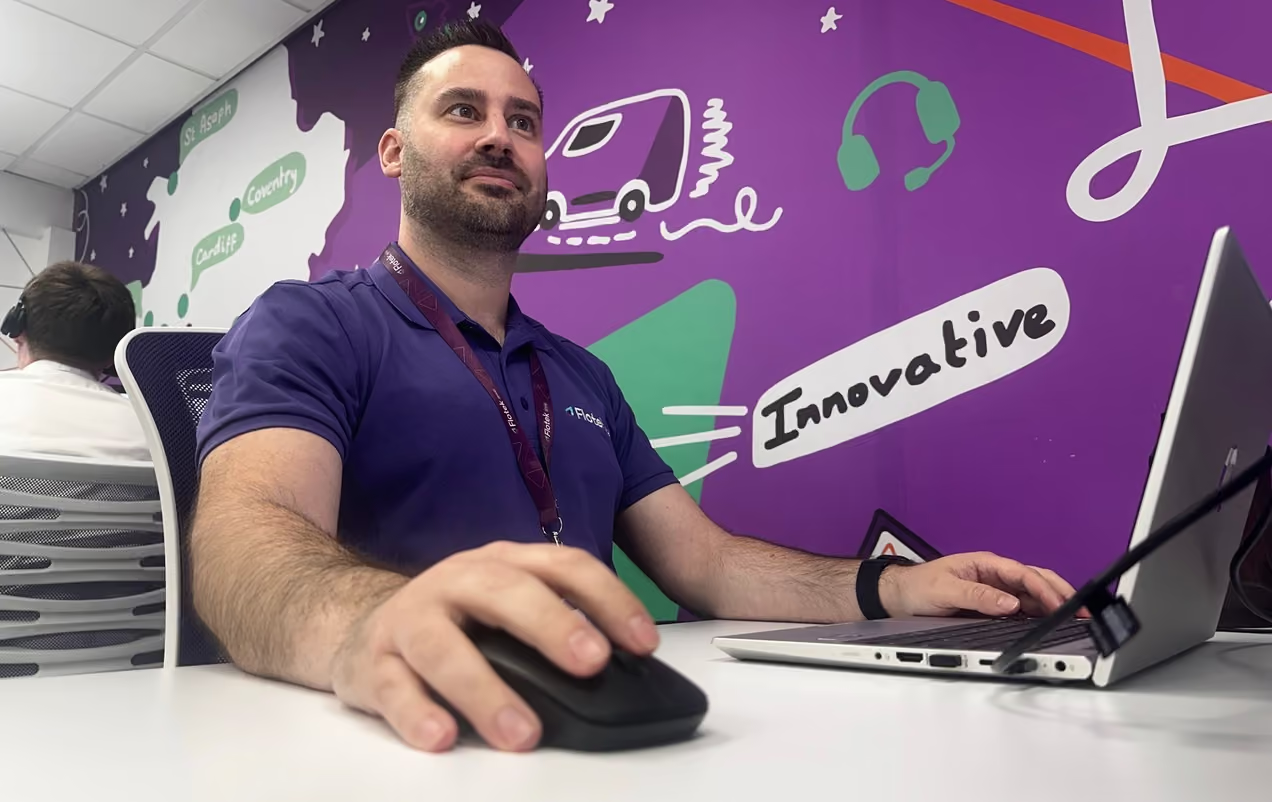
Flotek team member at his desk in the Flotek office, ready to help with your enquiry
Send us your enquiry today
Use the contact form to tell us what you need help with, whether it’s IT support, cybersecurity, communications, billing, an existing issue, or a general question. 

Choose the right enquiry type from the dropdown and we’ll make sure it reaches the right place, whether that’s sales or helpdesk. 

Once submitted, we’ll review your enquiry and one of our team will come back to you as soon as they can.
..or call us today
If you would prefer to have a chat or need some quick info, please give us a call
Phone call icon
02921 50 8000
..or call us today
If you would prefer to have a chat or need some quick info, please give us a call
Phone call icon
02921 50 8000
* indicates required
Help us send your enquiry to the right team

• Choose Sales for general enquiries, new projects, quotes or advice.

• Choose Helpdesk for urgent out-of-hours support requests.

Further content you may enjoy reading

BLOG POST

What is Microsoft Teams Rooms? The ultimate guide

Everything Microsoft Teams Rooms covers: the hardware, the licensing and how it turns any meeting space into a one-touch video room.

Flotek interface icon
Read More
Flotek interface icon

BLOG POST

Exploring the new Yealink A40 for Teams Rooms

Hands-on with the Yealink A40: what the all-in-one video bar does well, where it fits and which meeting rooms it suits best.

Flotek interface icon
Read More
Flotek interface icon

BLOG POST

Best practices for Microsoft Teams meetings

The habits that make Teams meetings run properly: setup, audio, screen sharing and the settings most businesses never touch.

Flotek interface icon
Read More
Flotek interface icon

BLOG POST

How to record Microsoft Teams meetings

How to record a Teams meeting, where recordings are stored, who can access them and the compliance points worth knowing before you hit record.

Flotek interface icon
Read More
Flotek interface icon
The Content Hub
Stay ahead with news, blogs, events, and customer case studies