






AI Receptionist. Every call answered, 24/7.
Your AI receptionist is an AI voice agent that picks up every call, day or night, in a natural UK voice. It answers questions, takes messages, books appointments and passes the details straight into your CRM. When a caller needs a person, it puts them through.


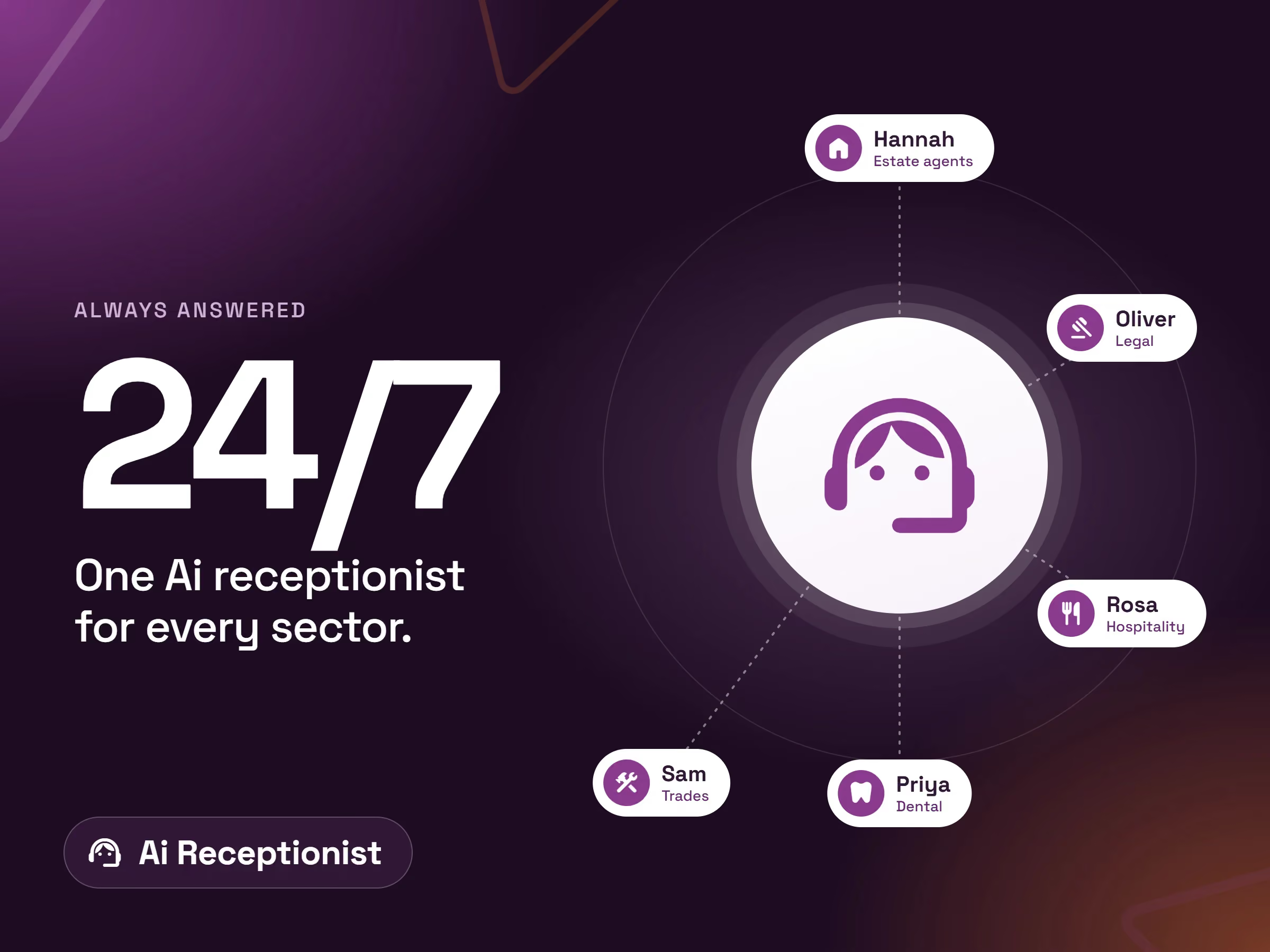
AI call answering: what happens to the calls you miss?

Listen to a call from our AI voice agents
Start by listening to our demo agents on a live call with our team. From dental to property, we work with every industry. Choose yours and press play.
Hannah answers the call, logs a water leak and answers the tenant's questions about their tenancy, then confirms all the details back to the caller.
Works with the systems you already use
Your AI Receptionist books, logs and passes on every call straight into your CRM, calendar, helpdesk and practice management tools. We can integrate with most systems that offer an API, MCP or webhooks to query information. If yours isn't listed yet, our development team will build the connection and add it to our marketplace of integrations below.

- Find the tenant from their phone number or address
- Log a repair request with the details given on the call
- Read back the repair reference to the tenant

- Recognise existing clients when they call
- Add a file note to the matter with a call summary
- Create a follow-up task for the fee earner

- Look up a policy for the caller
- Check renewal dates
- Pass the call to the right handler

- Look up a caller's record
- Create a new record from the call
- Update fields such as status or notes
- Search tables for answers to common questions

- Look up applicants and landlords
- Answer questions on listed properties
- Capture new enquiries

- Look up applicants
- Answer property questions
- Capture new enquiries

- Identify the parent or carer calling
- Record a pupil absence with the reason given
- Confirm the absence back to the caller

- Create a task from a call with a summary
- Assign it to the right person or project
- Check the status of an existing task
- Add comments to tasks

- Take a taxi booking by phone
- Give the caller an ETA
- Confirm pickup details

- Recognise the caller and their company
- Log a new support ticket
- Give an update on open tickets

- Look up the customer
- Book a new job
- Give a status update on an existing job

- Identify the parent or carer calling
- Record a pupil absence with the reason given
- Confirm the absence back to the caller

- Check tee time availability
- Book a tee time for members or visitors

- Recognise candidates and clients when they call
- Log the call against their record
- Create a follow-up task for the consultant

- Check your available slots
- Book, reschedule or cancel a meeting
- Send the booking confirmation to the caller
- Look up upcoming bookings for a caller

- Find the tenant and property
- Log a repair with the details given
- Read back the repair reference

- Check practitioner availability
- Book an appointment for a new or existing patient
- Look up a patient's upcoming appointments

- Recognise existing clients when they call
- Capture new enquiries as leads
- Log the call against the matter

- Check table availability
- Book a table for the caller

- Look up the customer and property
- Create a job from the call
- Book a diary slot for an engineer

- Search your Confluence spaces for answers
- Read policies, FAQs and procedures during a call
- Give consistent answers based on your own documentation

- Recognise the caller and their company
- Log a new service ticket
- Give an update on open tickets

- Check device status for the caller
- See active alerts before triaging the call

- Look up the patient
- Book an appointment
- React to appointment changes

- Look up the client and their pets
- Book an appointment

- Look up files and projects
- Read and add comments on designs

- Check appointment availability
- Book appointments (subject to vendor access)

- Create issues from support calls
- Check the status of an issue
- Search repositories and issues

- Look up the member
- Book a class for the caller

- Look up recent calls and deals
- Pull call insights for follow-up

- Check free slots
- Book, move or cancel appointments

- Look up candidates and their application stage
- Schedule or confirm interviews
- Add notes to a candidate record

- Look up a guest's reservation
- Answer questions about the booking

- Recognise the caller and their company
- Log a new ticket
- Give an update on open tickets
- Add notes to a ticket
- Search your knowledge base for fixes
- Run approved runbooks

- Recognise callers from their phone number
- Create new contacts and companies
- Log the call with a summary
- Create deals and follow-up tasks
- Update contact details during the call

- Take a taxi booking by phone
- Give the caller an ETA

- Recognise the client when they call
- Log the call on their record
- Book a review meeting

- Check tee time availability
- Book a tee time

- Look up the customer and their recent conversations
- Create a conversation or ticket from the call
- Add notes for your team

- Look up the client
- Log the call

- Search client documentation
- Find configuration details to help triage

- Give residents updates on their case
- Log new case details (to confirm)

- Create an issue from a call
- Check the status of an issue
- Add comments to an issue

- Raise a service request or incident
- Give the caller an update on their request
- Search the knowledge base for answers
- Add comments to a request

- Look up the customer and site
- Create a job from the call
- Raise a quote request

- Answer questions on listed properties

- Recognise the client when they call
- Create a work item
- Log the call

- Look up the customer
- Book a vehicle service

- Recognise existing clients
- Log calls against the matter
- Capture new enquiries

- Look up the member
- Answer questions on timetables and prices
- Capture new prospects

- Create an issue from a call
- Check issue status

- Look up a guest's booking
- Answer questions about the stay

- Check room availability
- Look up a reservation
- Recognise returning guests

- Recognise callers from their phone number
- Log calls and create records (once built)

- Send a call summary to a person or channel
- Alert staff to urgent calls
- Relay messages for staff who are unavailable

- Check the caller's device status
- Give updates on open tickets
- Log a new ticket

- Search your Notion pages for answers
- Create a page or database entry from a call
- Update existing entries

- Search your files for answers
- Read price lists, FAQs and policies during a call
- Save call notes as files

- Look up a policy for the caller
- Check renewal dates

- Check table availability
- Book a table

- Check your diary for free slots
- Book, move or cancel appointments
- Send confirmation emails to callers
- Email call summaries to your team
- Look up contacts

- Recognise the client
- Book an appointment
- Take a booking deposit

- Recognise callers from their phone number
- Create new people and organisations
- Log the call with a summary
- Create deals and follow-up activities

- Look up the client and their pets
- Book an appointment

- Look up a customer account
- Check invoice and payment status
- Read back balances owed
- Create customer records

- Recognise applicants when they call
- Book a viewing
- Book a valuation
- Log a new enquiry

- Check table availability
- Book a table
- Amend a booking
- Cancel a booking

- Recognise callers from their phone number
- Create leads and contacts
- Log the call with a summary
- Create cases and follow-up tasks
- Update records during the call

- Look up the employee
- Answer HR policy questions
- Log HR requests

- Look up the patient
- Book an appointment
- Update an existing booking

- Look up the customer
- Create a job from the call
- Give a job status update

- Raise incidents and service requests
- Give callers an update on their case
- Search the knowledge base for answers
- Add notes to existing records

- Book a table
- Recognise returning guests
- Search SharePoint for answers
- Read policies, procedures and price lists during a call
- Give consistent answers from your own content

- Look up an order by number or customer
- Give delivery and fulfilment status
- Look up product details and stock
- Recognise returning customers

- Look up the customer
- Create a job from the call
- Capture a new lead

- Record a pupil absence with the reason given
- Confirm the absence back to the caller

- Look up the patient
- Book an appointment (subject to vendor access)

- Recognise applicants when they call
- Book a viewing

- Send a secure payment link by text or email
- Take booking deposits
- Check payment status
- Look up a customer's payment history

- Recognise candidates when they call
- Log the call on their record

- Answer calls on your Webex numbers
- Transfer callers to the right person
- Track call events

- Look up the customer
- Check invoice status
- Read back balances owed

- Recognise the caller and their open tickets
- Create a ticket from the call
- Give an update on an existing ticket
- Search help centre articles for answers

- Recognise callers from their phone number
- Create leads and contacts
- Log the call with a summary
- Create deals and follow-up tasks
If your system supports integration, we can usually connect it. Tell us what you use and we'll check.
Get in touchCan't see your system? We add new connections every month.
Get in touch →A virtual receptionist with call answering, AI automation and integration in one

24/7 call answering

Appointment booking

500+ app integrations

CRM updated for you

AI agents that call out

Webhooks & MCP connectors

Transfers calls back to you

Guard rails and data checks


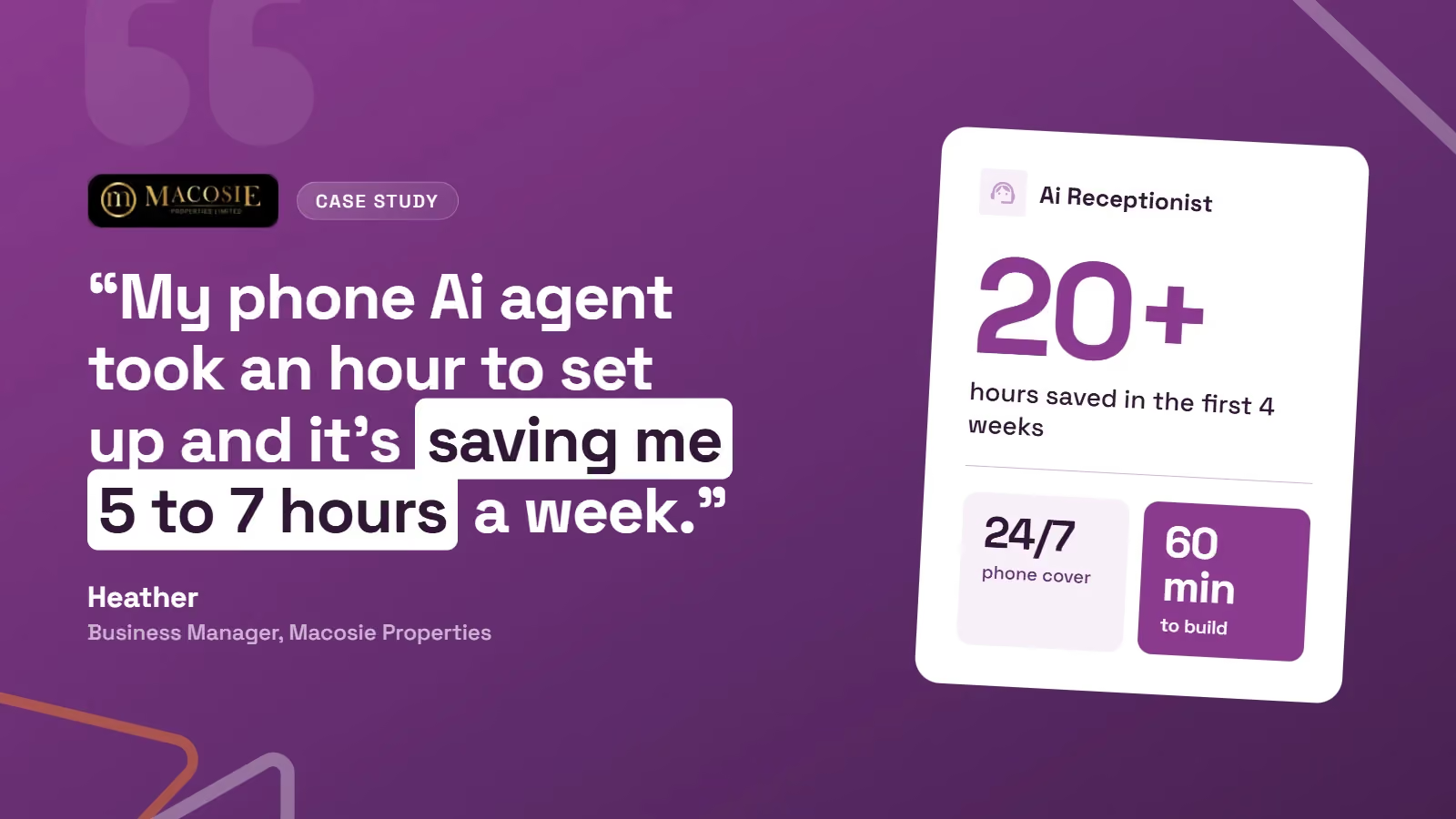
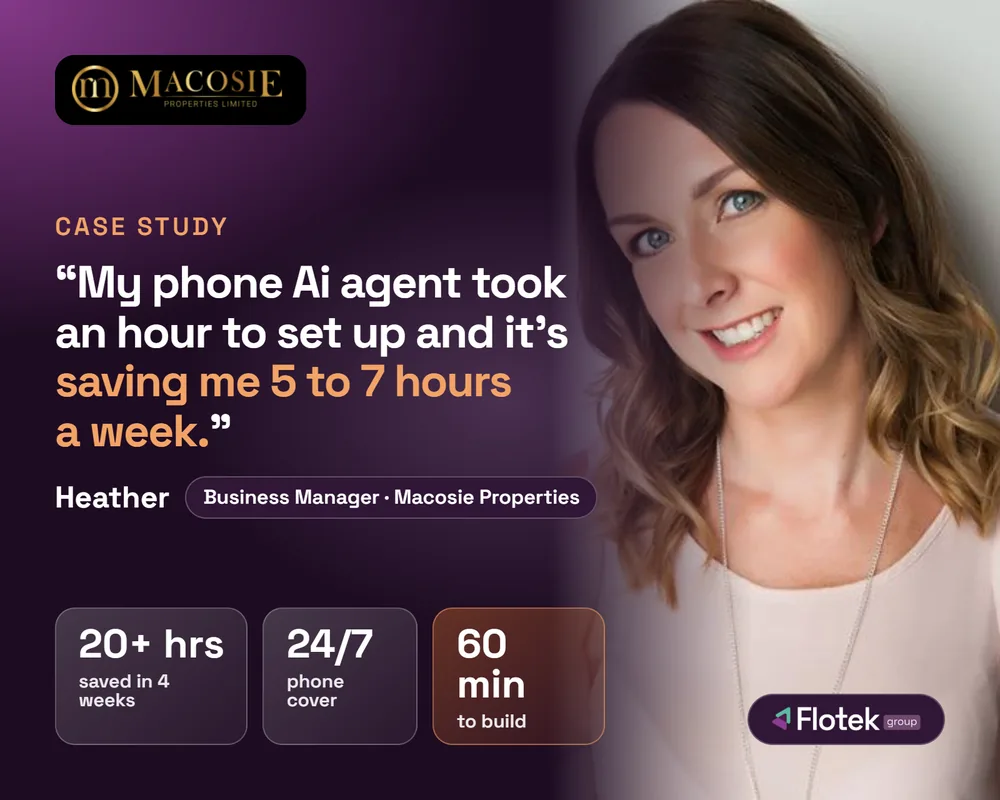
Read a real case study: Macosie Properties

AI Receptionist at a glance
Always answering
Apps connected
Ring answered
Calls logged
Want to learn more about Flotek and our products?
Managed IT, cyber security and communications in one place.

Positive impacts create happy partners

Jensen was knowledgeable and professional. Set up new laptop quickly. Would highly recommend.
Johan was very polite and helpful in sorting out our email issue. He kept us updated regularly with what actions he was taking which resulted in a positive outcome.
Thank you very much Jake for dealing with the issues on my computer so promptly. Jake was very friendly and approachable, and also very knowledgeable. The customer service was excellent!
my issue was resolved quickly and remotely with minimal disruption to my work
Request dealt with promptly
Damian at Flotek was so patient and helpful when I needed help setting up 2 tablets for our charity. It's not always easy to get support over the phone but he was clearly listening to my questions and knew the answers. Highly recommended.
Johan was very helpful and did what i needed sraight away and answered any querires i had promplty.
Lucy the agent who took my call was very patient and understanding. She took the time to resolve the issue immediately.
Very helpful and problem resolved quickly.
Kieran was extremely helpful. Fixed my issue and kept me informed throughout.
Alex from Flotek was fantastic as always - quick, speedy service that solved my problem and meant that my day wasn't disrupted at all. Thanks again - I would thoroughly recommend him and Flotek!
Amima was absolutely fantastic! She followed up consistently until she located and fully resolved the issue. This level of professionalism and dedication is rare. Amima deserves a raise! ❤️


Have questions about AI Receptionist?

What is an AI receptionist?

Can we trust AI to speak to our customers?
Can it transfer a call back to us?
What systems does it work with?
Do we need to change our phone number?
Can it make calls as well as answer them?
Every outcome is logged in your CRM automatically.
Choose the right enquiry type from the dropdown and we’ll make sure it reaches the right place, whether that’s sales or helpdesk.
Once submitted, we’ll review your enquiry and one of our team will come back to you as soon as they can.

Further content you may enjoy reading
BLOG POST
Property firm goes live with an AI agent

PRODUCT
FloCX Pro Ai
PRODUCT
Microsoft Teams Phone
BLOG POST
Business VoIP and hosted telephony: the complete guide








.avif)
.avif)
%20(1).avif)
.avif)