






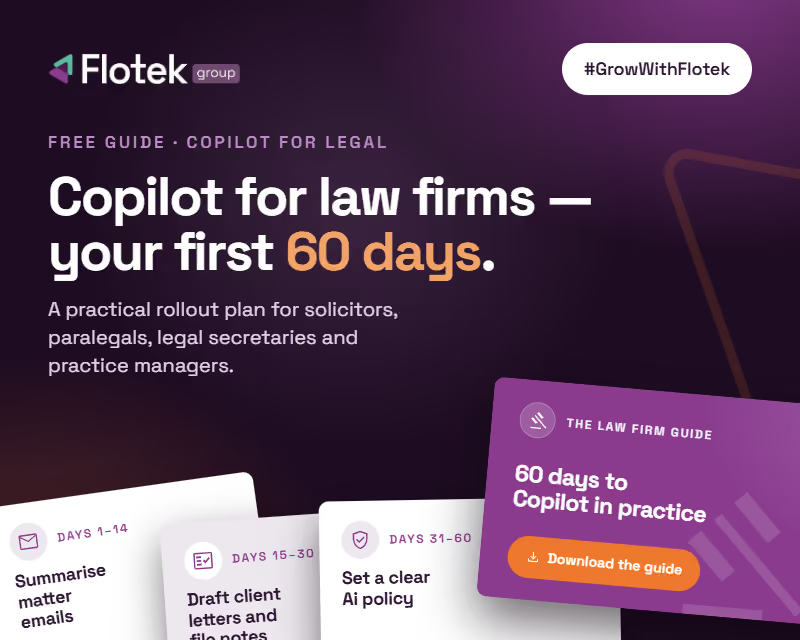
Microsoft Copilot for Law Firms: Your First 60 Days Guide


.avif)

Microsoft Copilot for law firms: a free 60-day guide to cutting admin and protecting billable time
We've just released a free Microsoft 365 Copilot guide written specifically for law firms.
The legal market is moving. Clients expect faster answers, fixed fees are squeezing margins, and the firms that learn to work smarter now are the ones that will be winning instructions in two years' time. Copilot is one of the most practical ways to get there. But only if your people actually use it.
Most fee earners try it for a few days, ask it to tidy up an email or summarise a call, then drift back to old habits. Not because it isn't useful, but because nobody showed them how it fits into a working day built around matters, deadlines and time recording.
That's the gap this guide closes.
Every hour counts in a law firm
When clients pay by the hour, time is the product. Every hour lost to formatting documents, chasing long email chains, writing up attendance notes or prepping for internal meetings is an hour you can't bill.
Copilot won't do the legal thinking for you. What it will do is take a big share of the admin off your desk. That means more time on chargeable work, quicker turnaround for clients and fewer evenings catching up on paperwork. On fixed-fee matters, every hour saved goes straight to margin.
What's inside
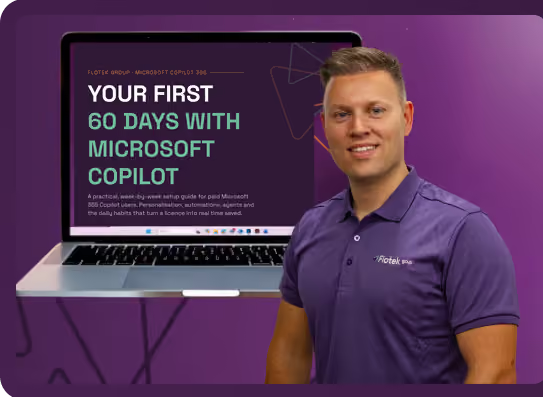
Your First 60 Days With Microsoft Copilot: Law Firm Edition is a week-by-week setup guide for solicitors, partners, paralegals, legal secretaries and practice managers with a paid Microsoft 365 Copilot licence. It follows the same proven 60-day structure as our business guide, rewritten around the way law firms actually work.
Here's what you'll work through:
Days 1-10 · Personalise
Set up Copilot Chat and Outlook with custom instructions so it already knows your role, your practice area, your firm's house style and how you write to clients, before you've typed a single prompt.
Days 11-20 · Calendar and Inbox
Turn on Prioritise My Inbox and teach it which emails matter most, from clients, counterparties and the court. Add calendar instructions that protect your drafting time around hearings, completions and deadlines.
Days 21-35 · Build
Use Copilot in Word to produce first drafts of client letters and file notes, and to pull the key points out of lengthy documents. Turn Teams calls into clear notes and actions. Get started in Excel and build a firm-branded PowerPoint template for pitches and training sessions.
Days 36-50 · Automate
Schedule prompts to run on their own, from a morning briefing on your live matters to a weekly summary of client correspondence. Build your first Copilot agent around a task you repeat every week, such as new matter intake or internal knowledge lookups.
Days 51-60 · Adopt
Track the time you're saving, share wins with your team, identify Copilot champions in each department and build the habits that make adoption stick across the firm.
The guide also includes ready-to-use prompts written for legal work, plus a quick-reference 60-day checklist you can tick off as you go.
Getting ahead, without cutting corners
Law firms rightly hold themselves to a higher standard on confidentiality and accuracy. The guide is built with that in mind.
Copilot works within your existing Microsoft 365 permissions, so it only surfaces what each user already has access to. But the technology is only half of it. The guide covers the human side too: reviewing every output before it goes anywhere near a client, keeping professional judgement where it belongs, and putting a clear AI policy in place that fits your regulatory obligations.
Firms that get this right early won't just save time. They'll give clients a faster, sharper service than competitors still doing everything by hand.
Why we made it
We've trained over 200 businesses on Microsoft Copilot in 2026 alone. The ones that get the most from it aren't the ones with the biggest budgets or the most technical teams. They're the ones that built simple, practical habits early and stuck to them.
Law firms have more to gain than most. High volumes of documents, email and meetings, all measured against the clock. This guide is the structure we wish every fee earner had on day one.
It's free. It's practical. And everything in it is based on real use cases, not theoretical feature lists.
Who it's for
This guide is for anyone working in a law firm who has a paid Microsoft 365 Copilot licence and wants to move beyond occasional use into something that genuinely saves time every week.
If you're a partner, COLP or practice manager responsible for rolling Copilot out across the firm, there's a dedicated section on adoption. It covers internal champions, fee earner demos, measuring time saved and building an AI policy that protects client confidentiality.
Not a law firm? We've written a more general version for business owners, managers and everyday users. Get Your First 60 Days With Microsoft Copilot: Business Guide instead.
What happens after you download it
Work through it at your own pace. The 60-day structure is a guide, not a strict timetable. Some weeks you'll move quickly, others you'll only try one or two things around a busy caseload. That's fine. The aim is confidence and good habits, not racing through every feature.
If your firm wants hands-on support, we also offer a 10-week Copilot Adoption Programme and a 2-hour Overview Session for legal teams. Details are inside the guide, or you can get in touch directly.
Fill in the form below to get your free copy of the Law Firm Guide delivered straight to your inbox.
.jpg)














%20amended%20logo.avif)







.avif)
.avif)
%20(1).avif)
.avif)