Schools lose free Microsoft licences


Why education IT budgets need a rethink
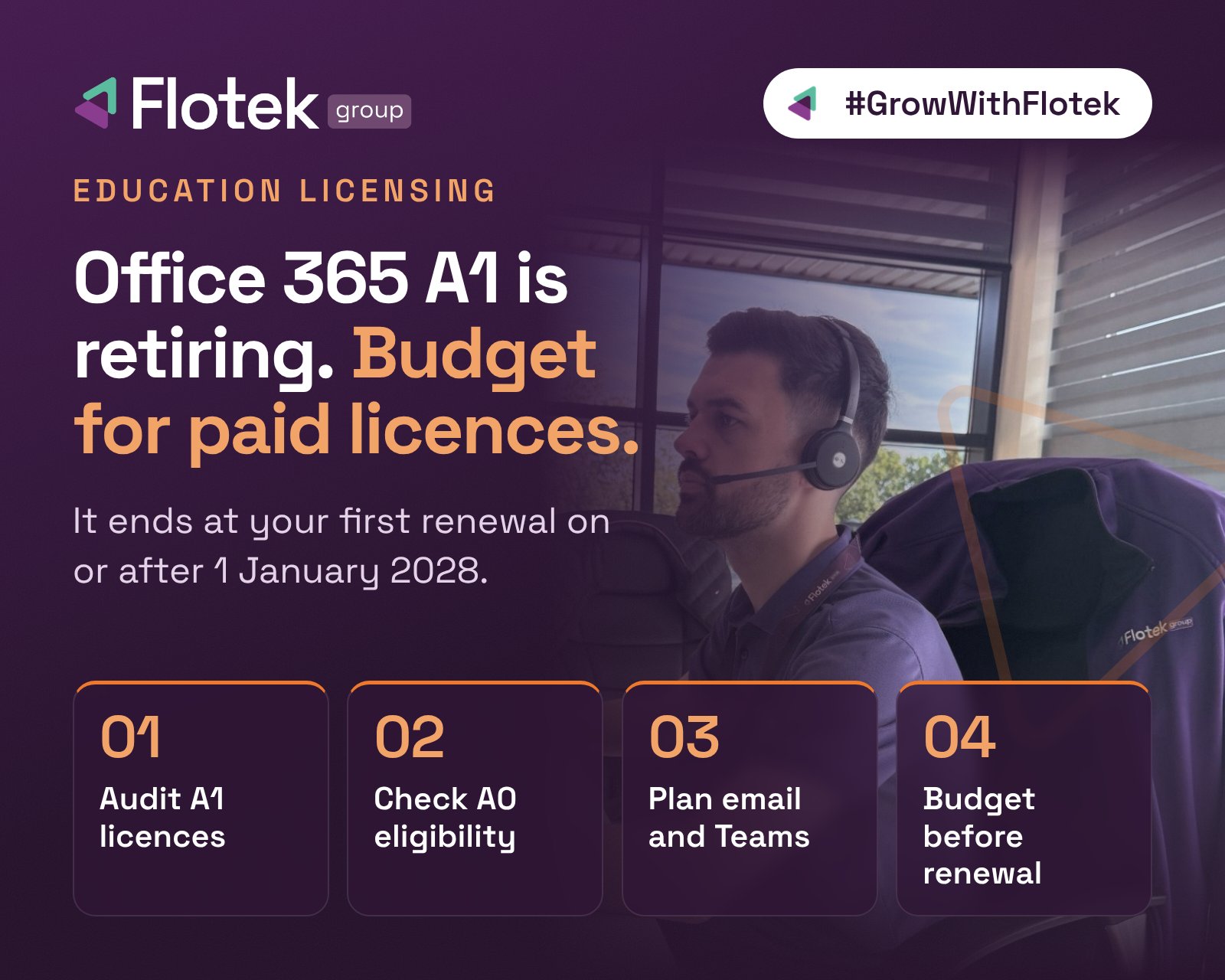
Microsoft is retiring Office 365 A1, the free licence that has given many schools, colleges and universities web-based Office apps, Teams and email at no cost. The Student Use Benefit and the free Exchange Online for Alumni offer are going too. For most institutions, the change lands at their first renewal on or after 1 January 2028.
That may sound a long way off, but education budgets are set well in advance, and the replacement licences come with new costs and new conditions. Now is the time to understand where you stand.
What is changing
Microsoft has confirmed three retirements across its education portfolio:
- Office 365 A1 stops being sold through partner channels, including CSP and Volume Licensing, on 1 May 2027 and retires on 1 January 2028. New web-direct orders stopped on 5 November 2026.
- The Student Use Benefit, which gave students licences at no extra charge when an institution bought qualifying faculty licences, retires on 1 January 2028.
- Free Exchange Online for Alumni retires on 1 January 2028. Microsoft is introducing a paid alumni offer in its place.
Existing agreements stay valid until the end of their current term. An enrolment that began before 1 January 2028 can keep using and adding A1, Student Use Benefit and alumni licences for that term, but they can’t be renewed at the end of it.
The replacement licences come with conditions
Microsoft 365 Education A0 replaces A1 for students, but it doesn’t include Exchange Online, SharePoint Online or Teams. It is available at no extra cost only to institutions with full paid faculty coverage on A2 or higher, and to students who actively use Windows devices for their education.
At the other end of the range, Microsoft 365 Education A7 is now Microsoft’s most advanced education offering, adding Ai, security, governance and device management features. Storage is changing too. The current 100 TB base allocation is removed at the first renewal on or after 1 January 2028, and storage is instead built up from paid student and faculty licences.
Pricing moves sooner. A single online services price across price levels applies from the first renewal or extension on or after 1 May 2027.
What the sector is saying
The Register reports that the Department for Education was disappointed by the change but has negotiated some concessions to give institutions time to transition. Jisc says it is working with Microsoft and sector partners to help institutions decide what they need next. One industry insider warned that losing free Microsoft-hosted email could add thousands to an institution’s bill.
Microsoft says institutions now treat Ai, security, privacy, governance, and teaching and learning as connected priorities, and that the overhaul reflects the value Microsoft 365 Education has gained since its last pricing change nearly a decade ago.
What to do now
1. Audit your current licences
List every A1, Student Use Benefit and alumni licence in your tenant, and note when each agreement renews. That renewal date, not 1 January 2028, is your real deadline.
2. Check your A0 eligibility
A0 depends on full paid faculty coverage and on students actively using Windows devices for their education. If you can’t meet both conditions, plan for paid student licences.
3. Plan for email, Teams and storage
A0 has no Exchange Online, SharePoint Online or Teams, and the 100 TB storage pool is going. Map who needs email, collaboration and storage, and which licence gives it to them. Our Microsoft 365 and Azure team can help you model the options.
4. Budget before you renew
Renewals on or after 1 May 2027 already move to the new pricing model, so build the cost into next year’s budget, not the year after. An independent licensing review helps you avoid paying for more than you need.
Get ahead of your renewal
Free licences have kept many education IT budgets lean for years. Flotek help schools, colleges, universities and other public sector partners review their Microsoft 365 licensing, plan the move and keep costs under control. If your renewal falls in 2027 or 2028, talk to us well before it does. Speak to Flotek.
Source: The Register, “Microsoft teaches schools that free email was just a phase”, 10 Nov 2026, and Microsoft Learn, Microsoft 365 Education portfolio evolution.
Further reading

Schedule a Free IT Audit & Cost Breakdown


Want it fixed and kept that way? From just £14 a month, we verify your domain and monitor it 24/7, so your email lands and nobody else can send as you.