FloCX Note Taker Now Records In-Person Meetings


Why are we still writing meeting tasks down by hand?
Have you ever wanted to use AI in your in-person meetings? Or sat round a table, watched someone scribble actions on a notepad and wondered who's actually going to send them out?
Online calls have had AI notes for a while. Face-to-face meetings, where a lot of the big decisions get made, have been left with pen and paper. Actions get missed, nobody's sure who said they'd do what, and the follow-up email never quite gets written.
FloCX Note Taker now works in the room
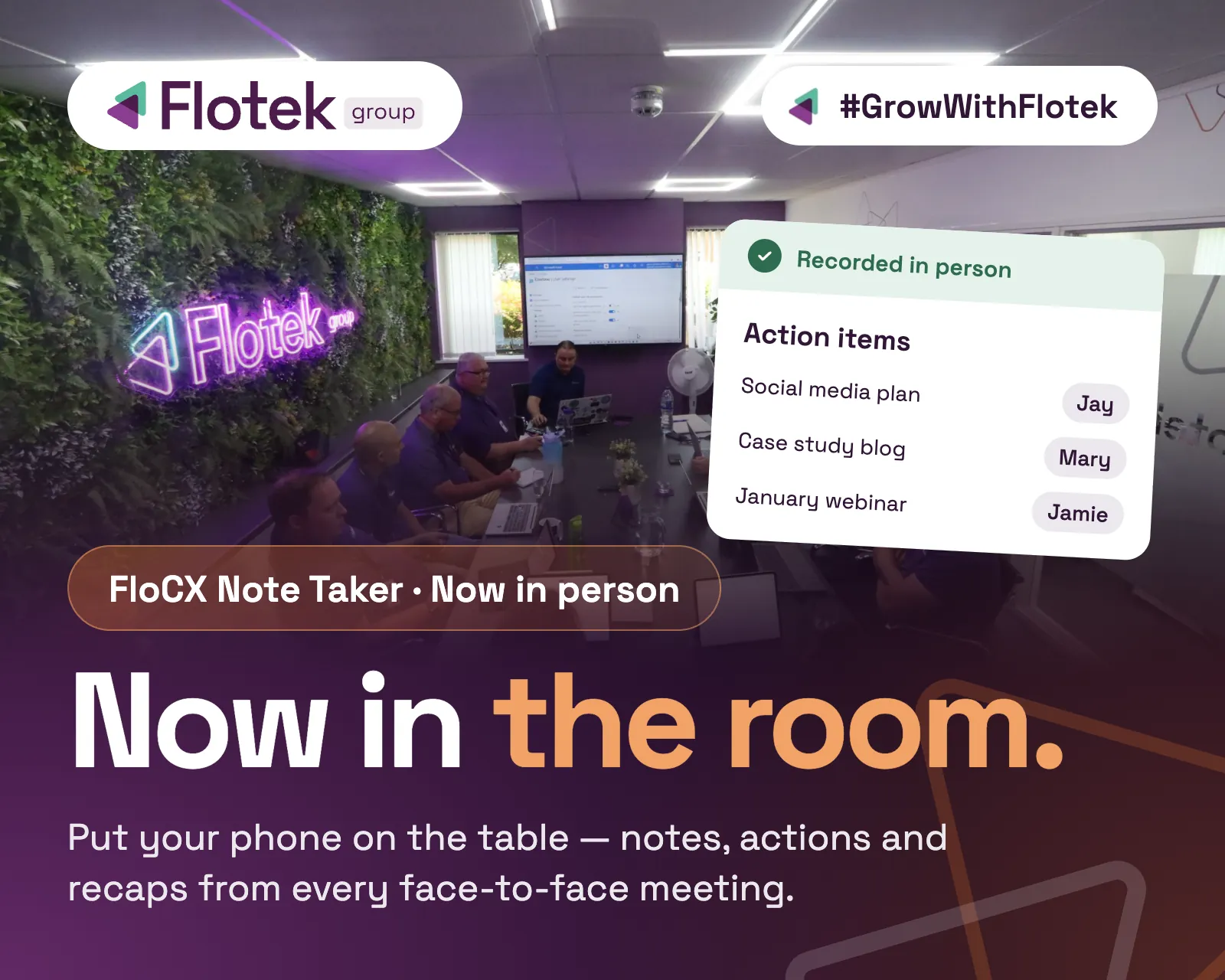
FloCX Note Taker can now record your in-person meetings. Put your phone on the table with the Cisco Webex app open, or use a laptop, tablet or any other device running Webex, and Note Taker will listen, transcribe the conversation, pick out every speaker and capture your action items. It's live now in the Flotek partner portal.
How do I record an in-person meeting with FloCX Note Taker?
- Open the Cisco Webex app on your phone, laptop, tablet or any other device.
- Start Note Taker and place the device on the table where it can hear everyone.
- Hold your meeting as normal. Note Taker does the listening and writing for you.
What does Note Taker capture during the meeting?
- A full transcript of the conversation.
- Every speaker, with names you can edit afterwards in the app or in the portal.
- Action items, collected for you so nothing agreed in the room gets forgotten.
- An optional recording, if you choose to keep one, so you can listen back in the app afterwards.
How do I follow up actions in the Flotek partner portal?
After the meeting, jump into the Flotek partner portal to see all your Note Taker meetings and their action items in one place. Tick off actions as they're done and the list updates live. Once every action is ticked off, the meeting moves to completed, so you can see at a glance which in-person meetings have been followed up and which still need work. No more chasing, no more lost notepads.
Is Note Taker included in FloCX Analytics?
Yes. Note Taker for in-person meetings is included in FloCX Analytics as a free feature.
Please note: to use the Webex app features, you'll need a Webex Meetings or Suite licence within FloCX. These can be added at any time.
Ready to bring AI into your next meeting?
Your next in-person meeting doesn't need a note taker with a pen. If you already have a Webex Meetings or Suite licence, you're ready to record: open Webex, put your phone on the table and let Note Taker handle the rest. If not, speak to your account manager today and they'll get you upgraded in time for your next meeting.
Want to see it in action first? Book a demo with our team and we'll show you how it works.
Further reading
Can FloCX Note Taker record in-person meetings?

Where can I see my Note Taker meetings and action items?
Can I change speaker names after the meeting?
Does Note Taker cost extra?
Can I see FloCX Note Taker before I sign up?

Want it fixed and kept that way? From just £14 a month, we verify your domain and monitor it 24/7, so your email lands and nobody else can send as you.