Microsoft 365 Outage: What's Affected and How to Reach Us


Update: Microsoft 365 outage (13 November, 11:30)
Microsoft has made more progress towards getting services back to normal.
Key points
- Microsoft has finished its recovery work on parts of the affected systems in the Asia Pacific region and is now extending it to other regions.
- Services are being brought back gradually, and mailbox access and delayed emails are improving.
- Microsoft is adding extra capacity to make services more consistent.
- Some people may still see issues on and off while this work continues.
For now
Helpdesk email may still be delayed. Phones are working normally, so please call us on 029 2150 8000.
• Next update from us at 13:30
Update: Microsoft 365 outage (13 November, 9:30am)
Microsoft is seeing early signs of recovery, but services are not back to normal yet and may be patchy while they bring things back gradually.
Key points
- Microsoft is restarting and repairing affected servers in stages and bringing them back online carefully.
- Delayed emails should not be lost. Microsoft has extended how long it holds undelivered mail to 48 hours, so messages should arrive once service recovers.
- There's no sign of a cyber attack or malicious activity behind this.
- Microsoft will publish a full report on the cause once everything is fixed.
For now
Helpdesk email will still be delayed. Phones are working normally, so please call us on 029 2150 8000.
• Next update from us at 11:30: we'll keep you posted as things improve.
A large Microsoft 365 outage is affecting businesses around the world
Microsoft is currently dealing with a large outage affecting Microsoft 365 services across the globe, including our own. If your email or Teams isn't behaving as normal this morning, this is likely why.
Here's what's affected, what's still working, and how to reach us while it's being fixed.
What's affected
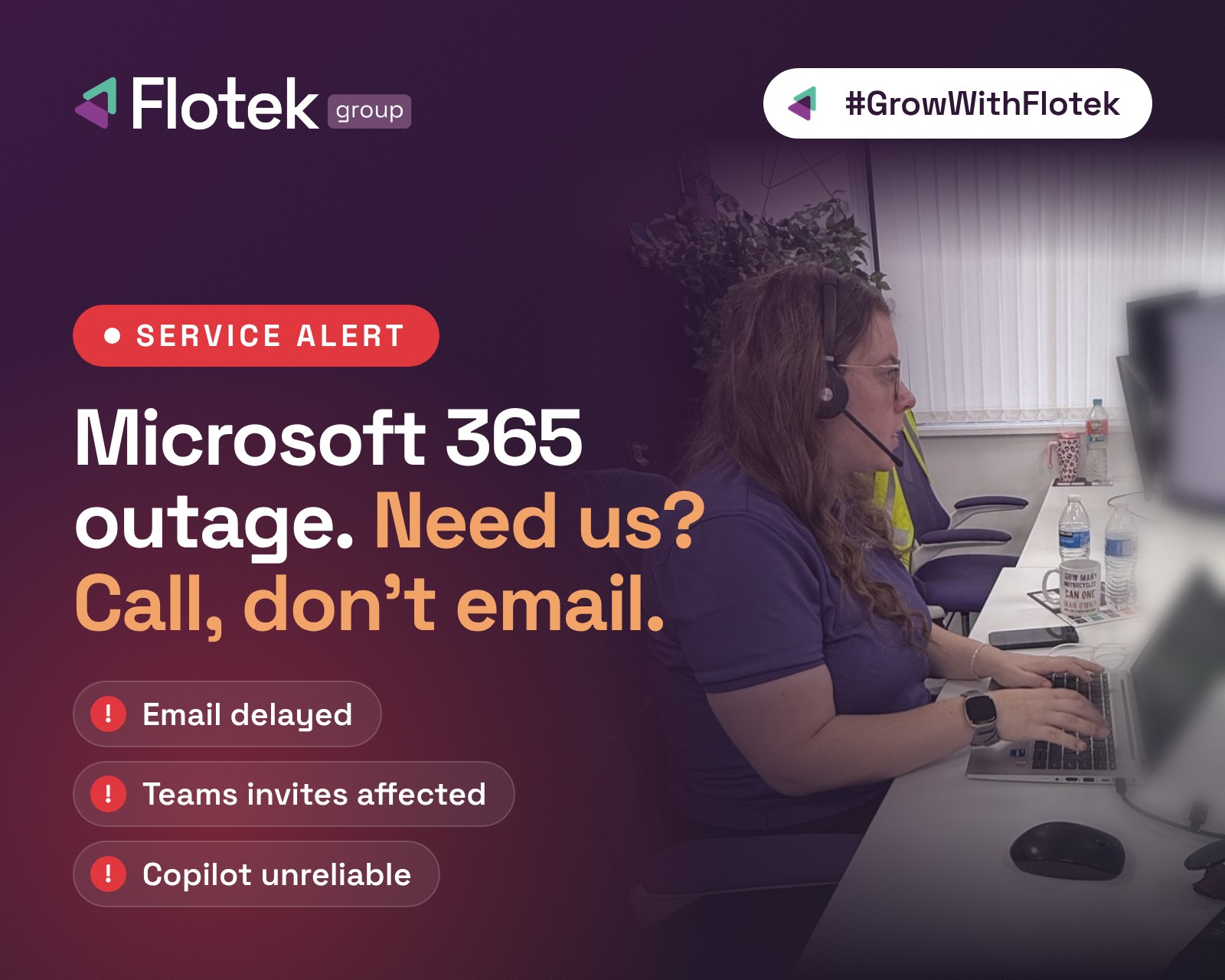
- Email (Exchange Online): Outlook may struggle to open mailboxes on desktop, web and mobile, and incoming and outgoing emails, including those to and from our Helpdesk, may be delayed or not delivered until the issue is resolved.
- Teams: Calendar scheduling, meeting invites and edits, Copilot, and creating private or shared channels may fail.
- Other Microsoft 365 apps: Copilot, Planner, To Do and Universal Print may be unreliable.
- Security and management tools: Some Defender, Purview and Intune features are also affected.
What's still working
- Teams Phone calls are working normally.
- Teams calls, meetings, chats and channel messages are working.
- Files stored directly in SharePoint are still accessible.
Need our Helpdesk? Call rather than email
Because email to and from our Helpdesk is affected, the quickest way to reach us is by phone. Please call us on 029 2150 8000 rather than emailing, so nothing gets stuck in a delayed inbox.
Watch out for scams
There's no sign this outage is a cyber attack. But scammers often take advantage of moments like this, when people are expecting problems and are more likely to act without thinking. Be wary of:
- Fake 'password reset' emails
- Fake 'account locked' texts
- Fake IT support calls
Two simple rules will keep you safe:
- Don't click reset links in messages. If you're worried about your account, go straight to Microsoft 365 yourself by typing the address into your browser.
- Microsoft won't call you to 'fix' anything. If someone rings claiming to be from Microsoft, hang up. If you're not sure, call us.
Our free Security Awareness Training webinar on Wednesday 2 December covers exactly these kinds of scams.
What happens next
Microsoft is actively working on a fix, including adding capacity and resyncing the affected servers. There's no estimated time for it to be resolved yet.
Keep an eye on our status page for the latest updates. We'll update it as Microsoft shares more.
Further reading
Is Microsoft 365 down?

How do I contact the Flotek Helpdesk during the outage?
Is the Microsoft 365 outage a cyber attack?

Want it fixed and kept that way? From just £14 a month, we verify your domain and monitor it 24/7, so your email lands and nobody else can send as you.