






Microsoft Copilot: Your First 60 Days Guide


.avif)

We've just released a brand new free resource for Microsoft 365 Copilot users.
A practical, week-by-week guide to getting real value from your licence in the first 60 days.
If you've got Microsoft Copilot and you're not yet sure you're getting the most from it, you're not alone. Most people try it for a few days, ask it to write an email or summarise a meeting, and then slowly stop using it. Not because it isn't useful, but because it hasn't become part of how they work yet.
That's exactly the gap this guide is designed to close.
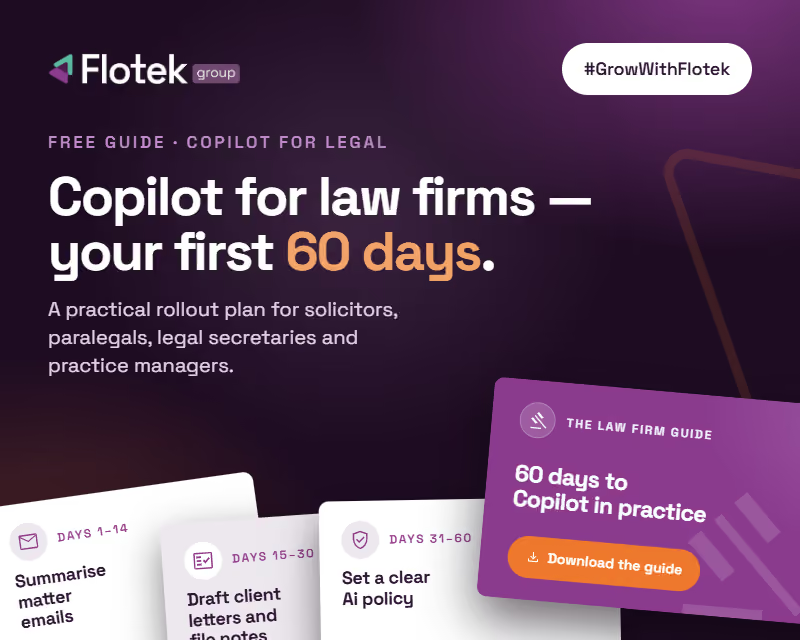
Choose from two options – Business Guide or Law Firm Guide – to start your journey.
What's inside
Your First 60 Days With Microsoft Copilot is a 40-page, week-by-week setup guide for anyone with a paid Microsoft 365 Copilot licence. It covers personalisation, automation, agents and the daily habits that turn a licence into real time saved.
Here's what you'll work through across the 60 days:
Days 1–10 · Personalise
Set up Copilot Chat and Outlook with custom instructions so Copilot already knows who you are, how you write and what matters to you, before you've typed a single prompt.
Days 11–20 · Calendar and Inbox
Add calendar instructions so Copilot helps manage your schedule automatically. Turn on Prioritise My Inbox and teach it which emails actually need your attention.
Days 21–35 · Build
Create a branded PowerPoint template Copilot can use every time. Set up your Brand Kit in Copilot Create. Get started with Copilot in Excel, Teams and Word, with real prompts you can copy and use straight away.
Days 36–50 · Automate
Schedule prompts to run automatically, with daily briefings, weekly summaries, inbox clear-downs. Build your first Copilot agent around a task you repeat every week.
Days 51–60 · Adopt
Track your wins, share them with your team, identify your internal Copilot champions and start building the habits that make adoption stick long-term.
The guide also includes over 60 ready-to-use prompts across Outlook, Calendar, Teams, Word, Excel and PowerPoint, plus a quick-reference 60-day checklist you can tick off as you go.
Why we made it
We've trained over 200 businesses on Microsoft Copilot in 2026 alone. The businesses that get the most from it aren't the ones with the biggest budgets or the most technical teams. They're the ones that built simple, practical habits early on and stuck to them.
This guide is the structure we wish every new Copilot user had on day one.
It's free. It's practical. And everything in it is based on real use cases, not theoretical feature lists.
Who it's for
This guide is aimed at anyone who has a paid Microsoft 365 Copilot licence and wants to move beyond occasional use into something that genuinely saves time every week.
There's a version written for business owners, managers and everyday users, not IT teams or developers.
Or there's a version for anyone working within law firms.
If you're responsible for rolling Copilot out across a team, there's a dedicated section on team adoption too, covering internal champions, team demos, measured outcomes and building a clear AI policy.
What happens after you download it
Work through it at your own pace. The 60-day structure is a guide, not a strict timetable. Some weeks you'll move quickly, others you'll only try one or two things. That's fine. The aim is confidence and good habits, not racing through every feature.
If you want hands-on support, we also offer a 10-week Copilot Adoption Programme and a 2-hour Overview Session for teams. Details are inside the guide, or you can get in touch directly.
Fill in the form below to get your free copy delivered straight to your inbox, then choose to download either the ‘Business Guide’ or the ‘Law Firm Guide’.
.jpg)













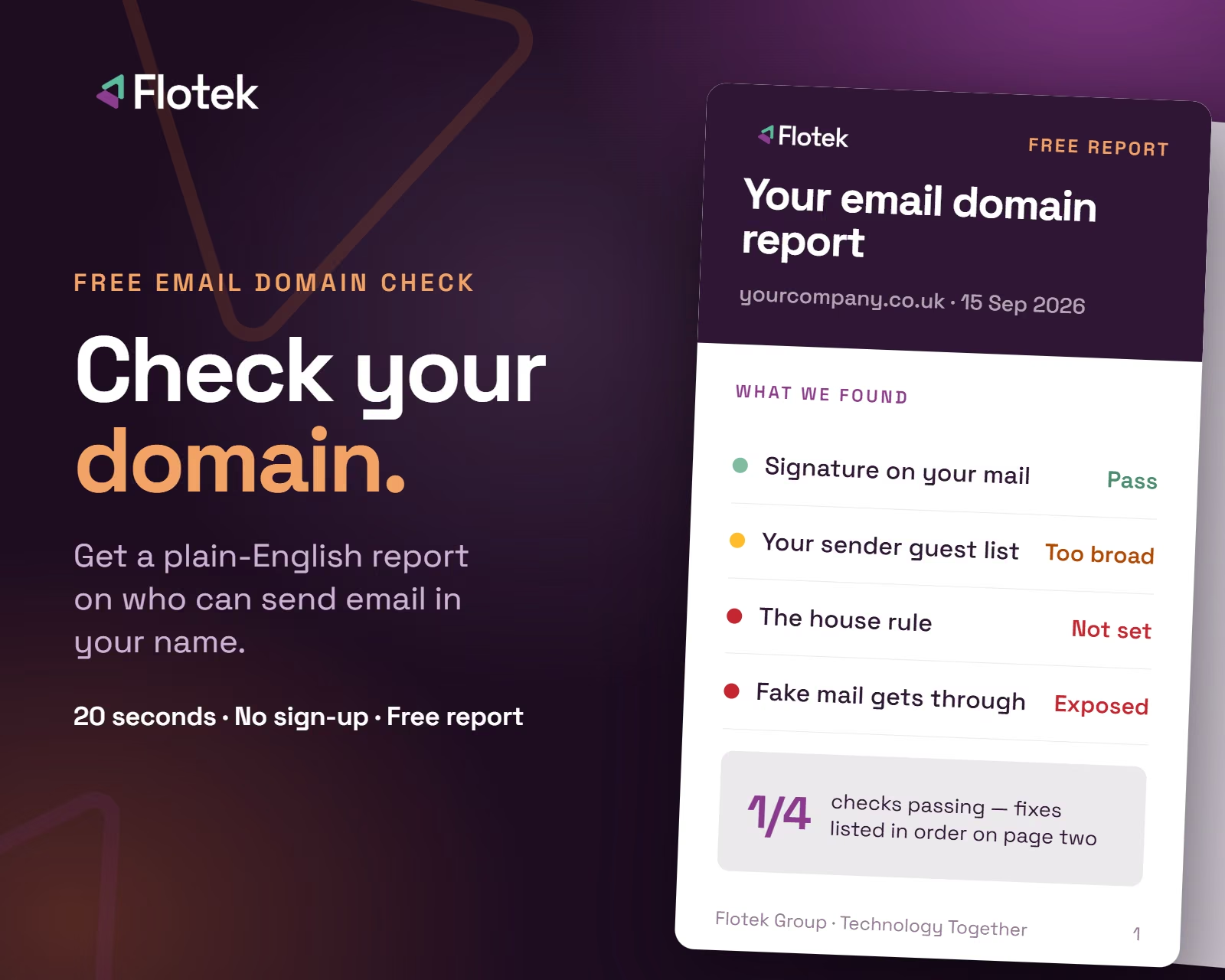
Want it fixed and kept that way? From just £14 a month, we verify your domain and monitor it 24/7, so your email lands and nobody else can send as you.










.avif)
.avif)
%20(1).avif)