






AI Receptionist CRM Integration Explained


.avif)

AI Receptionist CRM Integration: HubSpot, Salesforce, Pipedrive and Zoho
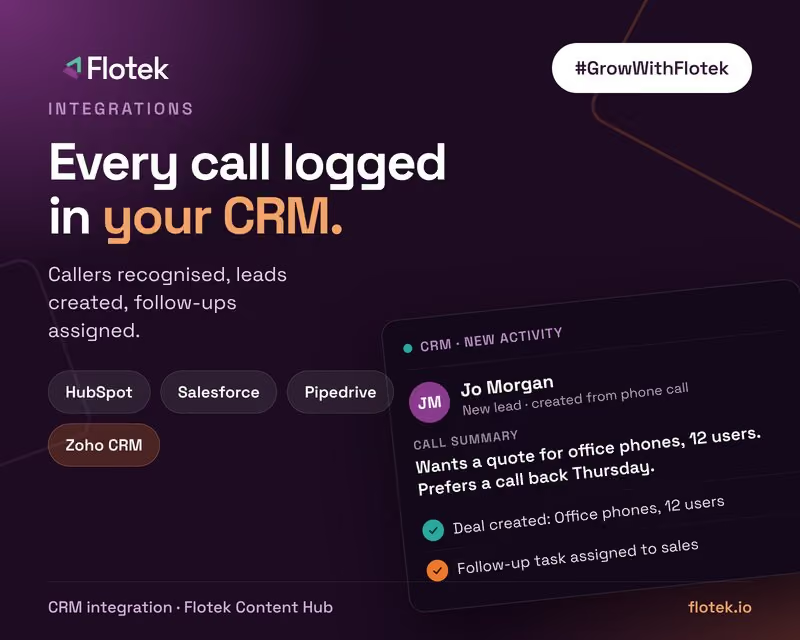
An AI receptionist that only takes messages saves you a few minutes. One that's connected to your CRM changes how your sales and service work. Every caller is recognised, every call is logged, and every new enquiry turns into a lead with a follow-up task, without anyone typing up notes after the call. This guide explains how CRM integration works with an AI receptionist and what each of our certified CRM integrations can do.
Why CRM integration matters
Phone enquiries are often the most valuable leads a small business gets, and the least well recorded. Notes go on a pad, details get half-remembered and follow-ups slip. When the AI receptionist writes straight into your CRM, the phone becomes as trackable as your website forms. You can see how many enquiries came in by phone, who followed them up and which turned into work.
What happens on a call
- The call comes in and the agent looks up the caller's number in your CRM.
- If they're known, it greets them by name and has their history to hand. If they're new, it captures their details.
- It handles the call: answering questions, qualifying the enquiry or booking an appointment.
- It logs the call against the record with a summary, then creates a deal, lead or follow-up task for the right person.
HubSpot
Flotek's HubSpot integration matches every call to your contacts and logs it automatically. The agent recognises callers from their phone number, creates new contacts and companies, logs the call with a summary, creates deals and follow-up tasks and updates contact details during the call.
Salesforce
With Salesforce, the agent recognises callers, creates leads and contacts, logs the call with a summary, creates cases and follow-up tasks and updates records while the caller is still on the line. Creating cases means it works for service teams as well as sales.
Pipedrive
For sales teams on Pipedrive, calls are matched to people and deals. The agent recognises callers, creates new people and organisations, logs the call with a summary and creates deals and follow-up activities, so new phone enquiries land in your pipeline ready to work.
Zoho CRM
The Zoho CRM integration recognises callers from their phone number, creates leads and contacts, logs the call with a summary and creates deals and follow-up tasks.
No CRM yet? Use Airtable
If you don't run a CRM, Airtable works as a simple records store. The agent can look up a caller's record, create a new record from the call, update fields such as status or notes and search your tables for answers to common questions.
Joining up the rest of the call
CRM integration works best alongside a few other certified integrations:
- Outlook or Calendly to book the meeting or appointment there and then
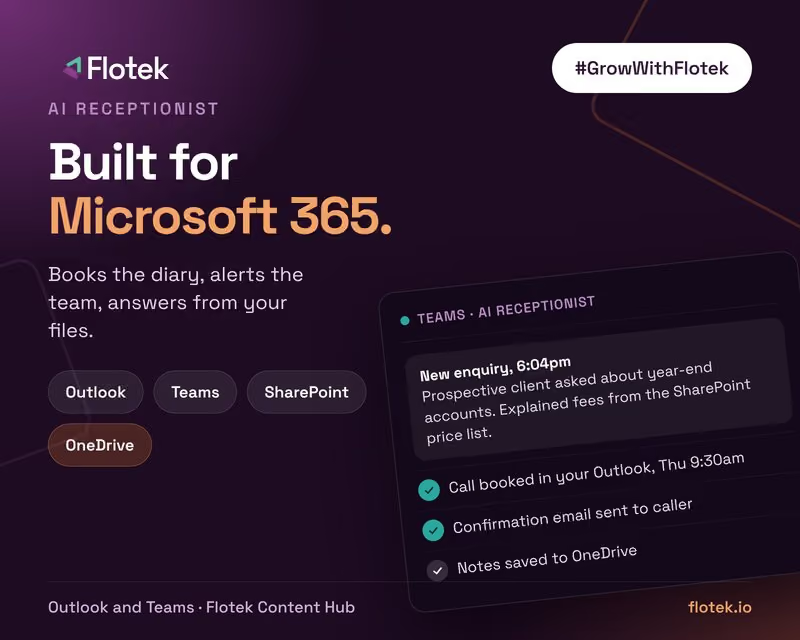
- Microsoft Teams to alert a salesperson the moment a hot lead calls
- Gong for sales teams that use conversation intelligence, to look up recent calls and deals
- Stripe to send a secure deposit link once the booking is made
See AI receptionists for Microsoft 365 businesses for the Outlook and Teams side.
Setting it up properly
- Define a lead. Decide which calls should create a lead or deal and which should just be logged.
- Map the fields. Agree which details the agent captures and where each one goes.
- Avoid duplicates. Match on phone number and email before creating new records.
- Assign ownership. Make sure every new lead and task has an owner, or it will sit there.
- Keep data tight. Only capture what you need, and give the agent access to the records it uses and nothing more.
Getting started
Flotek connects your CRM as part of the AI Receptionist setup and tests it with your real call scenarios before go-live. The full integration directory, including connectors still in testing, is on the product page. If you'd like to see how it would work with your CRM, talk to us.
Further reading





.jpg)







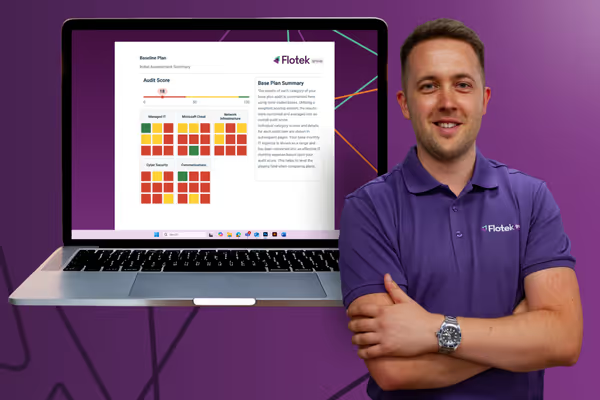
Schedule a Free IT Audit & Cost Breakdown

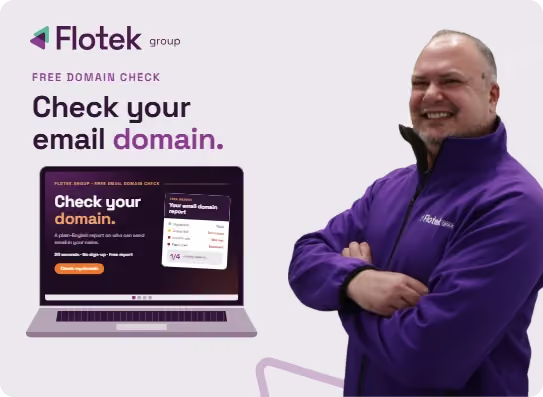
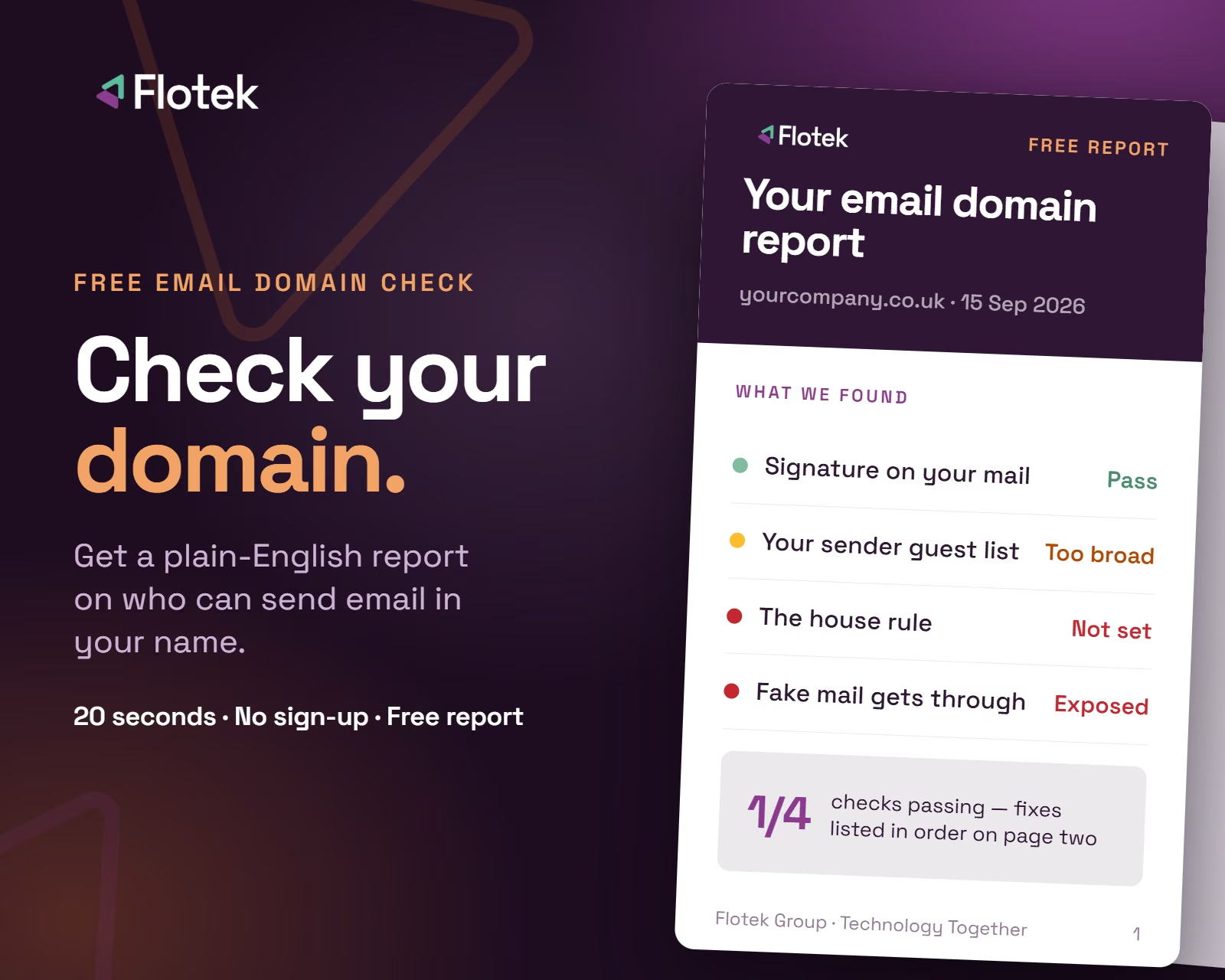
Want it fixed and kept that way? From just £14 a month, we verify your domain and monitor it 24/7, so your email lands and nobody else can send as you.







.avif)
.avif)
%20(1).avif)
.avif)