






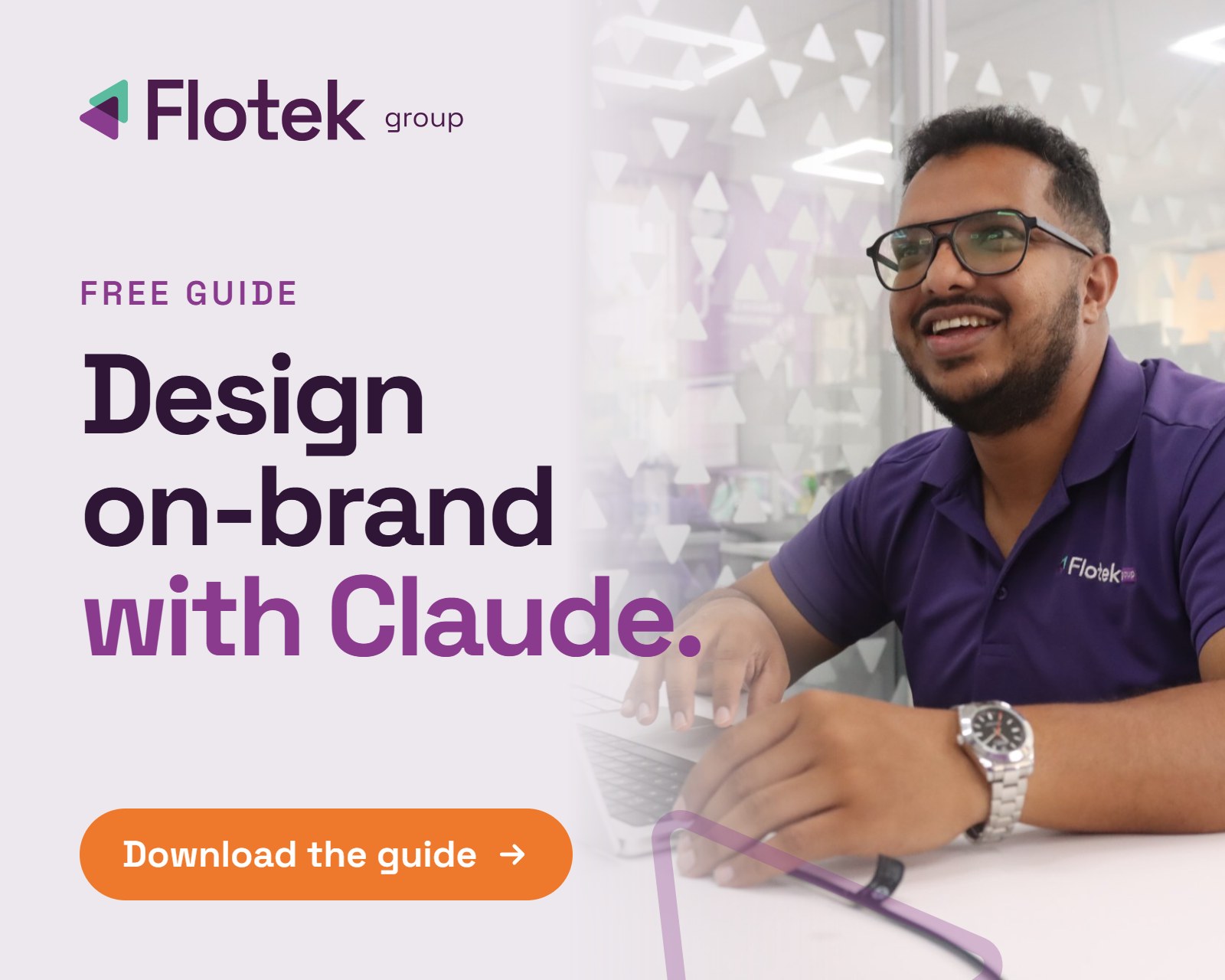
Claude Design Guide: Set Up Your Brand and Get Started


.avif)

We've just released a brand new free Claude design guide to help you set up your brand and start creating.
A practical, step-by-step guide to turning Claude into a design tool that already knows your brand, so everything you make looks like you from the first prompt.
If you've started using Claude and you're mainly asking it to write or summarise, you're only scratching the surface. Claude can design too. The problem is that most people open it up and start typing with no setup, so the output feels generic and off-brand, and they quietly give up on the design side.
The lesson we learned the hard way is simple. The output is only as good as the groundwork you put in before you start prompting. This guide is that groundwork.
Why speed matters more than ever
Let's be clear. Claude won't replace a good designer. Brand identity, big campaigns and the major creative calls still need a human eye. But think about where most of your day-to-day content actually ends up.
Facebook's own research found people spend around 1.7 seconds on a piece of content in their mobile feed. The average person now spends roughly two and a half hours a day on social media, scrolling past hundreds of posts in that time.
When a post gets a couple of seconds of attention, does it really need days of back and forth with a designer? For the everyday work, social graphics, event posts, one-pagers and quick decks, you need something fast, sharp and on-brand. That's where a properly set-up Claude earns its keep, and it frees your designers up for the work that genuinely needs them.
What's inside
The Claude Design Guide walks you through building a proper design system from your own brand, then using it to produce real work. Here's what you'll cover.
Build your design system first
Open Claude Design, switch to the most capable model available, and ask it to look at your website and build a detailed design system from it. In a few minutes you'll have a proper starting point built from your own brand, not a template.
Feed it your real assets
Upload the Canva files, social templates, leadership photos, office shots and icons you already use. Tell it which ones represent what you like, and be specific about what you don't want. No gradients, no curved corners, brand colours only. The more direction you give it, the sharper the system gets.
Keep the style guide alive
Every time you build something new, go back to the style guide and add what worked and what didn't. Claude remembers it, so the system gets better the more you use it.
Build real work from the system
Use your system to create decks, one-pagers and social assets. Click a section, comment on it directly, change the wording, swap an icon or redesign a whole page, without regenerating everything each time.
Share it with your team
Once your system is built, share it across the business so everyone works on-brand, and lock it so it stays consistent.
The guide also includes ready-to-use prompts for brand setup, visuals and documents, plus a quick-reference checklist you can tick off as you go.
Why we made it
We're not Claude experts and we don't sell Claude. But we've used it to turn work that used to take weeks into work that takes hours, from a full brand system to a 15-page sales deck in an afternoon. The difference every time came down to the setup, not the budget or the technical skill.
This guide is the setup we wish we'd had on day one.
It's free. It's practical. And everything in it is based on real use, not theoretical feature lists.
Who it's for
This guide is aimed at anyone who wants to create on-brand content with Claude, from business owners and marketers to everyday users. You don't need to be a designer or a developer to follow it.
If you're responsible for rolling AI out across a team, there's guidance on keeping everyone on-brand and building consistent habits too.
What happens after you download it
Work through it at your own pace. Some sections you'll move through quickly, others you'll spend more time on. That's fine. The aim is confidence and good habits, not racing through every feature.
If you want hands-on support, we also offer free and paid AI training for teams. Details are inside the guide, or you can get in touch directly.
Fill in the form below to get your free copy delivered straight to your inbox.
.jpg)












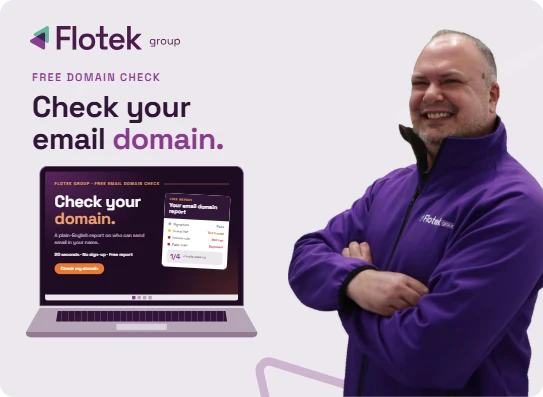
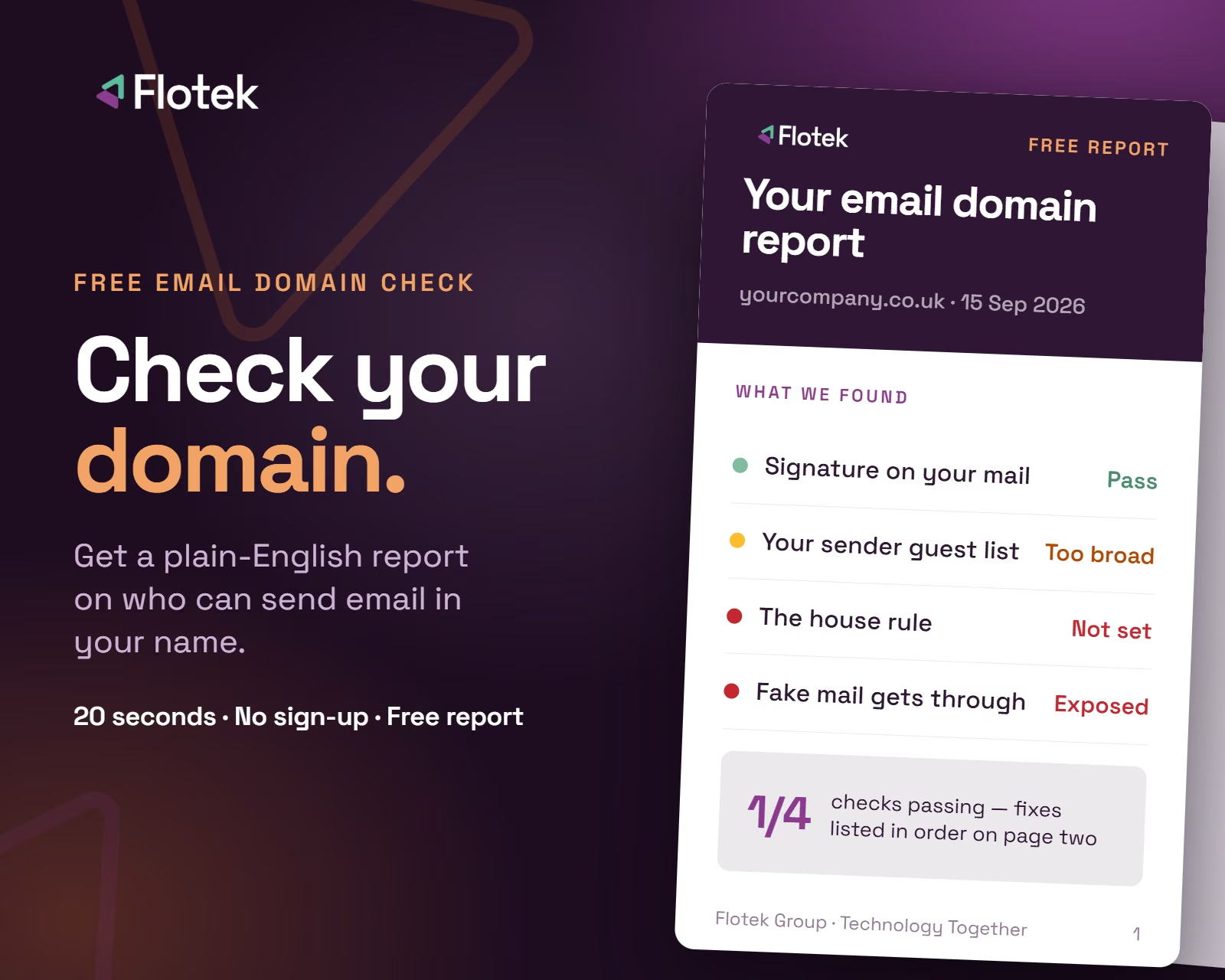
Want it fixed and kept that way? From just £14 a month, we verify your domain and monitor it 24/7, so your email lands and nobody else can send as you.











.avif)
.avif)
%20(1).avif)
.avif)