






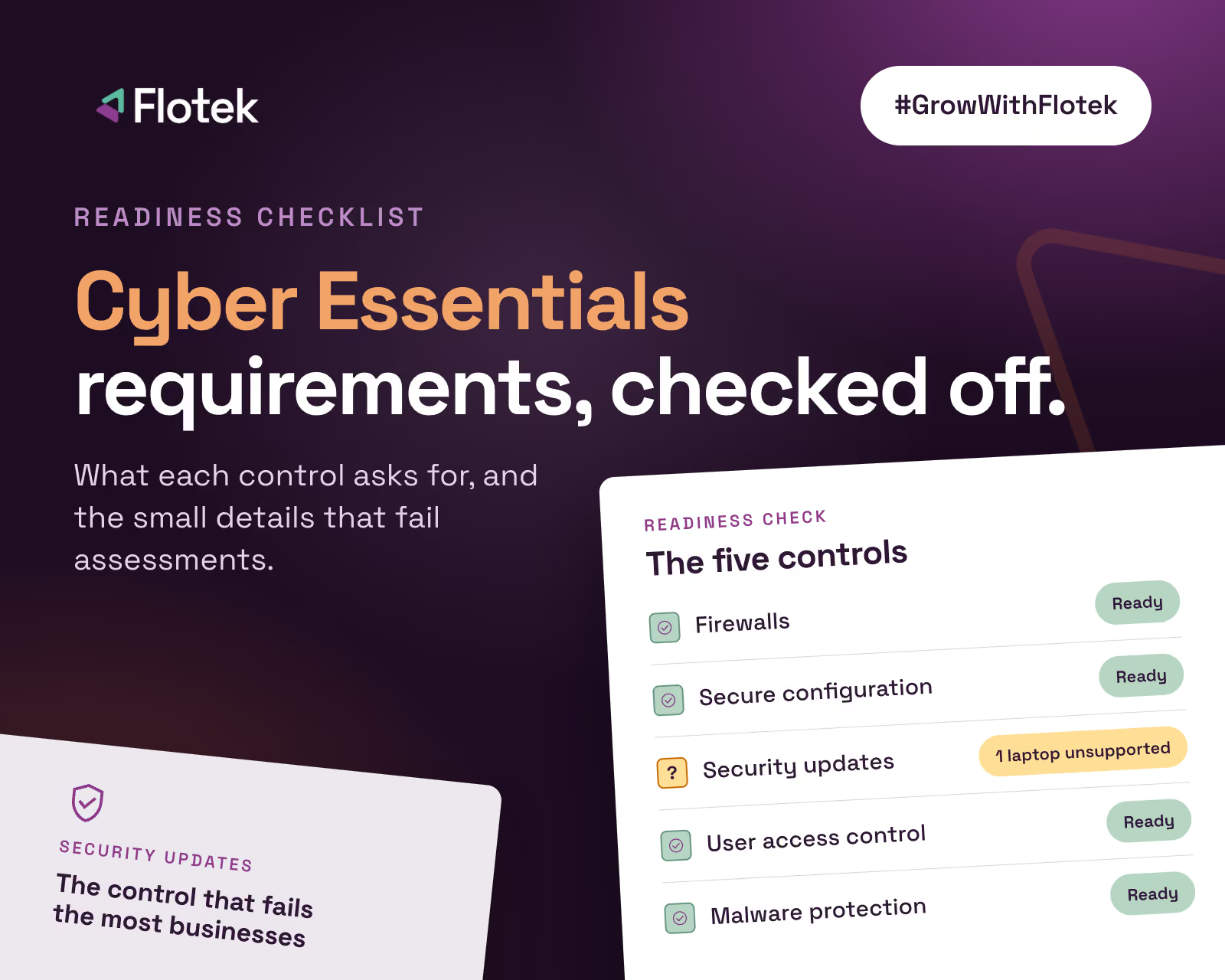
Cyber Essentials Requirements: The 5 Controls


.avif)

Cyber Essentials Requirements: The Five Controls and a Readiness Checklist
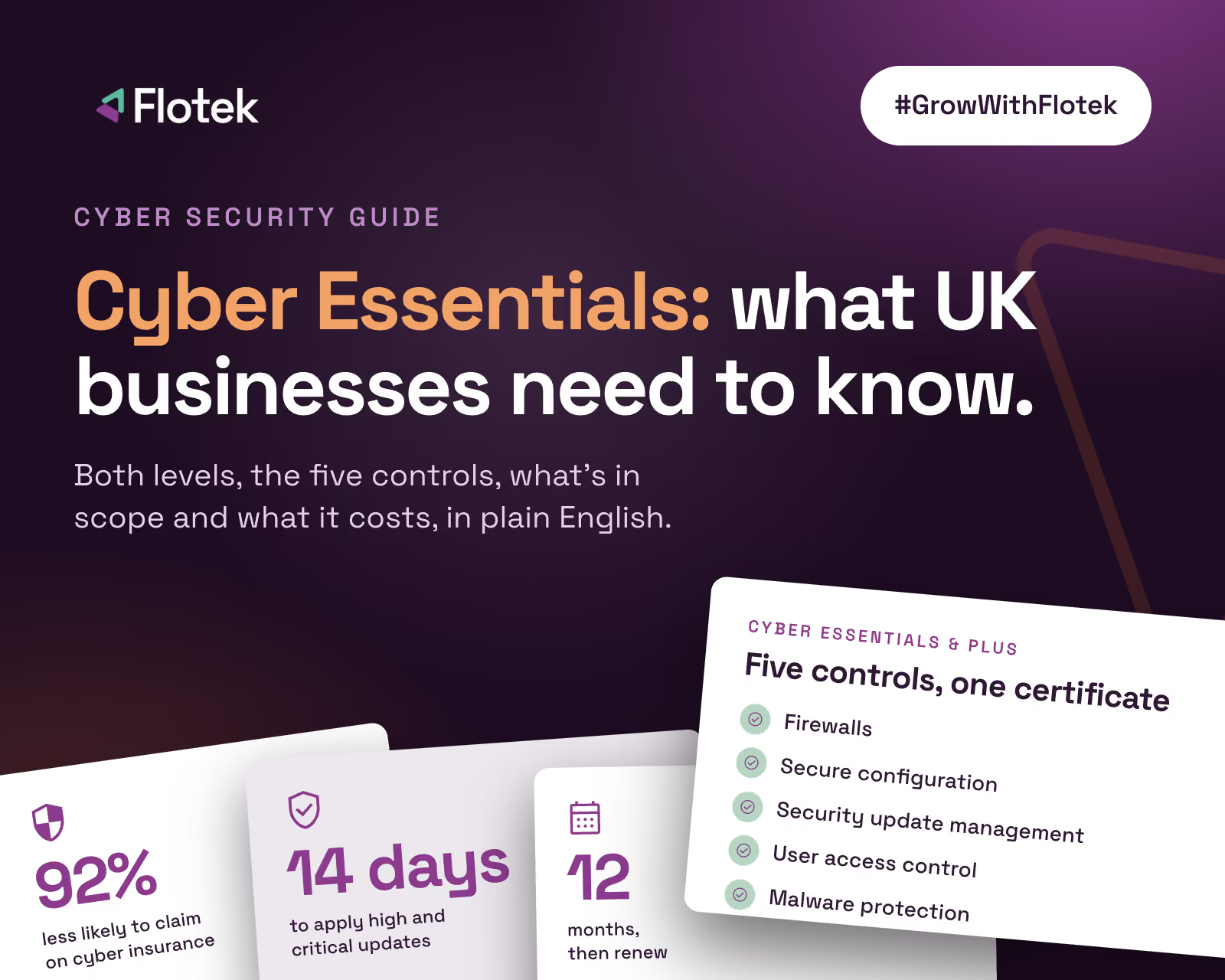
Cyber Essentials is built on five technical controls. On paper they look simple. In practice, most failed assessments come down to one small detail in one of them: a forgotten laptop running an old operating system, an admin account used for email, a cloud app without multi-factor authentication.
This checklist goes through each control, what the requirements actually ask for, and the specific things that catch businesses out. It applies to both Cyber Essentials and Cyber Essentials Plus. For an overview of the scheme, read our complete guide to Cyber Essentials.
Before you start: get the scope right
Every requirement applies to everything in scope, so scope comes first. In most businesses that means every device and service that can reach business data: office computers and servers, laptops used at home, the routers and firewalls they connect through, mobile phones and tablets used for work email or files (including personal ones), and cloud services like Microsoft 365.
Common trip-ups: forgetting home workers' devices, leaving out staff phones, and not realising cloud services count.
1. Firewalls
Every in-scope device must be protected by a correctly configured firewall, whether that's your office boundary firewall, a home router, or the software firewall built into the device.
- Default admin passwords on firewalls and routers are changed to strong, unique ones
- Remote admin access to the firewall is switched off, or restricted and protected by MFA
- Inbound rules are documented, justified and removed when no longer needed
- Unauthenticated inbound connections are blocked by default
- Software firewalls are enabled on devices used on untrusted networks, such as public Wi-Fi
Common trip-ups: old port-forwarding rules nobody remembers creating, and ISP routers still on their default password. A managed business firewall such as SonicWall makes this far easier to evidence.
2. Secure configuration
Devices and software should be set up to reduce the ways in.
- Unnecessary user accounts, including guest and old staff accounts, are removed or disabled
- Software you don't need is uninstalled
- Default passwords on all devices and software are changed
- Auto-run is disabled, so files don't execute just by being opened or plugged in
- Devices lock automatically and need a PIN, password or biometric to unlock
- Passwords are strong, with protection against brute-force guessing
Common trip-ups: leavers' accounts still active in Microsoft 365, and shared devices with no screen lock.
3. Security update management
This is the control that fails the most businesses.
- All software on in-scope devices is licensed and supported by its vendor
- Automatic updates are switched on wherever possible
- High and critical security updates are installed within 14 days of release
- Unsupported software and operating systems are removed from scope or replaced
Common trip-ups: a single laptop on an unsupported version of Windows, old versions of software such as Java or PDF readers, out-of-date router firmware, and phones that no longer receive security updates. Unsupported means out, however well it still works.
4. User access control
People should only have the access they need, and admin rights should be treated carefully.
- Every user has their own account; no shared logins
- There's a process for creating accounts and removing them promptly when people leave
- Admin accounts are separate from everyday accounts and only used for admin tasks, never for email or web browsing
- Multi-factor authentication is switched on for cloud services, for every user
- Admin access is reviewed and removed when it's no longer needed
Common trip-ups: the business owner using a global admin account day to day, staff with local admin rights "to install things", and MFA switched on for most users but not all.
5. Malware protection
Every in-scope device needs protection against malware.
- Anti-malware software is installed, running and kept up to date, or applications are restricted to an approved allow-list
- It scans files automatically when they're opened or downloaded
- It warns about, or blocks, access to known malicious websites
- On phones and tablets, apps only come from official app stores
Common trip-ups: protection that was switched off during troubleshooting and never switched back on. For always-on detection and response rather than just prevention, see CyberGuard MDR.
Your quick readiness checklist
If you can answer yes to all of these, you're in good shape:
- We know every device, account and cloud service that can access our data
- Every device runs supported software that's fully patched
- Every firewall and router has a changed admin password and only necessary rules
- Nobody uses an admin account for everyday work
- MFA is on for every user of every cloud service
- Every device has working malware protection and locks automatically
- Leavers' accounts are removed promptly
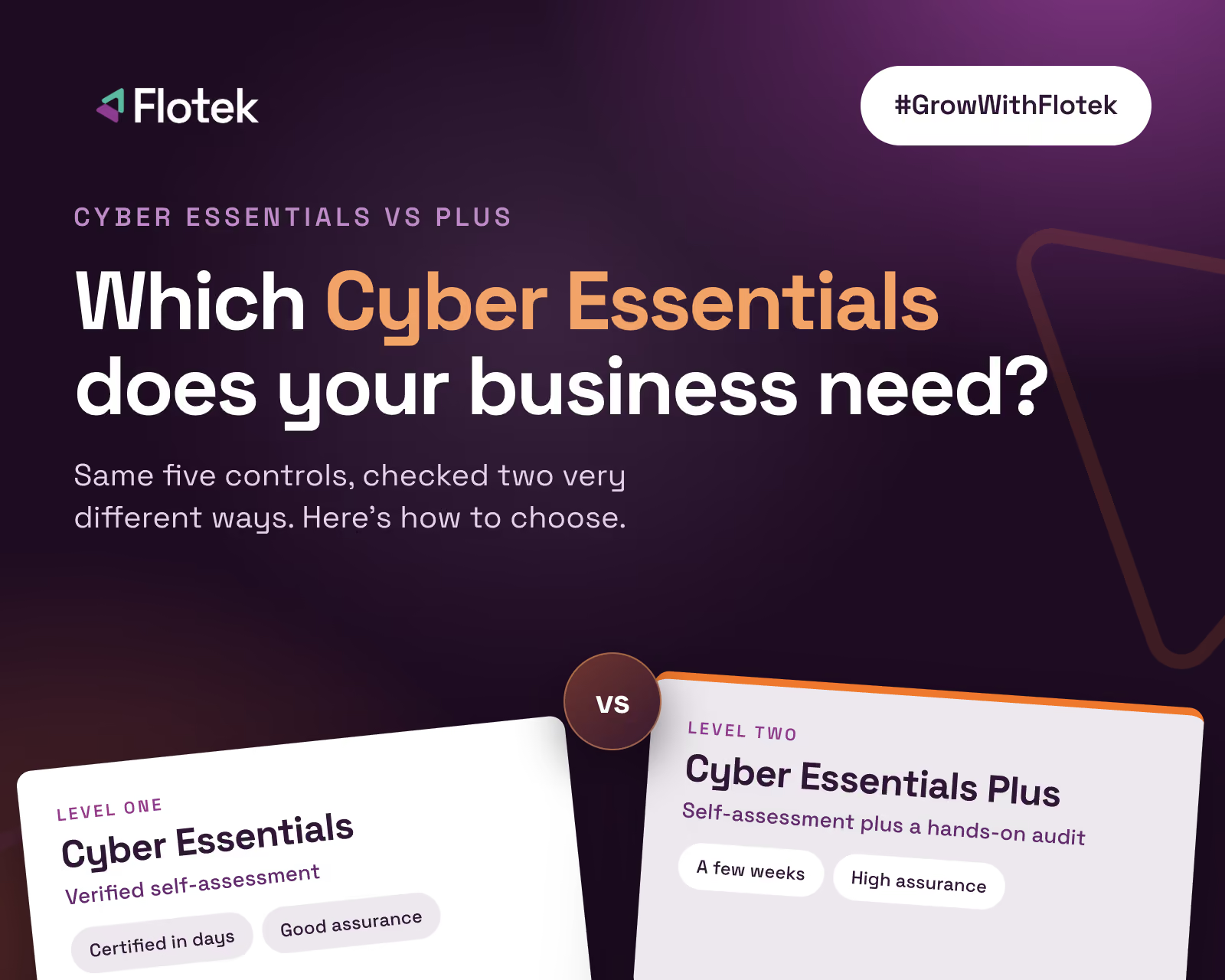
Any "no" or "not sure" is worth fixing before you submit. If you're heading for Cyber Essentials Plus, remember the assessor tests a sample, so every device needs to pass, not just most of them. We explain how the audit works in Cyber Essentials vs Cyber Essentials Plus.
Keeping the controls in place
Meeting the requirements once is the easy part. Keeping every device compliant for the full 12 months is harder. Updates get postponed, admin rights get handed out in a hurry, and malware protection gets switched off during troubleshooting.
Active Protect is Flotek's own product, designed to keep you in constant protection and compliance, not just on audit day. It checks your devices every day to make sure nothing has slipped: security updates, admin rights, malware protection and the other settings Cyber Essentials depends on. If something does slip, our team will reach out to you straight away, or, if you have a managed support agreement with us, fix it behind the scenes before it becomes a problem.
Read Why Cyber Essentials Needs Active Protect for more on how it works.
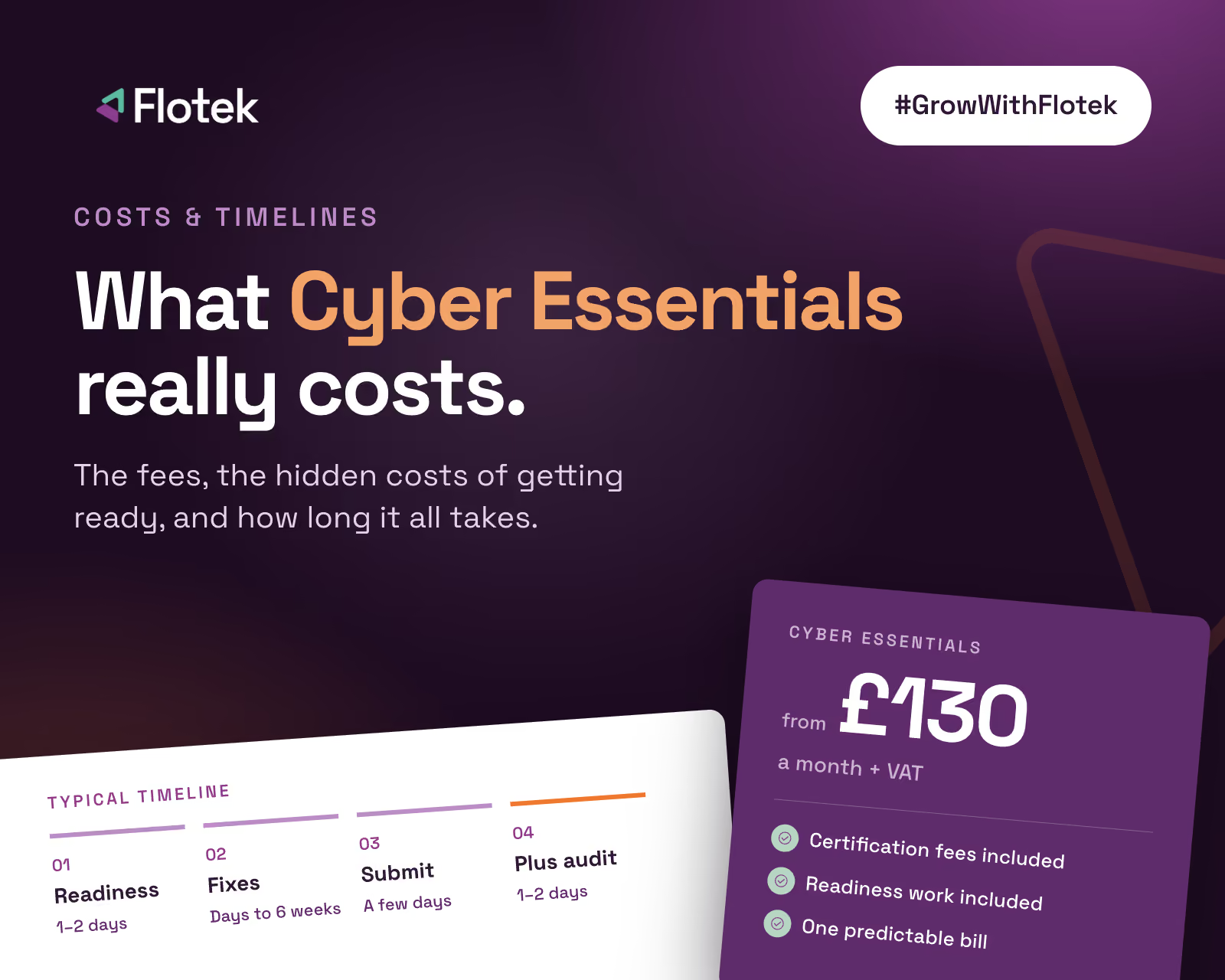
Want someone to run through this checklist with you? Our Cyber Essentials and Cyber Essentials Plus service starts with a readiness check against every control, then our engineers fix what would fail. Cyber Essentials starts from £130 a month + VAT, with certification fees included. Book yours free.
Further reading
• Cyber Essentials: the complete guide for UK businesses
• How much does Cyber Essentials cost?
• How to do a business cyber security risk assessment





.jpg)








Schedule a Free IT Audit & Cost Breakdown


Download ‘Your First 60 Days with Microsoft Copilot’ Guide
%20amended%20logo.avif)




.avif)
.avif)
%20(1).avif)
.avif)