






Cyber Essentials vs Cyber Essentials Plus


.avif)

Cyber Essentials vs Cyber Essentials Plus: Which Does Your Business Need?
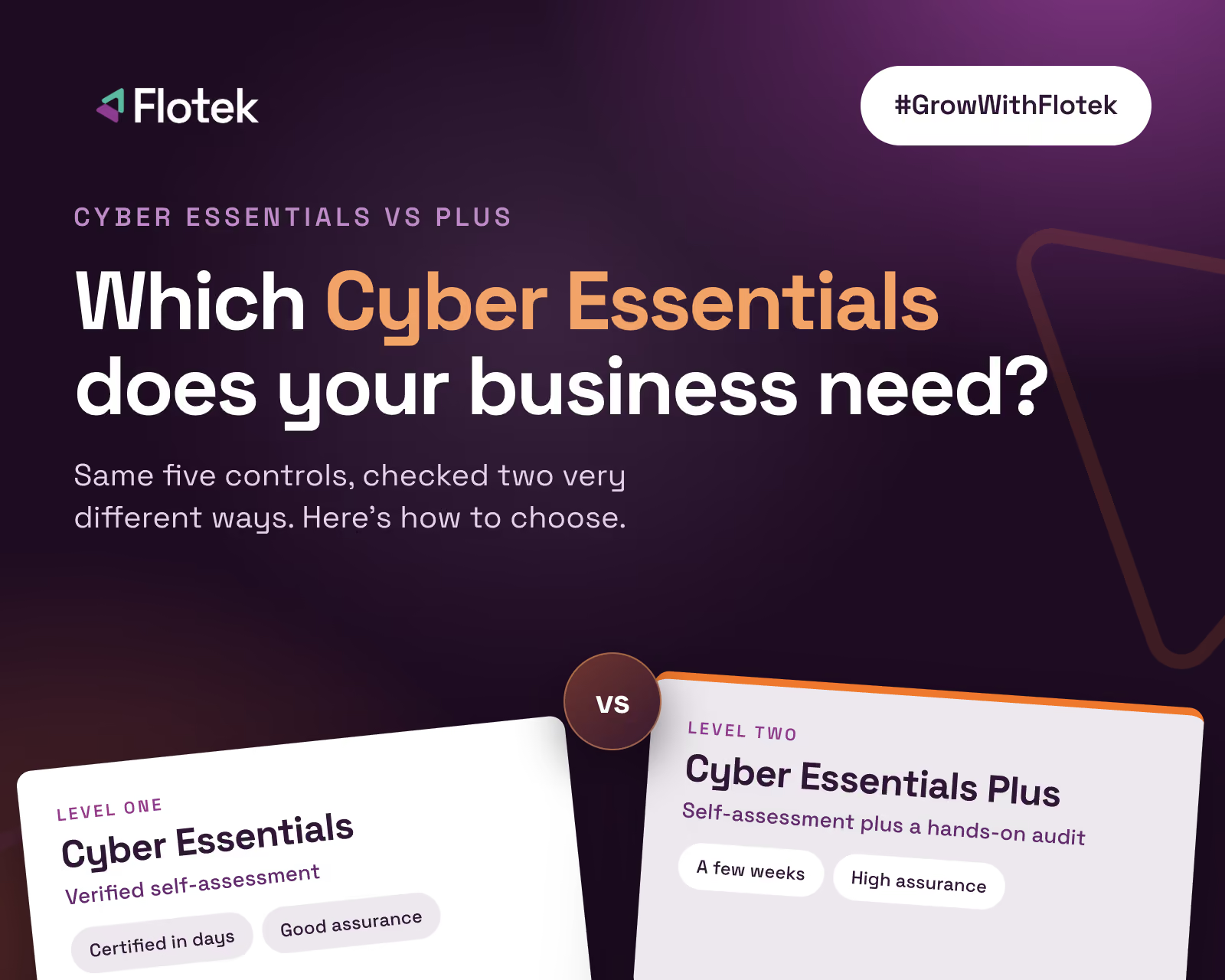
If a customer or tender has asked for "Cyber Essentials", the first question is which one. The scheme has two levels, Cyber Essentials and Cyber Essentials Plus, and while they share the same foundations, they are checked very differently and carry different weight with buyers.
This guide explains how each level works, what the Cyber Essentials Plus audit involves, and how to decide which your business needs. For the full picture of the scheme, start with our complete guide to Cyber Essentials.
What the two levels have in common
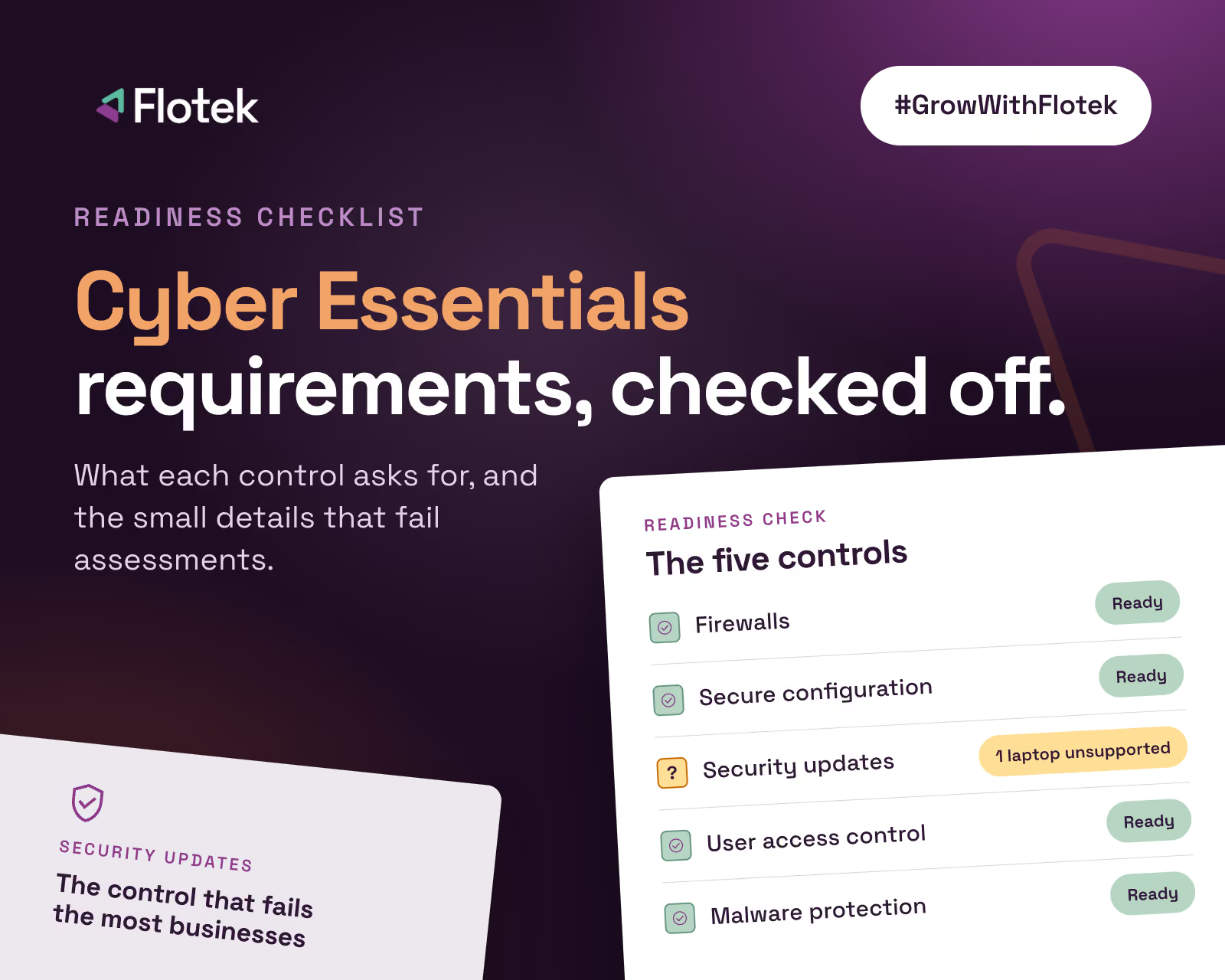
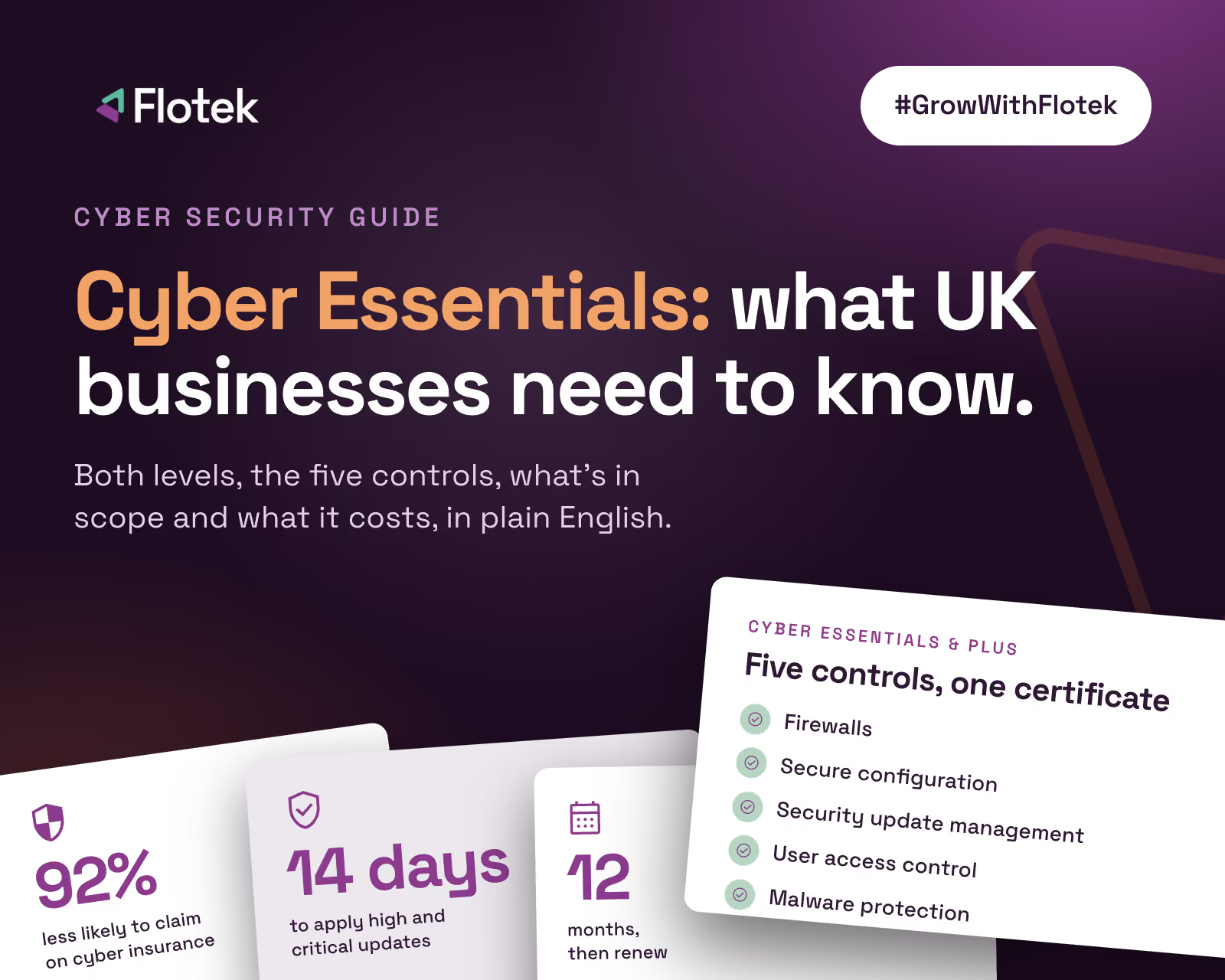
Both levels test the same five technical controls: firewalls, secure configuration, security update management, user access control and malware protection. Both use the same requirements document and question set, cover the same scope, and last for 12 months. Passing either shows you've got the basics of cyber security in place.
The difference is the evidence. One relies on what you tell the certification body. The other has an assessor check for themselves.
How Cyber Essentials works
Cyber Essentials is a verified self-assessment. You complete an online question set describing your organisation's IT, covering everything from firewall rules to how quickly you install updates. A board member or equivalent signs it off as accurate, and a certification body reviews your answers against the requirements.
- No one visits your site or tests your systems
- It can be marked within days once submitted
- It's the lower-cost option, with the fee set by organisation size
- It's the minimum level for most government and supply chain requirements
The catch is that "self-assessment" doesn't mean easy. Answers need to be accurate and detailed, and if they reveal a gap, such as an unsupported operating system or a cloud service without MFA, you fail. Plenty of businesses discover their first submission wasn't as ready as they thought.
How Cyber Essentials Plus works
Cyber Essentials Plus includes everything above, then adds a hands-on technical audit carried out by an assessor from a licensed certification body. You must pass Cyber Essentials first, and the Plus audit has to be completed within three months.
The audit is sample-based, so the assessor tests a representative selection of your devices and accounts rather than every single one. Typical tests include:
- External vulnerability scan of your internet-facing IP addresses, looking for exposed services and known weaknesses
- Internal vulnerability scans of sampled devices, checking for missing security updates and unsupported software
- Malware protection tests, using harmless test files delivered by email and web browser to confirm they're blocked
- Account checks, confirming users don't have admin rights they don't need and that admin accounts are kept separate
- Multi-factor authentication checks on your cloud services
If the assessor finds a problem, you fix it and they retest, as long as that's all done within the assessment window. This is where preparation pays off: one missed update on a sampled laptop can hold up the whole certificate.
Side by side
Assessment method. Cyber Essentials: self-assessment reviewed by a certification body. Cyber Essentials Plus: self-assessment plus independent technical audit.
Time to certify. Cyber Essentials: days once you're ready. Cyber Essentials Plus: usually a few weeks, depending on the assessor's schedule.
Cost. Cyber Essentials: lower, with a fee set by organisation size. Cyber Essentials Plus: higher, because of the assessor's time, and it rises with the size of your estate.
Assurance level. Cyber Essentials: good. Cyber Essentials Plus: high, because it's tested.
Validity. 12 months for both.
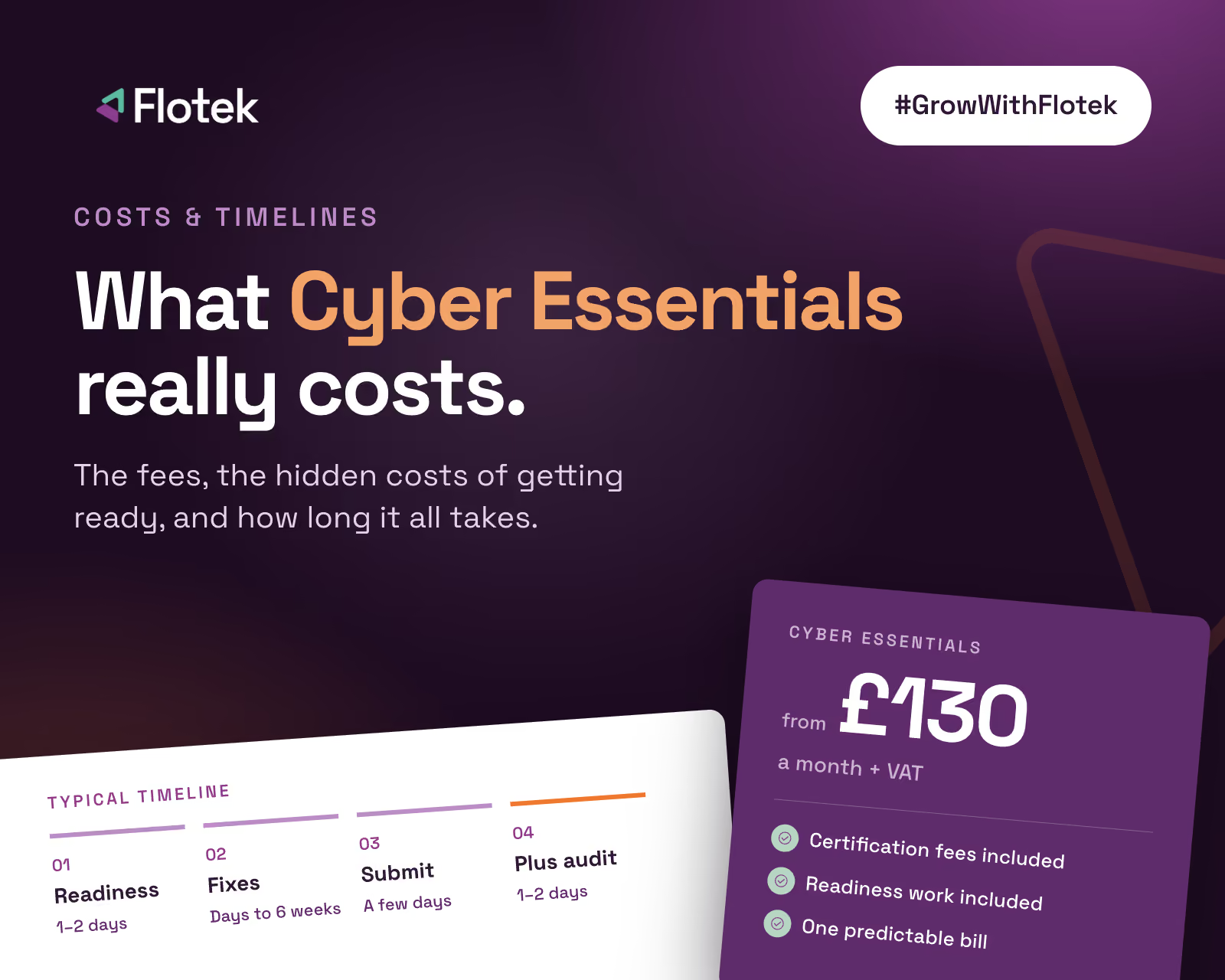
Certification and audit fees change from year to year. With Flotek, they're included in one monthly fee: Cyber Essentials from £130 a month + VAT, or Cyber Essentials and Cyber Essentials Plus together for £279 a month + VAT, including all external audit fees. Costs are covered in more detail in How Much Does Cyber Essentials Cost?
Which one does your business need?
Start with the requirement in front of you. Tender documents and supplier questionnaires usually say which level they expect. As a rough guide:
- Choose Cyber Essentials if you need certification for a contract that specifies the basic level, you're a smaller business getting certified for the first time, or you want a quick, affordable way to prove the fundamentals.
- Choose Cyber Essentials Plus if a contract asks for it (common in higher-risk MOD work, health and some local government), you handle sensitive client data, you're a larger organisation, or you want the stronger assurance for insurers and customers.
Many businesses start with Cyber Essentials and step up to Plus the following year, once the controls have bedded in. Others go for both in one go, which makes sense if a contract needs Plus soon, as the three-month window keeps it tight.
Preparing for either level
The preparation is the same: understand your scope, fix the gaps and make sure the controls are working on every device, not just most of them. Our Cyber Essentials requirements checklist walks through the controls and the checks that trip businesses up most often.
If you'd rather hand it over, our Cyber Essentials and Cyber Essentials Plus service takes you from readiness check to certificate, rehearses the Plus audit before the assessor arrives, and keeps you compliant afterwards with Active Protect, our own product that checks your devices every day and flags or fixes anything that slips. Book a free readiness check and we'll tell you which level makes sense for you.
Further reading
• Cyber Essentials: the complete guide for UK businesses
• Cyber Essentials requirements: the five controls checklist
• Why Cyber Essentials needs Active Protect





.jpg)








Schedule a Free IT Audit & Cost Breakdown


Download ‘Your First 60 Days with Microsoft Copilot’ Guide
%20amended%20logo.avif)

.avif)
.avif)
%20(1).avif)
.avif)