






Agent Builder vs Copilot Studio vs Foundry


.avif)

Choosing between Microsoft's AI agent platforms
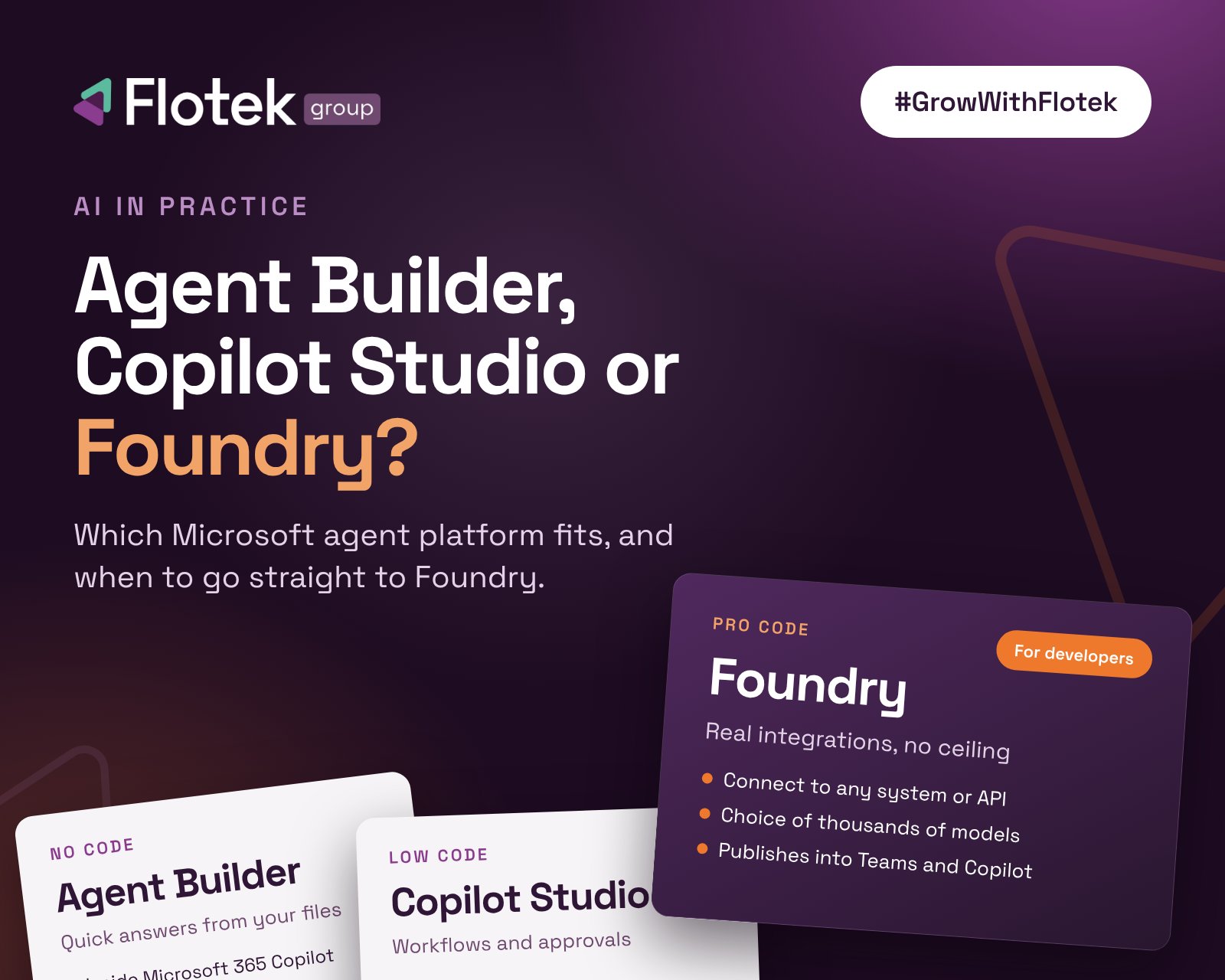
Microsoft now gives you three ways to build an AI agent: Agent Builder, Copilot Studio and Microsoft Foundry. They all make agents, but they are built for very different people and very different jobs. Pick the wrong one and you either hit a wall six weeks in, or you over-engineer something that should have taken ten minutes.
The short version: Agent Builder is for quick question-and-answer helpers. Copilot Studio is for business workflows built by confident non-developers. Foundry is for real, production-grade agents that plug into your actual systems, and it is where you should be if you have developers on hand.
Here is how each one works in plain English, when to use it, and three examples of what it is good for.
The three platforms at a glance
- Agent Builder: built by any member of staff, no code, lives inside Microsoft 365 Copilot. Answers questions from your Microsoft 365 content but cannot take actions or connect to other systems.
- Copilot Studio: built by power users and IT teams, low-code, part of the Power Platform. Takes actions through more than 1,500 ready-made connectors and can run on schedules and triggers. Paid for in Copilot Credits.
- Microsoft Foundry: built by developers in Python or C#, runs in Azure. Connects to any API, database or business app, offers thousands of AI models and runs long-running, scheduled agents. Paid for through Azure consumption.
A simple way to think about it: Agent Builder is the microwave, Copilot Studio is a well-equipped home kitchen, and Foundry is the commercial kitchen. All three make food. Only one is built to run a restaurant.
Agent Builder: quick helpers for everyday questions
Agent Builder sits inside Microsoft 365 Copilot. You click "New agent", describe what you want in normal language, point it at some documents and it is ready. No code, no project, no budget sign-off.
It answers questions from your SharePoint sites, OneDrive, uploaded files, a handful of web pages and Teams chats. It also respects your existing permissions, so if someone cannot open a document, the agent will not show it to them either.
The limit is that it only talks. It cannot call other systems, kick off a workflow or update a record. Think of it as a very well-read colleague who can tell you anything in the files, but cannot actually do anything for you.
Use it when: you want a fast answer engine over documents you already have in Microsoft 365.
Three example use cases
- HR policy assistant. Staff ask about annual leave, expenses or parental leave and get answers straight from the policy documents in SharePoint, instead of emailing HR.
- New starter guide. A friendly onboarding agent that knows your handbook, IT setup steps and who to contact for what.
- Sales bid helper. Your sales team asks it for case studies, product sheets or standard answers from past tenders, all pulled from a shared library.
Copilot Studio: workflows without writing code
Copilot Studio is the step up. It is part of Microsoft's Power Platform, so if you have used Power Automate, it will feel familiar. You build visually, with conversation flows and automations you can see and edit.
The big difference from Agent Builder is that it can actually do things. It can create a ticket, send an email, start an approval or update a record, using more than 1,500 ready-made connectors for tools like Salesforce, ServiceNow, SAP and HubSpot. It can also run on a schedule or react to events, rather than only replying when someone asks a question.
The trade-off is control. Microsoft handles a lot under the bonnet, which makes it quick to build but limits how far you can customise behaviour, model choice and integrations. Costs are measured in Copilot Credits, and busy automated agents can use more than people expect, so it pays to model usage before you go live.
Use it when: the moment you find yourself saying "and then it should...", and you do not have developers to hand.
Three example use cases
- IT service desk triage. The agent answers common questions like MFA resets, and for anything else gathers the details and logs a ticket with the right category and priority, so your managed IT support team picks it up with everything they need.
- Holiday and expense requests. Staff ask the agent in Teams, it checks the policy, raises the request and routes it to the right manager for approval.
- Marketing brief drafts. It reads brand guidelines from SharePoint, pulls campaign figures from HubSpot and posts a draft brief into a Teams channel for review.
Microsoft Foundry: the go-to for real integrations
Microsoft Foundry (previously Azure AI Foundry) is where serious agents get built. If you have developers, or a partner with developers, this is the platform we recommend. It is the only one of the three with no ceiling.
With Agent Builder and Copilot Studio you work within what Microsoft has decided to expose. With Foundry, your developers decide. That means:
- Connect to anything. Any API, database, case management system or line-of-business app, not just the ones with a ready-made connector. If it has an API, your agent can read from it and write back to it.
- Pick the right AI model. Thousands of models, including the latest GPT and Claude models, so you choose the brain that suits the job rather than taking a default.
- Agents that work in the background. Long-running agents, scheduled routines, memory that carries across conversations and multiple agents working together on one task.
- Built for production. Proper version control, testing, tracing and quality measurement, so you know the agent is right before your customers do.
- Still lands where your people work. Since June 2026, Foundry agents publish straight into Microsoft 365 Copilot and Teams, with identity and permissions carried through. Your staff get the same familiar experience, with far more power behind it.
- Same governance as everything else. Foundry agents sit under Microsoft Agent 365 alongside Copilot Studio agents, with their own Entra identity, so security and compliance are not a reason to avoid it.
Almost anything you can build in Copilot Studio can be built in Foundry, but not the other way round. If you know the agent needs to touch your real systems, starting in Foundry saves you a rebuild later. Moving from Copilot Studio to Foundry is a start-again, not a copy across.
Costs are pay-as-you-go through Azure, based on usage. That gives you flexibility, but it does need budget alerts and someone keeping an eye on it.
Use it when: you have developers, and the agent needs to plug into your actual business systems or run at scale.
Three example use cases
- Law firm case assistant. An agent connected directly to your case management platform (LEAP, for example) that summarises matters, chases outstanding tasks, drafts client updates and files them back against the right matter. It is the kind of build we do for legal practices.
- Customer service agent across every channel. One agent that answers on the phone, web chat and Teams, looks up the customer in your CRM and PSA, checks order or ticket status and takes action, all with a full audit trail.
- Contract and document pipeline. Hundreds of contracts processed automatically: key terms extracted, risk scored against your templates, compliance checked and each one routed to the right person, all linked to your document management system.
So which one should you choose?
Ask yourself three questions:
- Does it just need to answer questions from our documents? Use Agent Builder.
- Does it need to take simple actions, and do we have no developers? Use Copilot Studio.
- Does it need to connect to our real systems, run reliably at scale, or do something no off-the-shelf connector covers? Use Foundry.
Most businesses end up using more than one. Staff build quick helpers in Agent Builder, and the agents that genuinely move the needle, the ones wired into your systems and customers, are built in Foundry.
How Flotek can help
We build and run AI agents for UK businesses, from simple Microsoft 365 helpers through to Foundry agents integrated with case management, PSA, CRM and telephony. Because agents rely on the same identities, permissions and systems as the rest of your IT, they sit naturally alongside our managed IT and cyber security services rather than becoming another thing to look after.
If you have an idea for an agent but are not sure which platform fits, or you do not have developers in-house, talk to us. We will tell you honestly which route makes sense and build it with you.
Further reading





Three platforms, three jobs
Why Foundry for developers
.jpg)








Schedule a Free IT Audit & Cost Breakdown


Want it fixed and kept that way? From just £14 a month, we verify your domain and monitor it 24/7, so your email lands and nobody else can send as you.








.avif)
.avif)
%20(1).avif)