






How Copilot Agents Transform Your Business


.avif)

How Copilot Agents Transform Your Business
Microsoft has introduced Copilot Agents – a new capability within Microsoft 365 that lets businesses create AI-powered assistants tailored to specific tasks and workflows.
In this session, Flotek CEO Jay Ball explains what Copilot Agents are, how they work, and why they matter for businesses using Microsoft 365.
Watch the Session
What Are Copilot Agents?
Copilot Agents are custom AI assistants that businesses can build using Copilot Studio. Unlike standard Copilot (which works across all your Microsoft 365 data), agents are designed for specific jobs.
For example, you could create an agent that:
• Answers HR questions using your company's policies and handbooks
• Helps sales teams draft proposals based on past successful bids
• Summarises project updates from SharePoint and Teams channels
• Handles first-line IT support queries using your knowledge base
How Do They Work?
Copilot Agents are built in Copilot Studio, which provides a low-code/no-code environment. You define:
• What the agent does – its purpose and the tasks it handles
• What data it can access – specific SharePoint sites, documents, or databases
• How it responds – tone, format, and level of detail
• Where it lives – inside Teams, on a website, or in other Microsoft 365 apps
Once configured, the agent can be shared with your team and used like any other Copilot feature. For an introduction to what Copilot is and how it integrates with your apps, see Jay's Introduction to Microsoft Copilot 365.
Why This Matters for Businesses
Standard Copilot is powerful, but it's general-purpose. Agents let you create focused, specialist assistants that understand your specific processes and data.
This is particularly valuable for:
• Reducing repetitive queries – HR, IT, and finance teams spend less time answering the same questions
• Improving consistency – agents always reference the latest, approved information
• Scaling expertise – knowledge that was previously locked in one person's head becomes available to everyone
The latest Microsoft 365 Copilot is now also available for smaller businesses — read the announcement: Microsoft 365 Copilot for Small Businesses.
Getting Started
Copilot Agents are available through Microsoft 365 Copilot and Copilot Studio. If you're already using Copilot, you can start building agents today.
If you'd like help designing and deploying agents for your business, get in touch with our team.
Further reading: 16 Benefits Of Microsoft 365 | What Is Microsoft Copilot
Discover how Flotek can help with our Microsoft 365 solutions. Get in touch today.
Further Reading
Jay's Introduction to Microsoft Copilot 365 — watch the full webinar and see Copilot in action across Microsoft apps.
Copilot Webinar Recording: Catch Up Now! — live demos of Copilot across Word, Excel, PowerPoint, Outlook, and Teams.
Microsoft 365 Copilot for Small Businesses — Copilot Business is now available for organisations under 300 users.
Flotek Microsoft 365 Solutions — explore licensing, deployment, and support options with Flotek.
Microsoft Teams Updates | April Edition — what's new in Teams this month, including Copilot in Teams Phone.





.jpg)







Schedule a Free IT Audit & Cost Breakdown

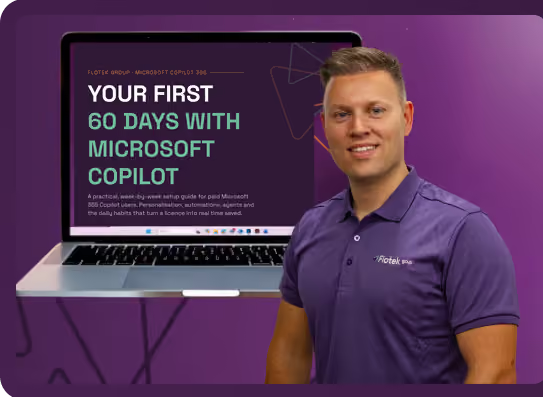
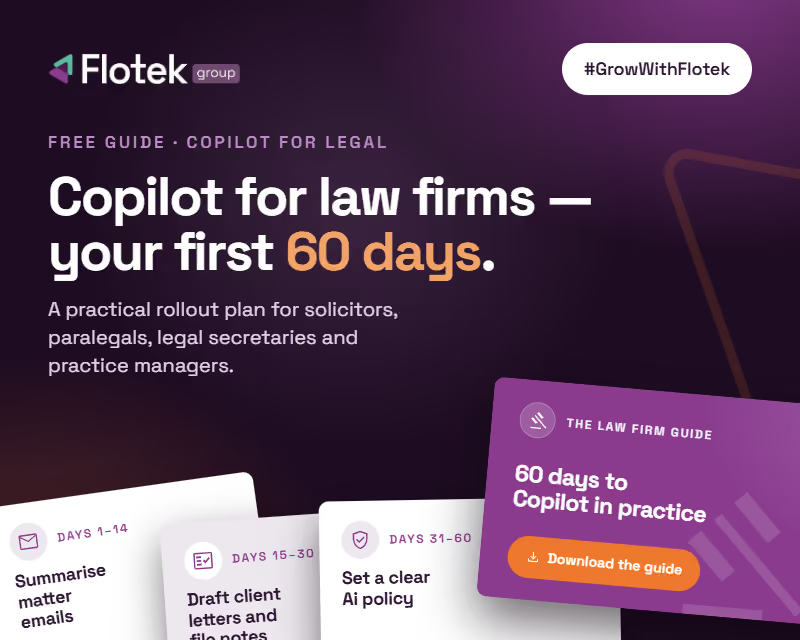
Download ‘Your First 60 Days with Microsoft Copilot’ Guide

%20amended%20logo.avif)




.avif)
.avif)
%20(1).avif)
.avif)