






AI Receptionist for Microsoft 365 Businesses


.avif)

AI Receptionist for Microsoft 365: Outlook, Teams, SharePoint and OneDrive
Most UK small businesses already run their day on Microsoft 365. Diaries live in Outlook, conversations happen in Teams and documents sit in SharePoint and OneDrive. An AI receptionist that plugs into those tools fits straight into how your team works, with no new app to learn and no separate system to check.
Outlook: diary and email
Outlook is the core of most Flotek AI Receptionist setups. Connected to your calendar and mailbox, the agent can:
- Check your diary for free slots
- Book, move or cancel appointments
- Send confirmation emails to callers
- Email call summaries to your team
- Look up contacts
A caller asking for a meeting next Tuesday afternoon gets offered real times from the right person's diary, the booking goes in while they're on the line and the confirmation email arrives before they've hung up.
Microsoft Teams: alerts and messages
The agent can message your team in Teams during or after a call. It sends a call summary to a person or channel, alerts staff to urgent calls and relays messages for people who are in meetings or out of the office. Your team sees what's happening on the phones in the same place they already talk to each other.
SharePoint: your knowledge base
With SharePoint connected, the agent searches your sites for answers and reads policies, procedures and price lists during a call. The answers come from your own content, so they're consistent and accurate. When you update the document, the agent's answers update too.
OneDrive: files and call notes
OneDrive works the same way for smaller teams. The agent searches your files for answers, reads price lists, FAQs and policies during a call and can save call notes as files.
A typical call
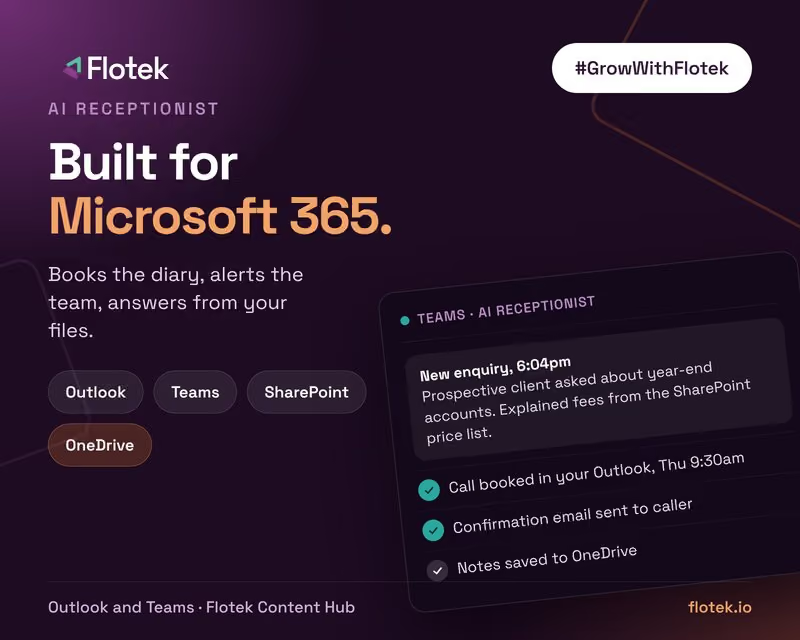
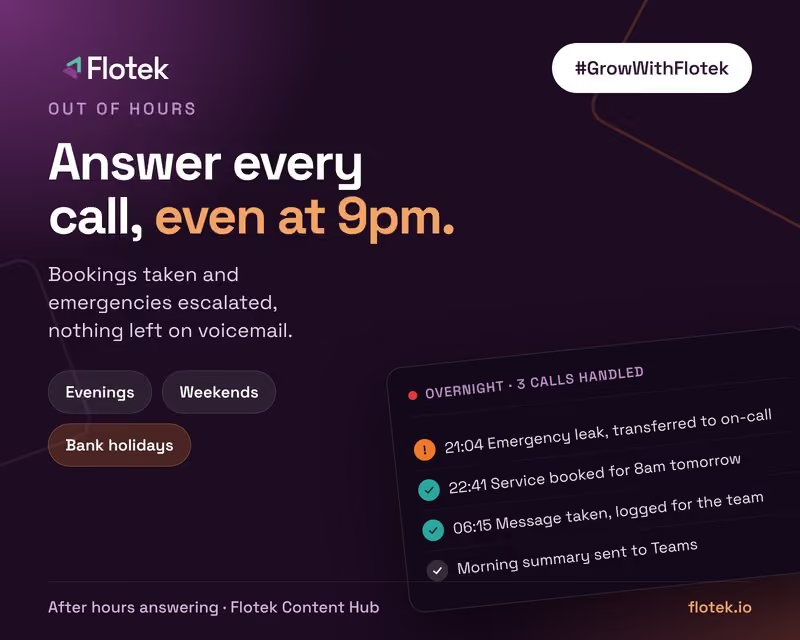
Here's how it fits together for a small accountancy practice, as an example. A prospective client rings at 6pm asking about year-end accounts. The agent answers, reads the services and fees page held in SharePoint to explain what's included, then checks a partner's Outlook diary and books a call for Thursday morning. The client gets a confirmation email, and the partner gets a Teams message with a summary of the enquiry. Nobody in the office touched the phone.
Works with Teams Phone
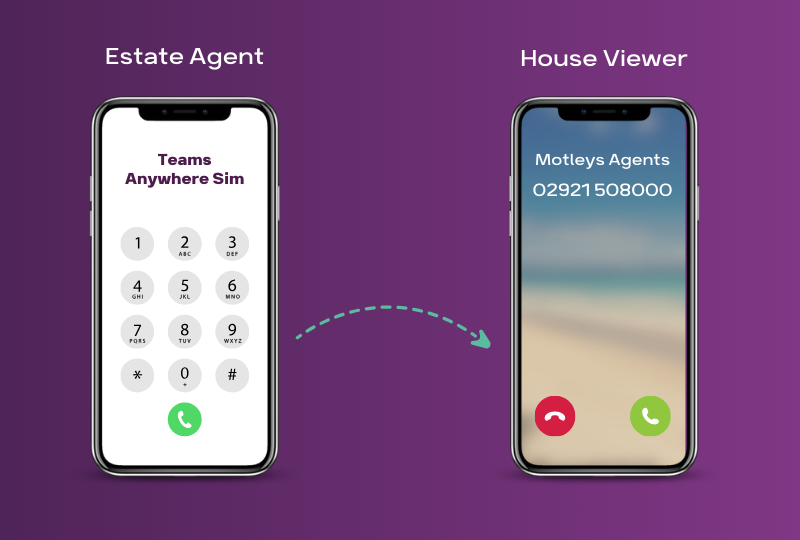
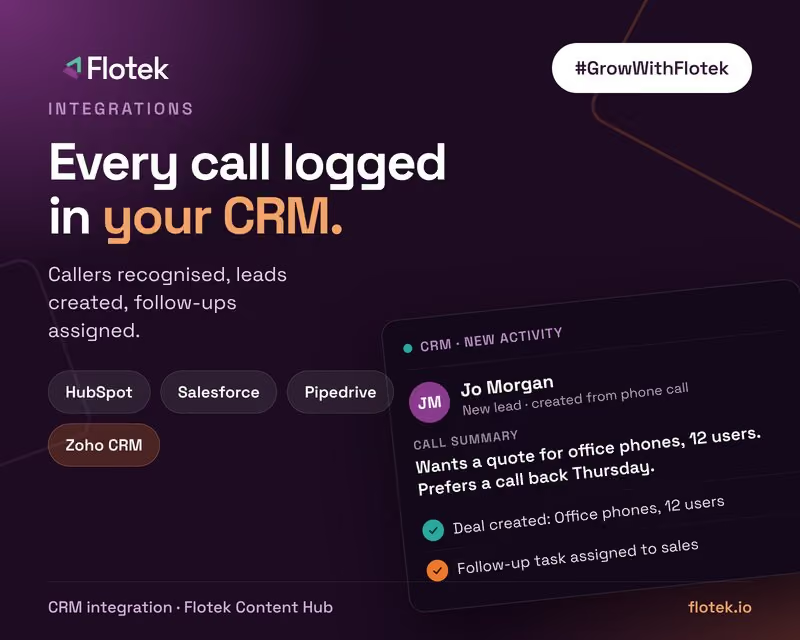
If you already use Microsoft Teams Phone, the AI receptionist can sit in front of your numbers, answer first and transfer calls to the right person in Teams when needed. Add a CRM such as HubSpot or Salesforce and the call is logged there too. Our guide to AI receptionist CRM integration covers that side.
Permissions and security
Connecting an AI agent to Microsoft 365 should follow the same rules as any other app in your tenant. Give it access to the specific calendars, mailboxes and SharePoint sites it needs, not your whole organisation. Keep sensitive HR or finance content out of its knowledge sources. Review its access alongside your other app permissions. Flotek handles this as part of setup, with the same approach we use across our cyber security services.
Pairing it with Copilot
Many of the businesses we work with are also rolling out Microsoft Copilot internally. The two complement each other: Copilot helps your team work faster inside Microsoft 365, and the AI receptionist handles the conversations coming in from outside. Our complete guide to Microsoft 365 Copilot covers the internal side.
Getting started
If your business runs on Microsoft 365, you already have most of what an AI receptionist needs. See how Flotek's AI Receptionist works, or get in touch to talk it through.
Further reading





.jpg)







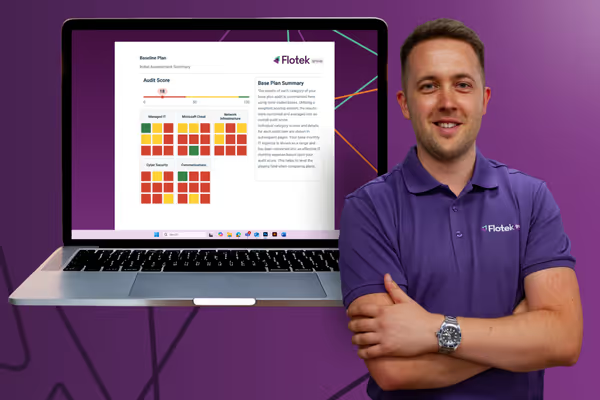
Schedule a Free IT Audit & Cost Breakdown

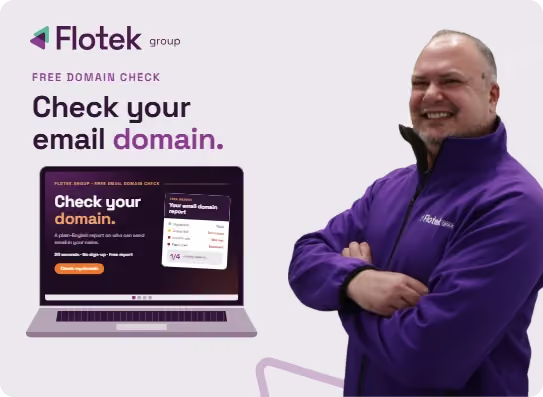
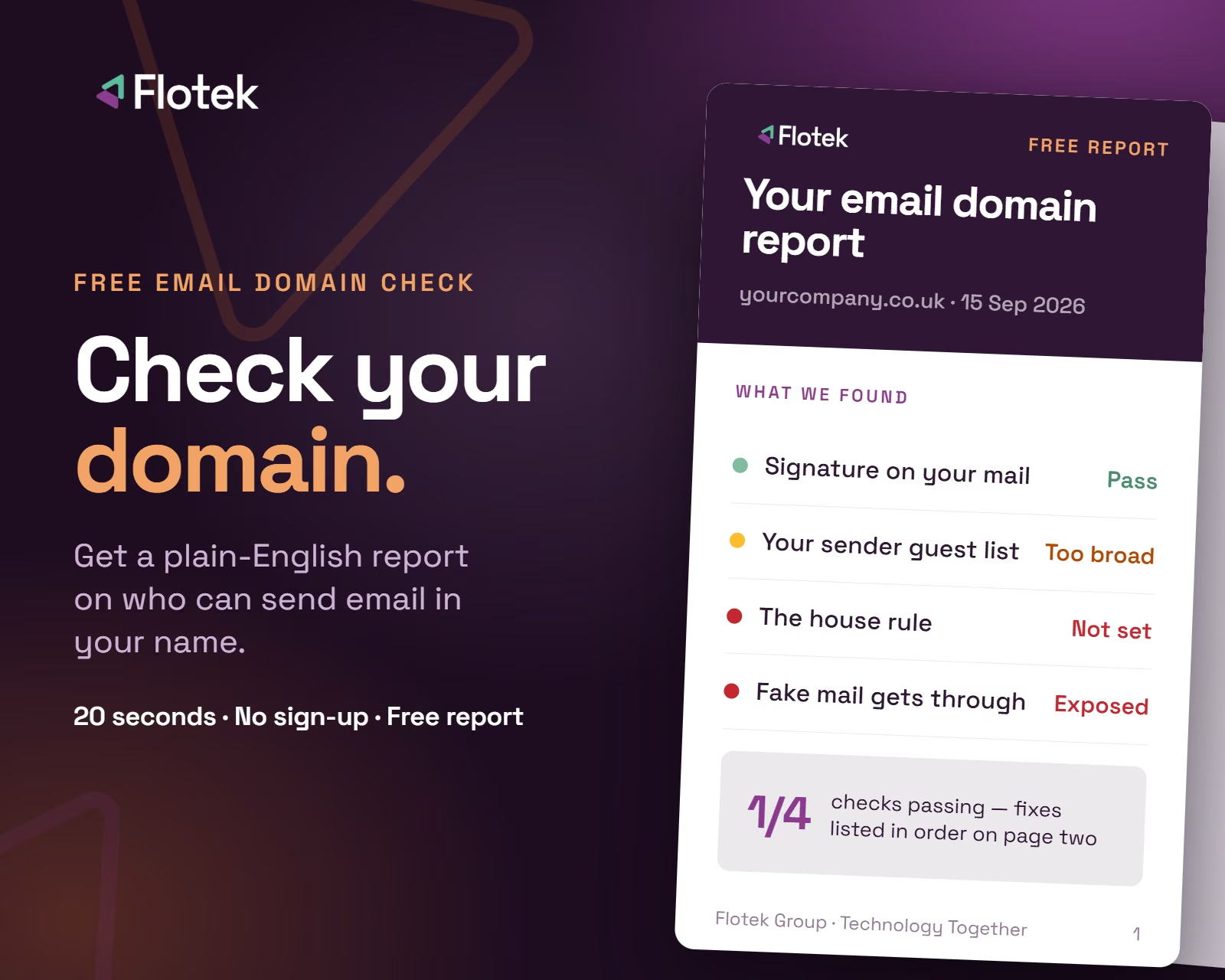
Want it fixed and kept that way? From just £14 a month, we verify your domain and monitor it 24/7, so your email lands and nobody else can send as you.






.avif)
.avif)
%20(1).avif)
.avif)