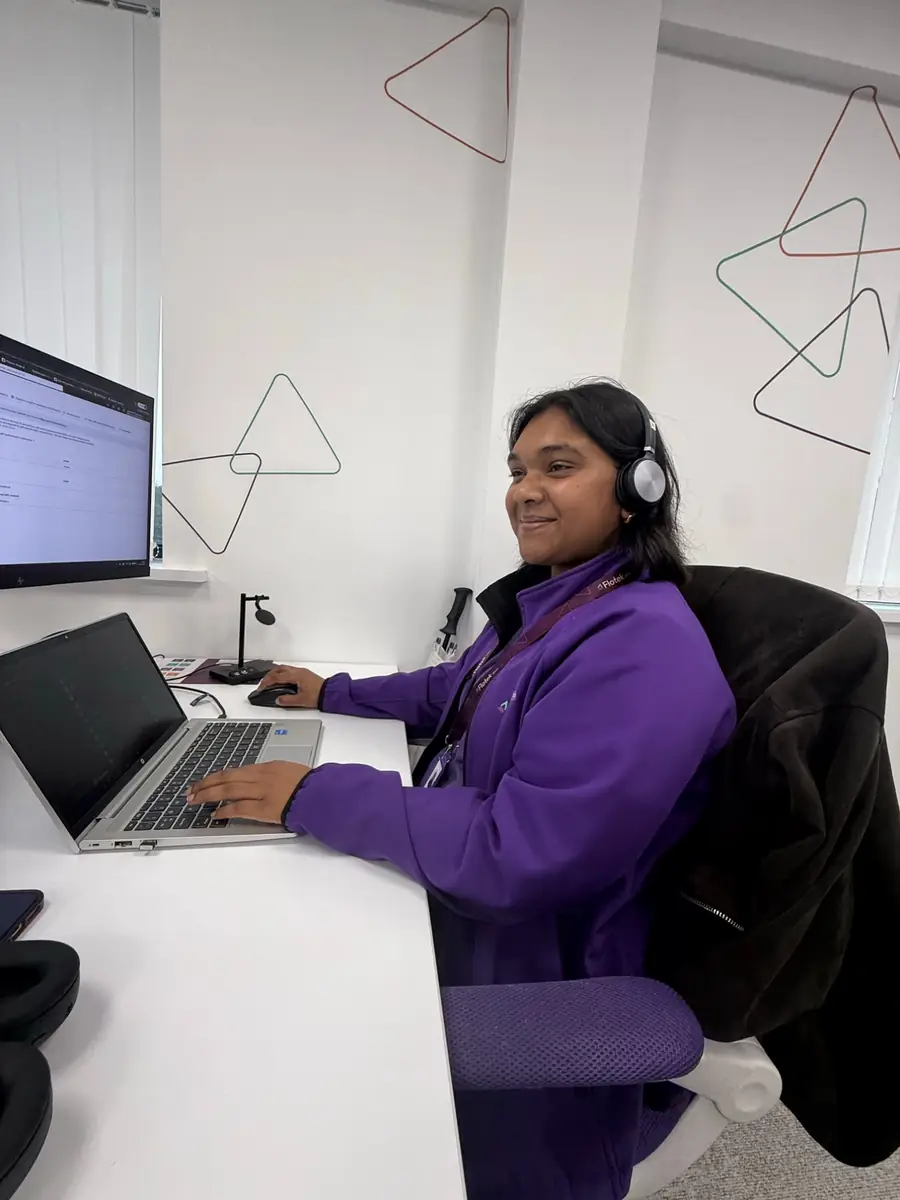
22 new Copilot training videos


Short, practical videos that take you from first prompt to everyday habit
Microsoft Copilot is already built into the apps your team uses every day, from Outlook and Teams to Word. Getting access is the easy part. Knowing what to ask it, and making it part of how you work, is where most people get stuck.
That's why we've added 22 new Microsoft Copilot training videos to the Partner Portal. They're short, practical and free for Flotek partners. Most run for under three minutes, so you can learn something useful between meetings and try it straight away.
Two sets, one learning journey
The videos are split into two sets, so you can start wherever you are and build from there.
Microsoft Copilot for Beginners (11 videos, around 26 minutes in total) covers the essentials:
- What Copilot is, and where to find it
- Asking clear, specific questions to get better results
- Generating a first draft and drafting emails
- Finding messages and emails using everyday language
- Translating text and summarising a PDF
- Rewriting text, rewriting Teams messages before you send them, and getting fresh ideas
- Asking for alternative wording and clear definitions
Microsoft Copilot for Intermediate (11 videos, around 19 minutes in total) is for when you're ready to do more:
- Building a skeleton structure before you write
- Drafting emails based on an existing document
- Improving the tone and clarity of your writing
- Summarising documents, conversations and unread items
- Summarising several documents at once, and comparing documents to spot the differences
- Turning information into a table
- Updating existing content and generating a to-do list
Watch all 22 back to back and you'll have covered the lot in around 45 minutes.
Why self-learning works for Copilot
Copilot rewards practice. The more specific your prompts, the better the results, and the best way to get there is little and often. Each video covers a single task, so you can watch it, open Copilot and try the same thing on your own work. A few minutes here and there soon adds up to a new way of working.
Anyone in your team with a Partner Portal login can watch them, from new starters to the colleagues who haven't got round to trying Copilot yet.
Start your self-learning journey
Log in to the Partner Portal, find the Microsoft Copilot for Beginners ribbon and start your learning journey. Already comfortable with the basics? Skip ahead to Microsoft Copilot for Intermediate.
Not using Copilot yet, or want help getting it right across your team? Find out more about Microsoft 365 from Flotek, or speak to Flotek.
Further reading


Want it fixed and kept that way? From just £14 a month, we verify your domain and monitor it 24/7, so your email lands and nobody else can send as you.