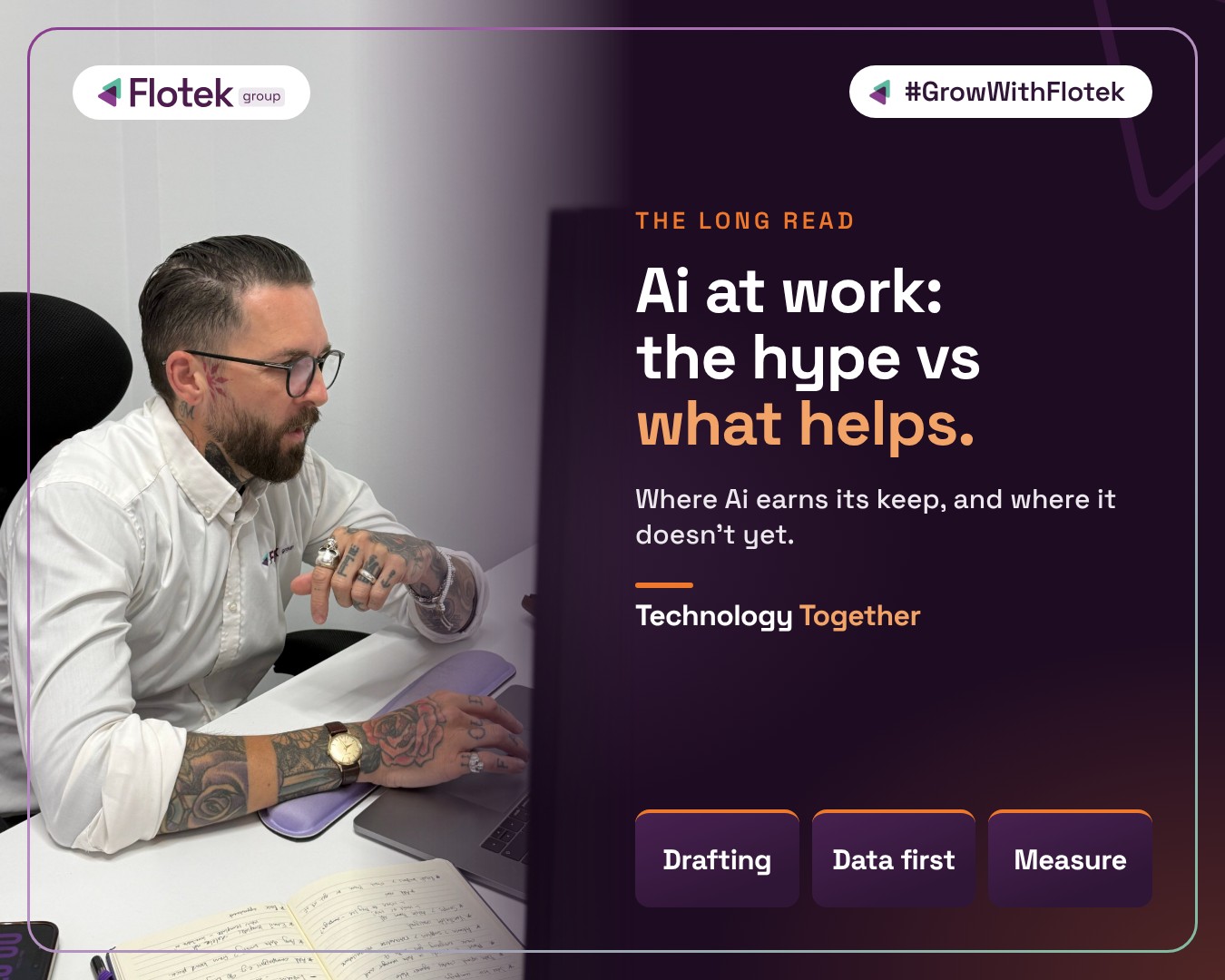
Ai at work: separating the hype from what actually helps


Most businesses have tried Ai. Far fewer are getting much from it.
Ai is now part of everyday working life in a lot of UK businesses. The Office for National Statistics says use among businesses with ten or more employees has climbed from around 12% in September 2023 to around 35% by summer 2026.
The same research shows how shallow most of that use still is. Of the businesses with ten or more employees that use Ai, only 10% say they use it extensively, and 15% say more than half their employees use it as part of their daily work.
So most businesses have tried it, but few have made it part of how the work actually gets done. Somewhere between the headlines and the day job, a lot of the promised value goes missing. This piece is about where that value really is, where the hype runs ahead of it, and how to get from one to the other without wasting a year.
The pressure is real, even if the promises aren't all there yet
Microsoft's 2025 Work Trend Index, a survey of 31,000 workers in 31 countries, found that 80% of the global workforce say they lack enough time or energy to do their work, while 53% of leaders say productivity must increase. Microsoft's own usage data adds that employees are interrupted every two minutes by meetings, emails or messages.
That's the gap Ai is being sold into. The trouble is that "Ai will fix it" covers everything from a tool that tidies an email to a fully autonomous agent running your accounts. Those aren't the same thing, and they don't carry the same risk.
What Ai is genuinely good at today
The tasks where Ai reliably earns its keep share three things: the work is repetitive, a human can check the output quickly, and nobody gets hurt if the first draft is a bit off.
- First drafts. Proposals, policies, job adverts, replies to routine emails. Ai gets you from a blank page to something you can edit in minutes.
- Summarising. Long email threads, reports and contracts boiled down to the points that matter, so you know what to read properly.
- Meeting and call notes. Transcripts, actions and follow-ups captured automatically, so people can pay attention to the conversation instead of typing. Ai call summaries in systems such as FloCX Pro Ai do the same for phone calls, straight into your CRM.
- Finding things in your own files. Tools like Microsoft 365 Copilot can search across the documents, emails and chats you already have access to, which is often where the biggest time savings hide.
None of these replace a person's judgement. They remove the slow, fiddly bit before the judgement happens.
Where the hype outruns reality
Accuracy
Ai tools can sound completely confident while being wrong. That's fine for a first draft you'll edit. It's not fine for a figure in a quote, a legal clause or advice to a partner. Anything that leaves the building still needs a human check.
Your data
Workplace Ai tools generally see what the person using them can see. If your file permissions are a mess, with old shared folders, everyone able to open HR documents, and leavers' accounts still active, Ai will find that mess faster than any person could. Sorting out access is the unglamorous job that makes everything else safe.
Agents that "do everything"
Agents, Ai that carries out tasks rather than just suggesting them, are the next big promise. In Microsoft's research, 81% of leaders said they expect agents to be moderately or extensively part of their Ai strategy within 12 to 18 months. They're useful for well-defined, low-risk jobs. Handing one an open-ended process with access to money, customers or sensitive data is a different conversation, and one that needs clear rules about what it can and can't do.
Jobs
Despite the headlines, the ONS found that most businesses say Ai hasn't changed their overall headcount so far. For most teams, it's changing what people spend their time on rather than whether they're needed.
A practical way to start
The businesses getting real value aren't the ones buying the most licences. They're the ones that picked a problem first.
- Pick one process that annoys people. Minute-taking, chasing quote follow-ups, answering the same five questions every week. Small and specific beats big and vague.
- Sort your data permissions before you switch anything on. Check who can see what in your Microsoft 365 environment, remove access that shouldn't be there and close down old accounts. If you're not sure where to begin, our Microsoft 365 team can help.
- Agree a few house rules. Which tools are approved, what data must never go into them, and what always needs a human check before it's sent.
- Measure the time saved. Note how long the task takes now, try Ai on it for a month and compare. If the saving is real, roll it out. If it isn't, you've lost a month, not a year.
- Train people, not just the tool. Most disappointment with Ai comes from people not knowing what to ask it. A short session on good prompts changes results quickly.
The bottom line
Ai at work is neither magic nor a fad. It's very good at the repetitive, checkable work that eats into everyone's week, and it's still unreliable at anything that needs judgement, context or accountability. Treat it like a capable new team member: give it clear jobs, the right access and someone checking its work.
If you'd like to talk through where Ai could save your team time, and what needs sorting first, get in touch with our team.
Further reading
- Microsoft 365 Copilot: the complete guide for business
- ICO turns to Ai agents: you're still accountable for the data they touch
- Ai security reaches the boardroom
Sources: Office for National Statistics, "Artificial intelligence in UK businesses: 2023 to 2026", 20 July 2026; Microsoft Work Trend Index, "2025: The year the Frontier Firm is born", 23 April 2025.

Schedule a Free IT Audit & Cost Breakdown


Want it fixed and kept that way? From just £14 a month, we verify your domain and monitor it 24/7, so your email lands and nobody else can send as you.