






The Microsoft 365 scam that doesn't need your password


.avif)

The Cyber Threat That Looks Completely Legitimate
A finance manager gets an email about a shared invoice. It looks completely normal. She clicks through, lands on a genuine Microsoft sign-in page, types in the short code it asks for, and carries on with her day. Nothing breaks. No alert. No password reset. A week later, someone has been quietly reading the company's emails the whole time.
This is device code phishing, and it is catching out careful, sensible people who are doing everything they have been told to do.
A scam that walks straight past your password
Most security advice is built around protecting passwords. Make them long, make them unique, never share them. All still good advice. The problem is that device code phishing does not bother with your password at all.
Instead, it abuses a real Microsoft sign-in feature, the kind used to log a device like a smart TV or a new work phone into an account. Attackers are running these campaigns using a tool called Kali365, and the approach is simple. You receive a convincing email about a shared file, often appearing to come from something familiar like SharePoint, DocuSign or Adobe. The email gives you a short device code and sends you to a real Microsoft page to enter it.
The page is genuine. The web address is genuine. Everything looks right, because it is. The only thing that has been faked is the reason you are there. The moment you enter that code, you are authorising someone else's device to connect to your account.
Why multi-factor authentication does not stop it
This is the part that surprises people. Multi-factor authentication is one of the most effective protections a business can put in place, and it should still be switched on everywhere. But device code phishing slips past it, because the person being targeted completes the multi-factor check themselves as part of what looks like a normal sign-in.
There is no fake login page to spot. No spelling mistakes in the web address. No prompt that feels obviously wrong. The attacker simply waits for someone to hand over access through a process that, on the surface, behaves exactly as it should.
What it means for your business
Once an attacker is in, they have ongoing access to emails and files without needing to break anything again. That access tends to be used quietly. Reading conversations, watching for invoices and payment details, then stepping in at the right moment to redirect a payment or send a convincing message to a colleague or supplier.
For most businesses, the real cost is not the technical breach. It is the fraud, the disruption and the loss of trust that follow it. This is exactly why cyber security cannot sit entirely with the IT setup in the background. The people using the systems every day are part of the defence.
What to tell your team this week
You do not need a long policy document to make a real difference here. Two habits cover most of the risk.
First, never enter a device code to open or view a file. A code like this should only ever be entered when you have started the sign-in yourself, for example when setting up a new work phone. If a file asks for one, stop.
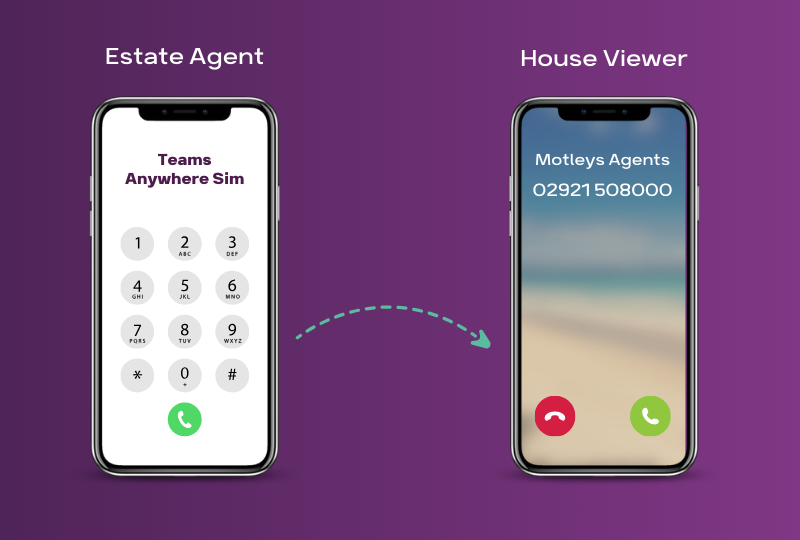
Second, treat anything unexpected with healthy suspicion, whatever form it arrives in. Attackers do not only use email. They also use text messages and phone calls, often pretending to be a colleague, a supplier, your bank or even your own IT support. If a request feels off, check it through a channel you already trust rather than replying or calling back on the details you were given.
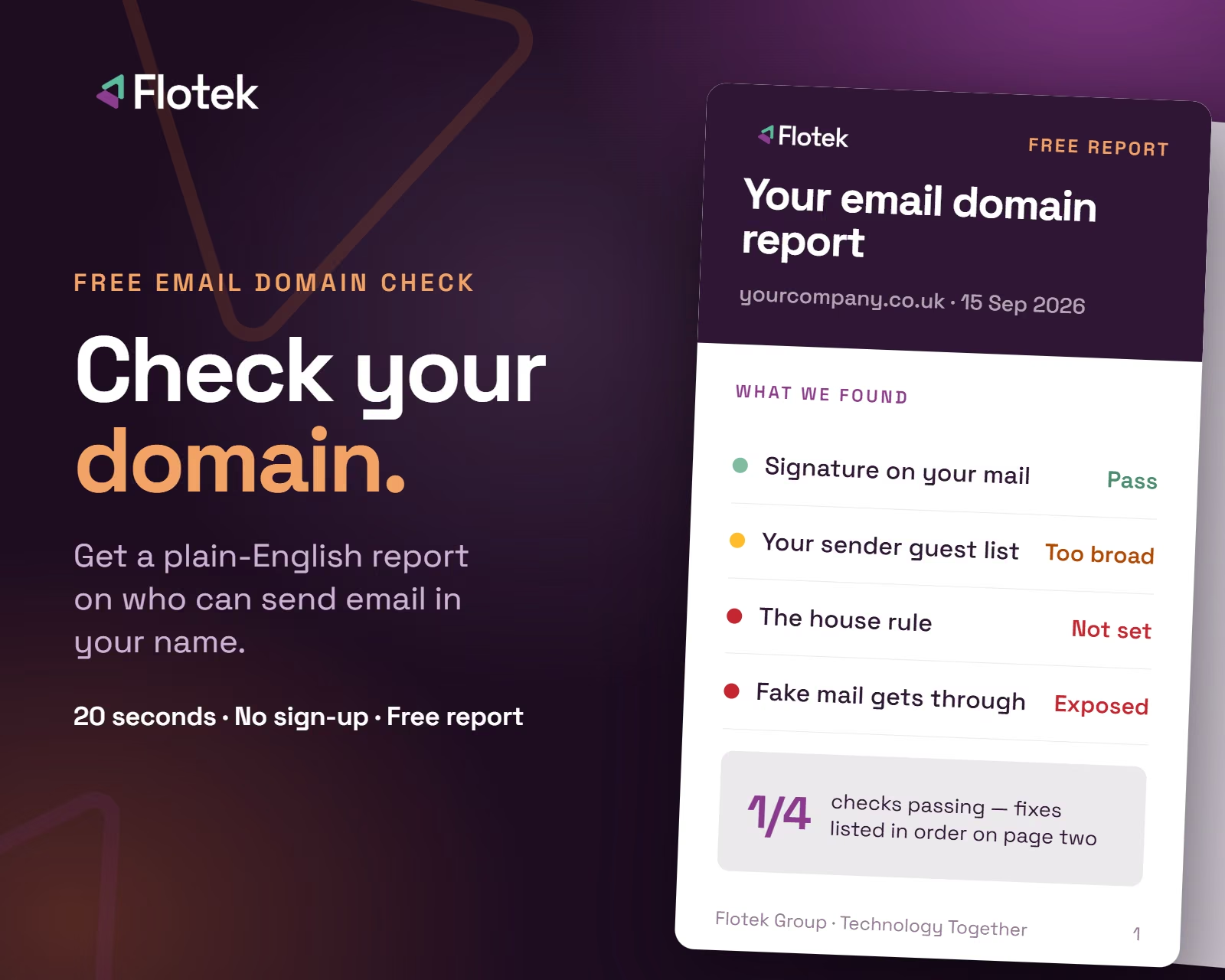
Some of those messages will claim to come from your own business. Scan your domain free to see whether anyone can send email in your name.
A few seconds of caution is far cheaper than a compromised account.
Where managed IT and cyber security make the difference
Good protection is a combination of the technology working hard in the background and people knowing what to look for. Both matter, and neither is enough on its own.
On the technology side, the right managed IT and cyber security setup can monitor for suspicious activity, tighten how sign-ins are handled and flag logins that do not look genuine. On the people side, regular, plain-English awareness is what stops a convincing message turning into a costly mistake.
At Flotek, we monitor for threats like this on behalf of our partners and take action where we can. For partners using our Cloud Detection and Response service, we also check logins to make sure they look genuine. No filtering catches everything though, which is why we keep awareness front and centre rather than relying on the technology alone.
Talk to us
If you are already a managed IT partner with Flotek, this is a good moment to share the two habits above with your team and to join one of our free security sessions.
If you are not a managed IT partner with us yet, and you are not sure how well protected your business would be against something like this, get in touch. We are happy to talk it through and help you understand where you stand.
Further reading





.jpg)







Schedule a Free IT Audit & Cost Breakdown

Want it fixed and kept that way? From just £14 a month, we verify your domain and monitor it 24/7, so your email lands and nobody else can send as you.










.avif)
.avif)
%20(1).avif)
.avif)