






%20(41).avif)
Microsoft 365 Copilot Updates | February Edition
.avif)


.avif)

Explore What's New and Improved in Microsoft 365 Copilot This February
Welcome to this month’s Copilot round‑up. Your clear, quick guide to the latest improvements helping teams work smarter across Microsoft 365.
February brings powerful new capabilities across Agent mode, Office apps, Outlook, and more, all designed to streamline everyday tasks and make Copilot even more intuitive.
Here’s what’s new.
User capabilities
Agent Mode and new agents
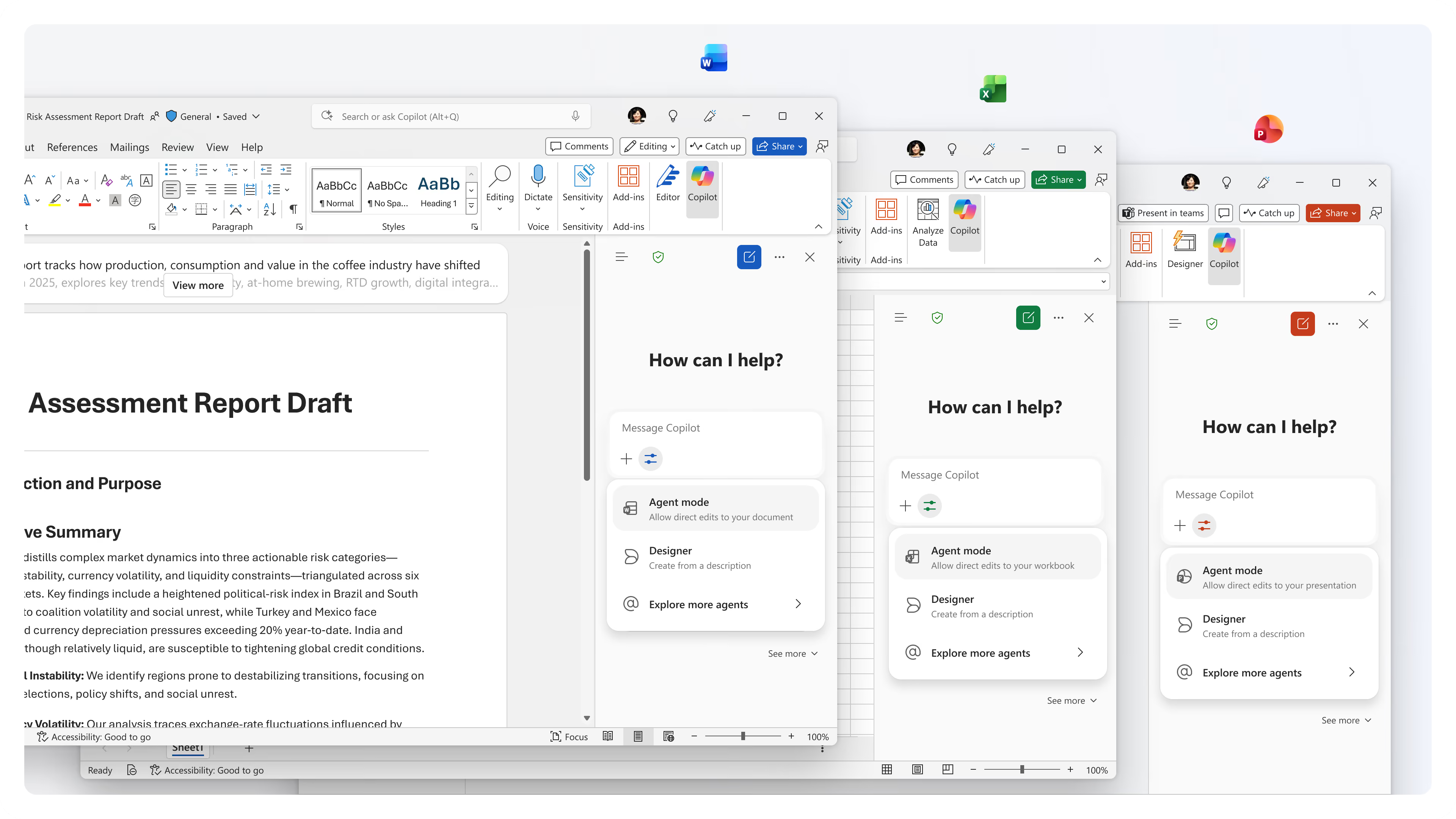
Agent mode is becoming a more powerful partner across Word, Excel, and PowerPoint. Instead of simply responding to prompts, Copilot now works alongside users, actively editing documents, spreadsheets, and presentations while explaining the reasoning behind each change. This gives users far greater visibility and control, allowing them to review, refine, or redirect the output at any time.
These updates also make it easier to create new files. With a single prompt in Copilot Chat, users can generate fully structured drafts in Word, Excel, or PowerPoint, complete with formatting and detail built in. It removes the need to start from a blank page and helps teams get to a polished first version much faster.
• Why it matters: Brings more transparency, control, and speed to everyday document creation, helping users produce higher‑quality work with far less effort.
Voice chats referencing memory
Voice chats in the Microsoft 365 Copilot app can now draw on a user’s saved memories to provide richer, more contextual responses. This allows Copilot to understand preferences, previous conversations, and relevant background information when responding to voice prompts.
All memory management remains fully user‑controlled within personalisation settings. Voice interactions cannot modify or edit memories, ensuring privacy is protected while still delivering smarter, more tailored support.
• Why it matters: Creates more personalised, relevant voice experiences without compromising security or user control.
Outlook updates
Interactive voice experience
Copilot in Outlook mobile now provides a hands‑free voice experience to help users stay on top of their inbox. Copilot can summarise unread emails and guide users through common actions such as drafting replies, archiving, deleting, pinning, or flagging messages.
• Why it matters: Makes it easier to manage busy inboxes while on the go, improving productivity when users need a hands‑free option.
Implicit grounding for more accurate responses
Copilot Chat in Outlook now automatically grounds responses in the email a user has open. If text is highlighted, Copilot focuses only on that selection, reducing manual copy‑paste steps and improving accuracy.
• Why it matters: Produces clearer, more precise responses by automatically using the right context at the right moment.
Natural‑language email triage
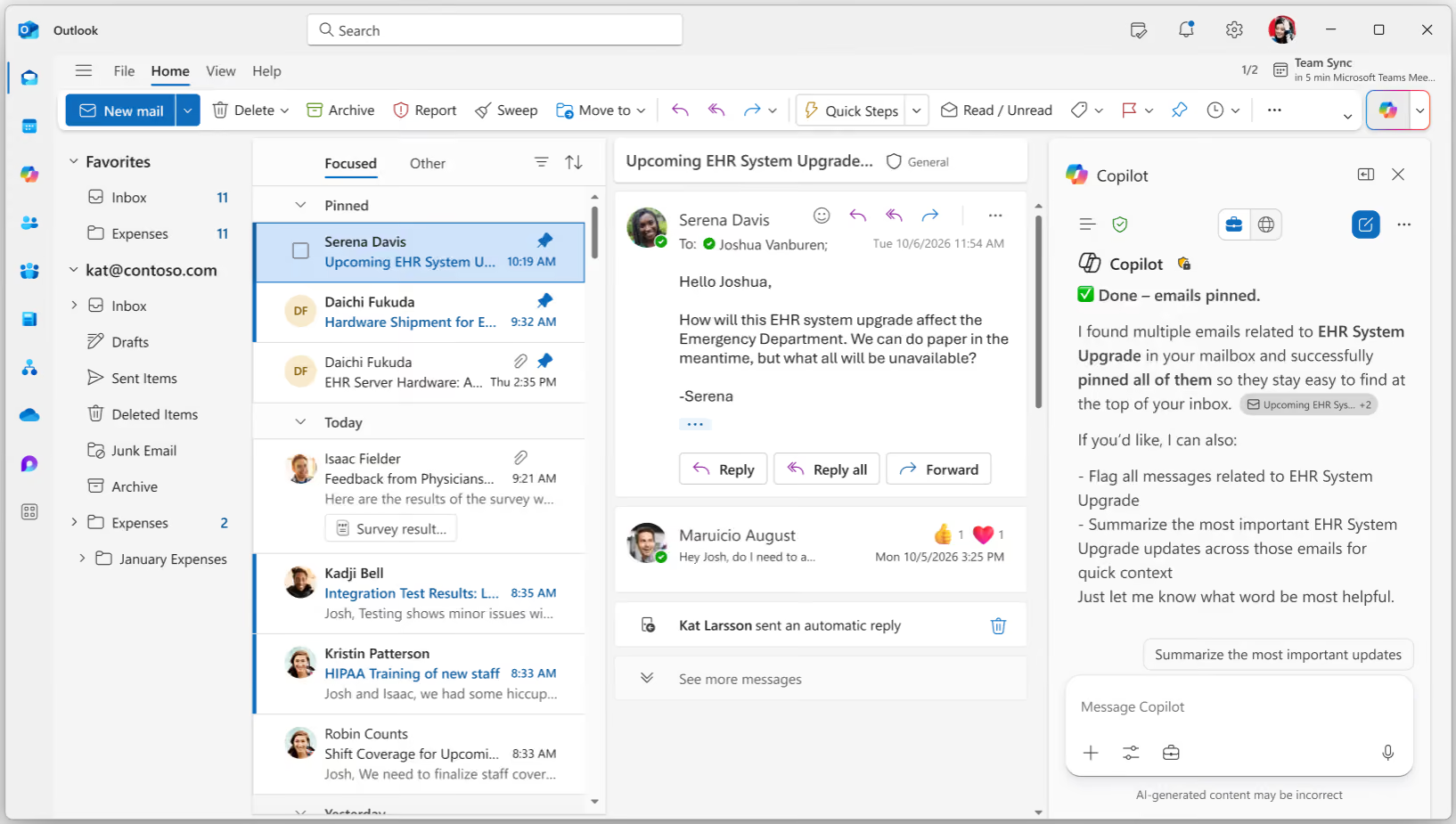
Users can now manage key inbox actions using conversational commands in Copilot Chat. Whether marking messages as read, flagging important items, or archiving project‑related threads, Copilot can action requests instantly.
• Why it matters: Speeds up email organisation using natural, everyday language, helping users stay organised with minimal effort.
Natural‑language automatic replies
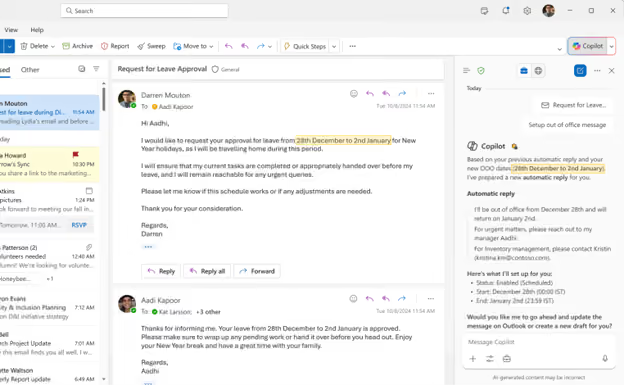
Automatic replies can now be set up or turned off directly through Copilot Chat using simple prompts. Users can specify date ranges, draft messages in their usual tone, and manage OOO settings without navigating Outlook menus.
• Why it matters: Simplifies a common task and ensures out‑of‑office messaging is faster, easier, and more consistent.
Ground Agents on a Copilot Notebook
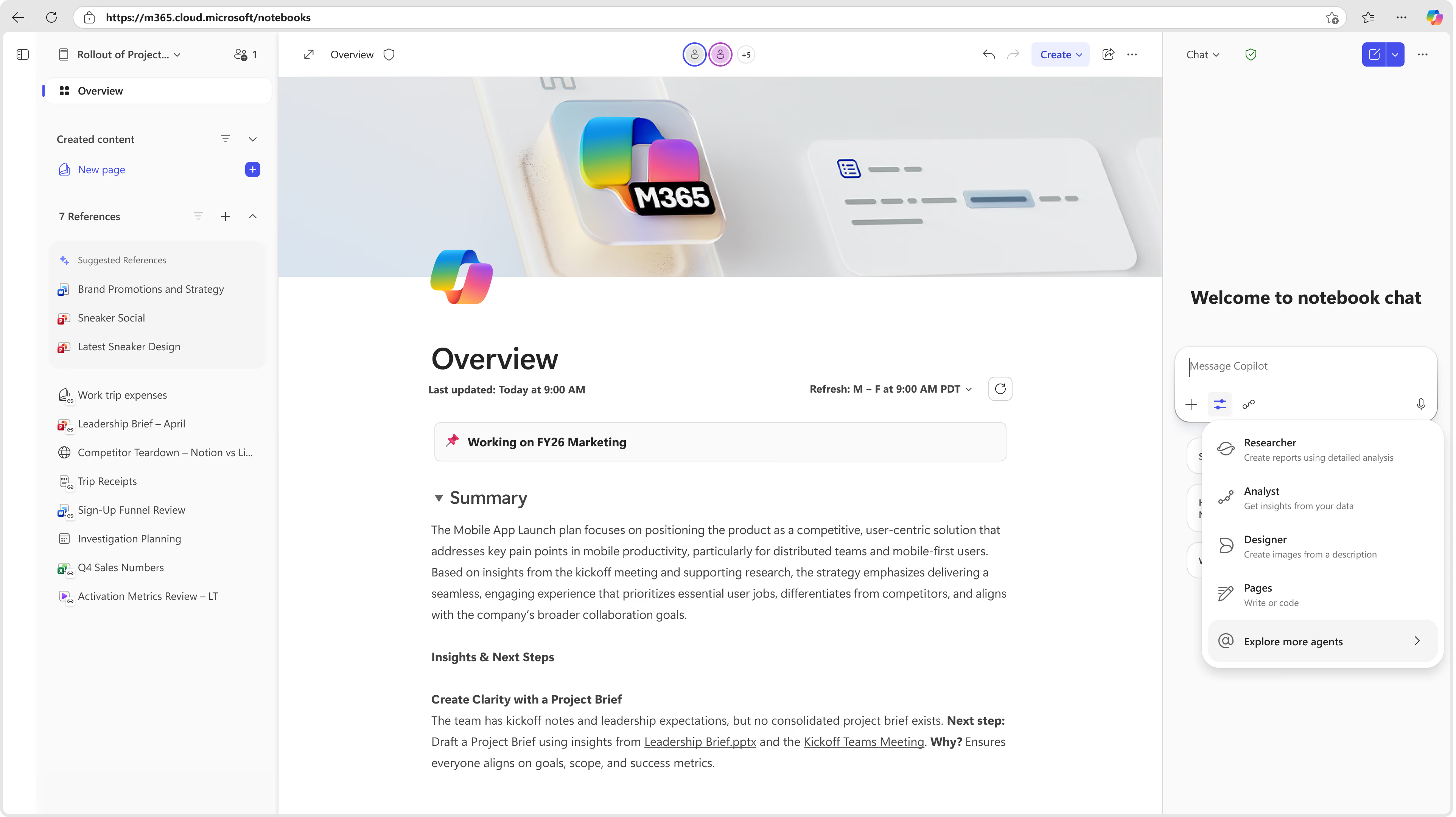
Agents can now be grounded on a Copilot Notebook, allowing them to reference working materials directly. This keeps responses aligned with the user's research, notes, or project sources, ensuring the agent stays closely connected to the task at hand.
• Why it matters: Enhances accuracy by grounding Copilot’s reasoning in the user’s actual project materials.
Copilot in Excel
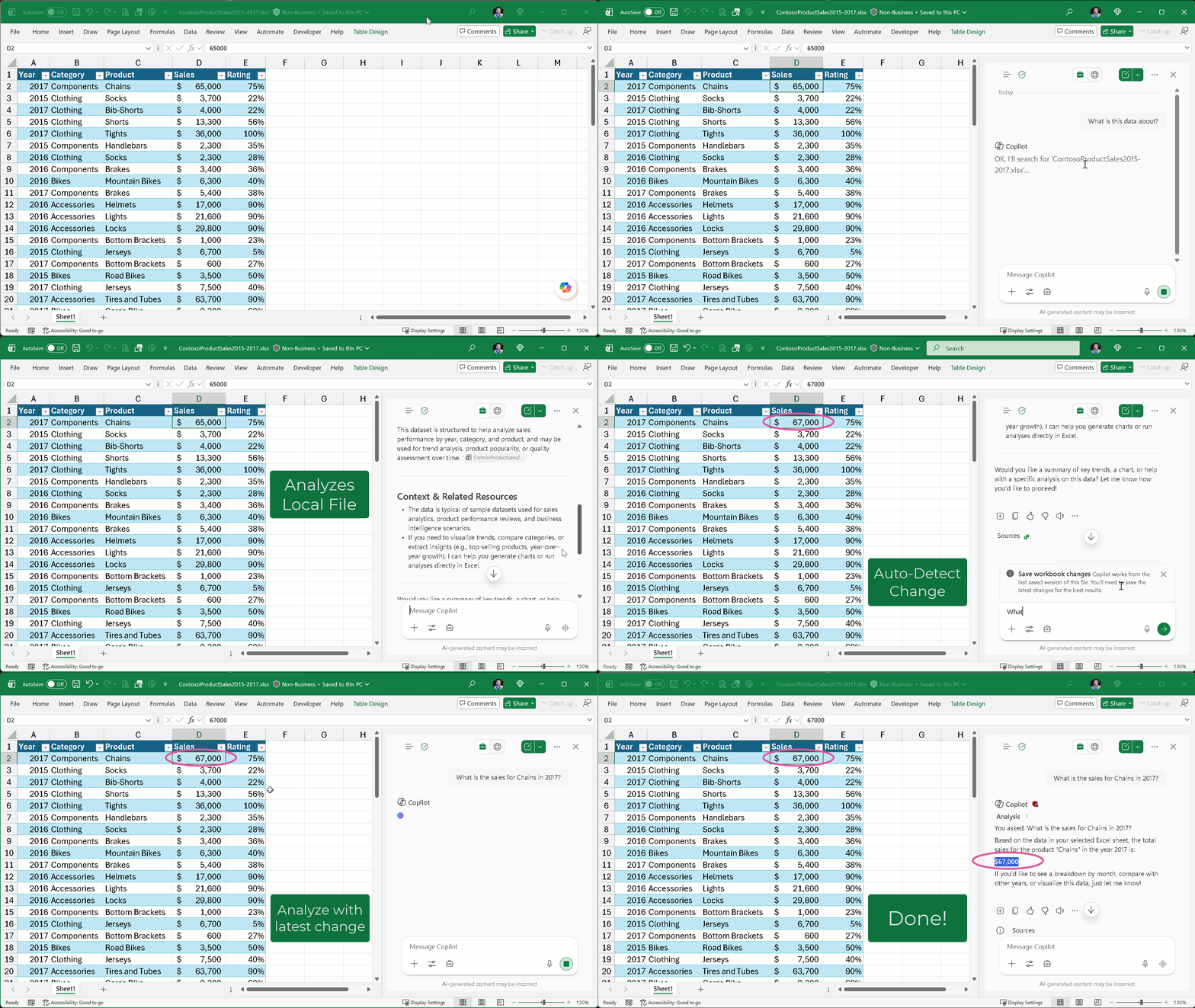
Support for locally stored modern workbooks
Copilot in Excel now works seamlessly with modern workbooks stored locally on a device. Users can ask questions, analyse data, or generate insights without needing to move files into the cloud.
• Why it matters: Provides faster, more consistent assistance across all files, supporting users who prefer or require local storage.
Copilot in PowerPoint
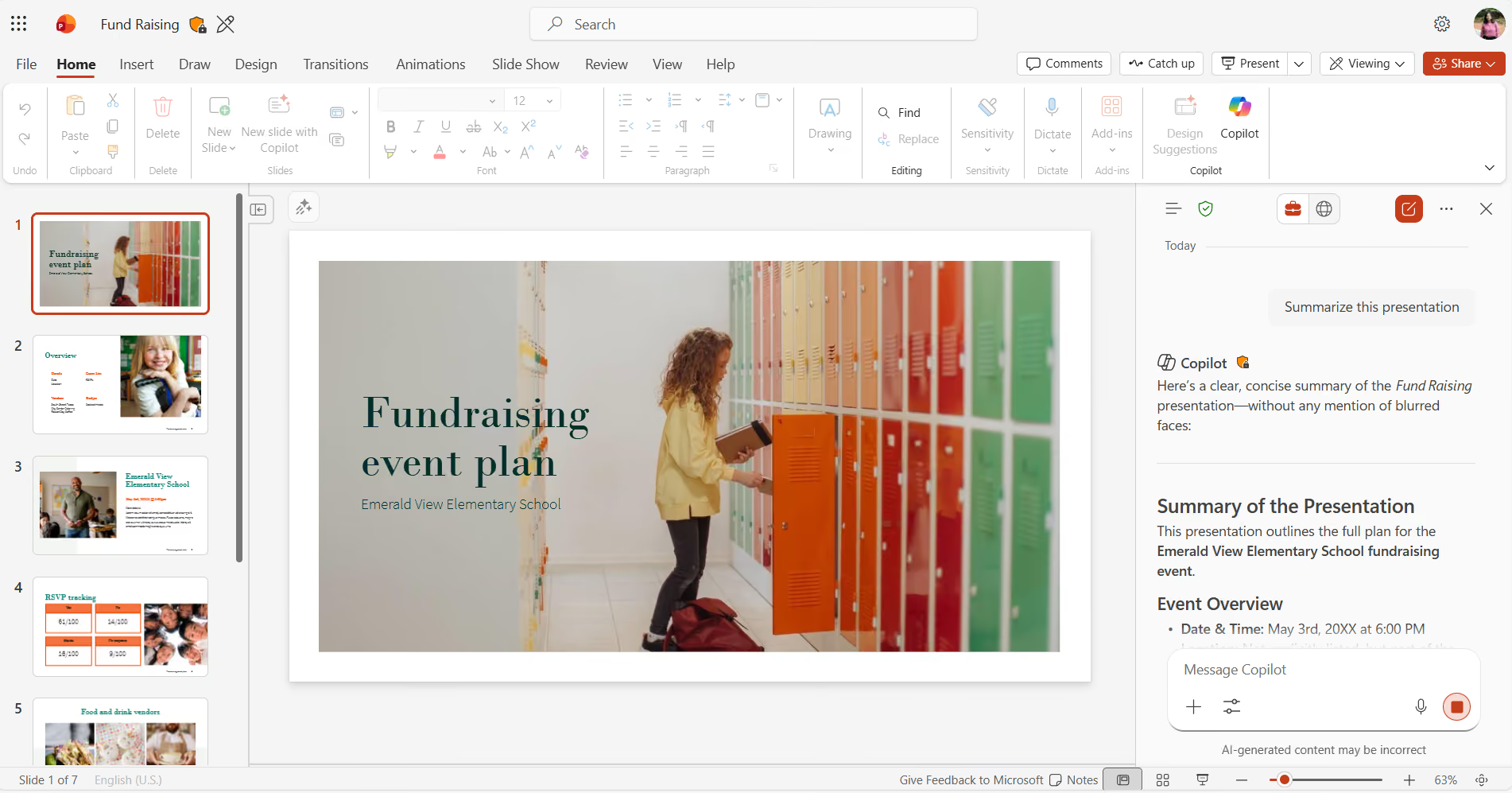
Copilot support in view‑only mode
Users can now interact with Copilot when a presentation is open in view‑only mode. Copilot can summarise slides, answer questions about the content, or clarify key points, all without needing edit permissions.
• Why it matters: Helps users understand and review presentations quickly, even when they cannot modify the file.
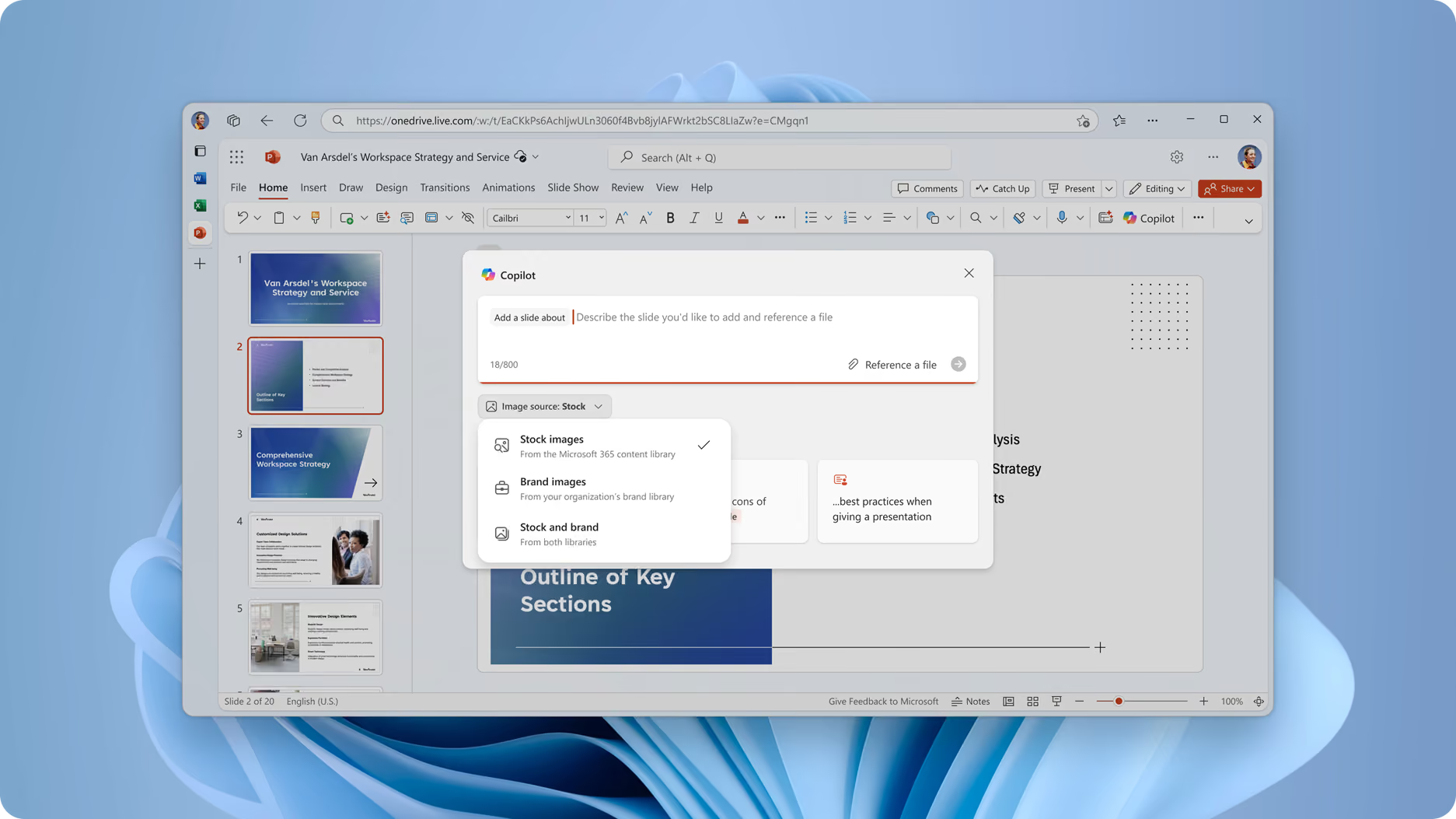
Automatic use of enterprise‑approved images
When creating slides, Copilot can automatically source images from approved organisational libraries such as SharePoint OAL or Templafy. This ensures every deck aligns with brand standards without requiring manual searching.
• Why it matters: Keeps presentations on‑brand and consistent, reducing design work for teams.
More control during slide creation
Users now have greater influence over the way Copilot generates a presentation. They can specify deck length, adjust narrative tone, choose visual styles, and incorporate AI‑generated imagery to match the intended audience or purpose.
• Why it matters: Allows users to tailor presentations from the very first draft, producing stronger outputs with less rework.
Need help navigating the latest enhancements to Copilot?
The latest updates in Microsoft Copilot bring a host of new features designed to enhance productivity, streamline communication, and provide a more personalised experience. With improvements in chat and collaboration, Copilot continues to evolve as a powerful tool for seamless and efficient communication.
Get More from Microsoft 365
Ready to explore more about Microsoft 365? Explore more ways to unlock the full power of your suite:
Introducing Microsoft Copilot for Finance





.jpg)







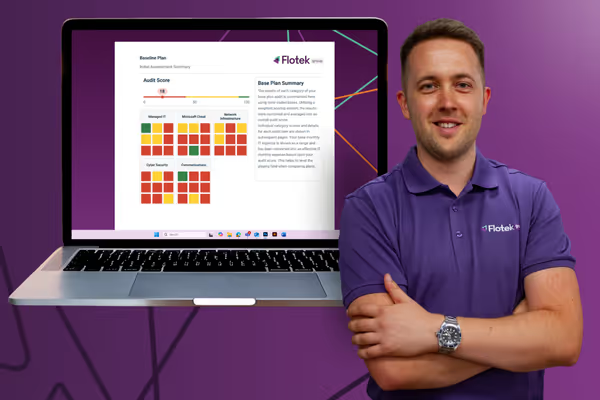
Schedule a Free IT Audit & Cost Breakdown

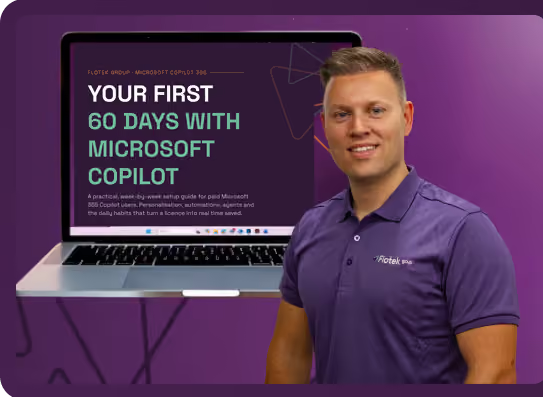
Download ‘Your First 60 Days with Microsoft Copilot’ Guide




%20amended%20logo.avif)







.avif)
.avif)
%20(1).avif)
.avif)