





What Dark Web Searches Mean for You


.avif)

Why you are seeing a dark web alert
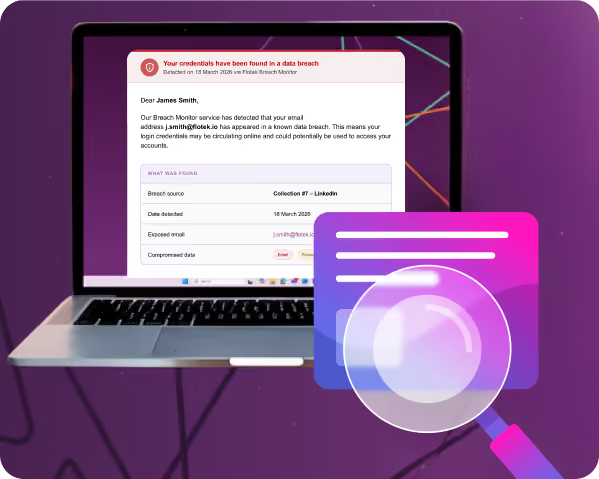
You might be here because you have just received an automated email from us letting you know that your email address appeared in a dark web search. Or you might simply be curious. The phrase dark web gets mentioned a lot, and it is not always explained very well.
Either way, take a breath. Seeing an alert like this can feel unsettling, but it does not automatically mean anything bad has happened.
This page is here to explain, in plain English, what a dark web search actually tells you, why your details may have appeared, and what sensible steps you should take next. The dark web monitoring that triggered your alert is powered by our partnership with Breach Monitor — read the full details in our news article: Flotek Partners with Breach Monitor.
First things first. What is a dark web search?
In simple terms, parts of the internet are hidden from normal search engines like Google. One of those areas is known as the dark web. It is often talked about alongside cyber crime because stolen data from online breaches can end up there.
A dark web search is not someone actively watching your accounts or scanning your computer. It is a check against known breach data that has already been exposed somewhere online.
When an email address appears, it means it was found in a data set that has been leaked or shared at some point. It is information. Not an accusation. Not a diagnosis.
This does not necessarily mean you have been hacked
This is the most important thing to understand.
Finding your email address or password in breach data does not automatically mean that someone has accessed your accounts. There are some very common reasons this can happen, and most people experience at least one of them over time.
A service you used was breached
If you signed up to a website or app using your email address, and that service later suffered a data breach, your details may have been included.
Sometimes this is a service you use daily. Sometimes it is something you tried once years ago and forgot about. Breach data often resurfaces long after the original incident.
You entered details into a convincing fake website
Phishing websites are designed to look real. They often copy login pages from well known services such as email providers, delivery companies, or online tools.
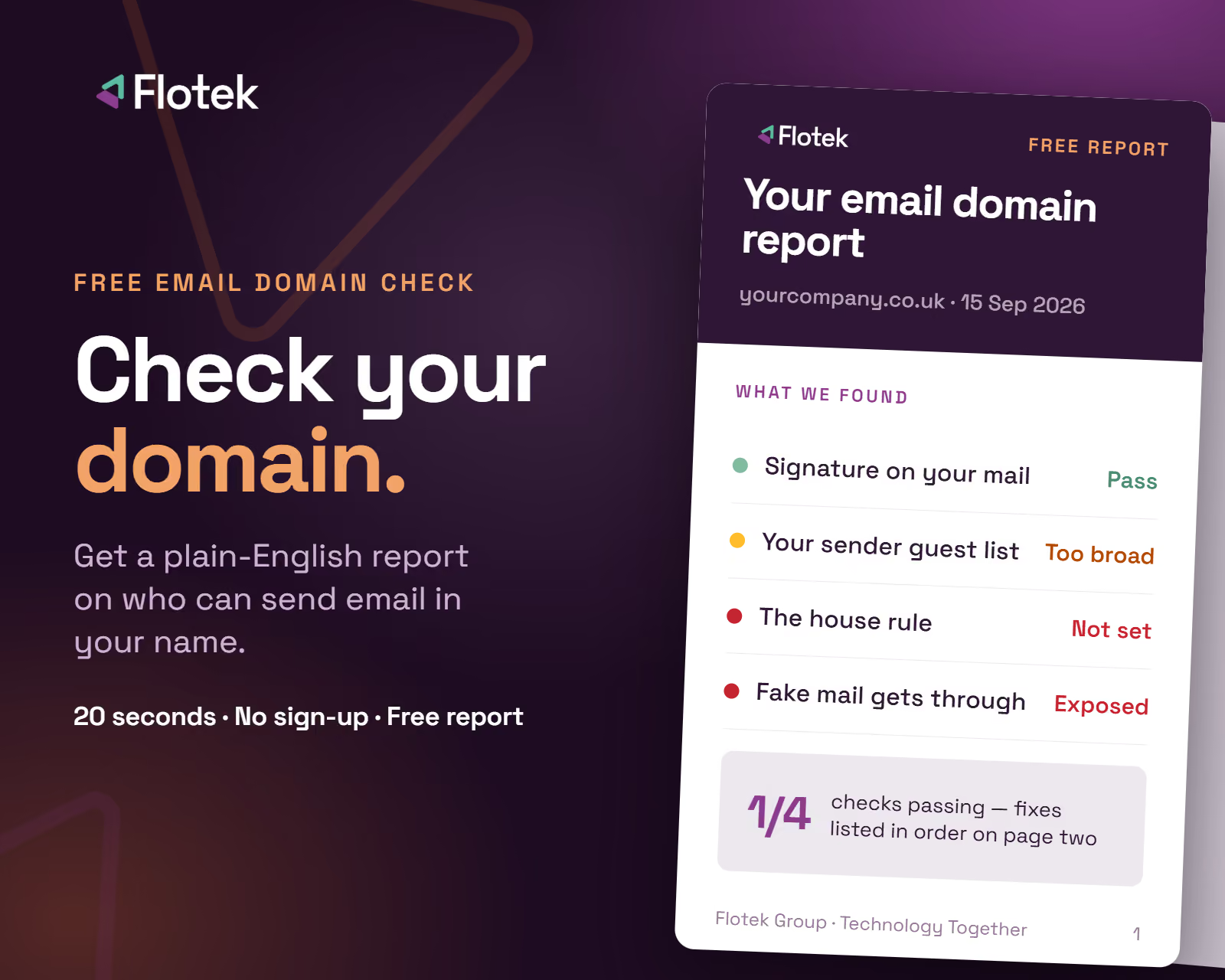
If your email and password were entered into one of these sites, those details could end up being shared, even if nothing further ever happened. This is exactly why Flotek has partnered with Check Point to strengthen email security — read about our enterprise-grade email protection.
An old password has come back around
Data from password breaches can circulate for years.
If you reused the same password across multiple sites, an old breach can still create risk today. This is one of the most common reasons people appear in dark web search results.
Why you are being told about it
Think of this as an early heads up.
The alert is not there to panic you. It is there to give you visibility, so you can act before anything causes real damage.
This is actually a positive thing. It means potential risk has been spotted early, while you still have full control.
What you should do now
You do not need to be technical. You do not need specialist software. Just follow a few straightforward steps.
1. Change your passwords
Change the password on any account that uses the email address mentioned in the alert.
If you have reused passwords across different sites, those should be changed too. Start with email, work systems, banking, and anything important.
2. Turn on two factor authentication
Two factor authentication adds a second step when you log in, usually a code sent to your phone or an app approval.
Even if someone knows your password, they cannot access your account without that second check. It is one of the simplest and most effective protections you can enable.
3. Keep an eye out for anything unusual
Log into your accounts and look for things that do not feel right.
That might be login alerts you do not recognise, emails sent that you did not write, password reset messages, or unusual activity notifications.
If anything looks odd, change the password straight away.
4. Use different passwords going forward
Each account should have its own password.
A password manager takes care of this for you, creating strong passwords and remembering them so you do not have to. That way, if one site ever has an issue, the rest of your accounts stay protected.
The bigger picture
Almost everyone who uses the internet regularly will appear in breach data at some point. It does not mean you have done anything wrong.
What matters is awareness and action. Knowing early allows you to stay secure, rather than reacting after something has already gone wrong.
Dark web monitoring is about keeping you informed, not putting fear in front of you. It is simply another layer of protection, helping small issues stay small. Flotek's cyber security solutions cover this and much more, from endpoint protection to advanced software management.
If you ever receive an alert and are unsure what it means or what to do next, ask. Taking calm, simple steps early is always the best approach.
Further Reading
Claim a Free Dark Web Scan Worth £39 — Flotek partners can claim a free scan until 30 June 2026.
Flotek Partners with Breach Monitor — the full story behind our dark web monitoring partnership.
Flotek Partners with Check Point for Email Security — enterprise-grade email protection against phishing and impersonation.
Flotek Cyber Security Solutions — a full view of how Flotek keeps businesses protected.
Flotek Launches Advanced Software Management — automatically patching 397+ apps to eliminate software vulnerabilities.





.jpg)







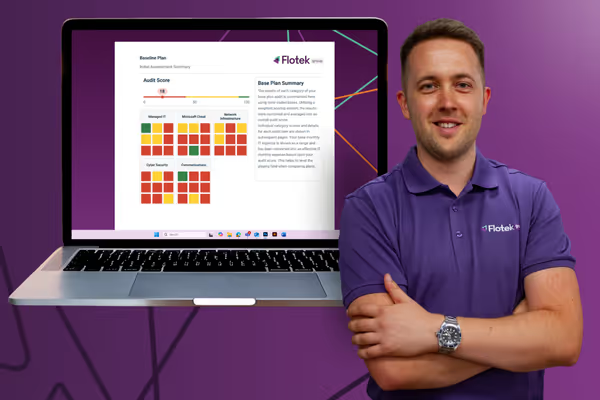
Schedule a Free IT Audit & Cost Breakdown


Download ‘Your First 60 Days with Microsoft Copilot’ Guide

%20amended%20logo.avif)




.avif)
.avif)
%20(1).avif)
.avif)