Microsoft 365 Copilot Updates | November


What’s New in Microsoft 365 Copilot – November Edition
Welcome to Flotek’s monthly Copilot update, your quick, no-nonsense guide to the latest features shaping the way teams work in Microsoft 365. Whether you're already using Copilot or exploring what it can do, here’s everything you need to know this month.
Grab a cuppa, and let’s dive in.
User Experience Improvements
Smoother, More Reliable Copilot Chat
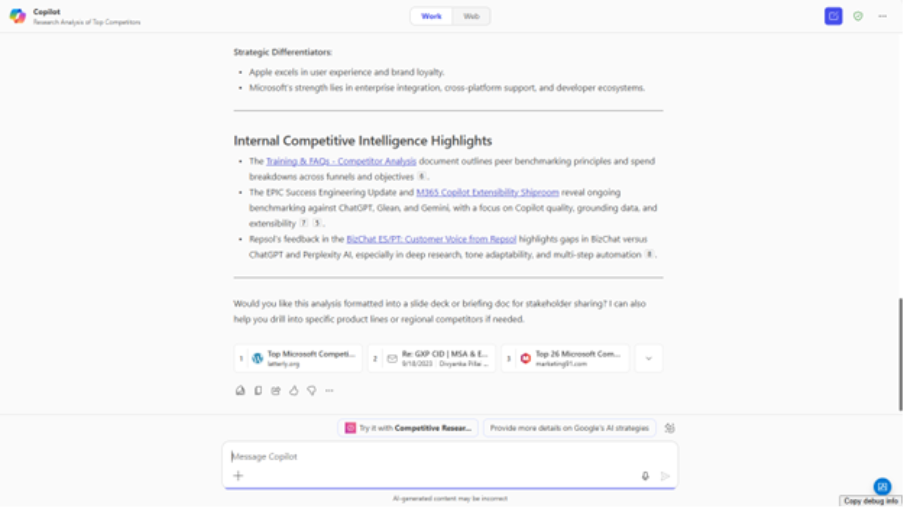
Copilot Chat is now better at keeping your conversations intact. Session persistence means you can leave a chat and return later without losing your place, as your prompts sit in the history panel, ready to pick up again.
• This makes workflows smoother and reduces interruptions.
Better Accuracy When Asking About Files
Copilot now handles vague or multi-file questions far more intelligently. It can pull information from several documents at once and interpret broad prompts like ‘Create an FAQ’ without needing perfect keywords.
• Ideal for quick answers without rewriting your question.
Smarter Agent Recommendations
Copilot will now point you to the most suitable ‘agent’ (specialised helper) based on your question. If a query is best answered by a specific agent, Copilot highlights it so you get quicker, more relevant support.
• Access targeted assistance, saving both time and effort.
Chat Enhancements & New Integrations
GPT-5 Coming to Copilot Chat
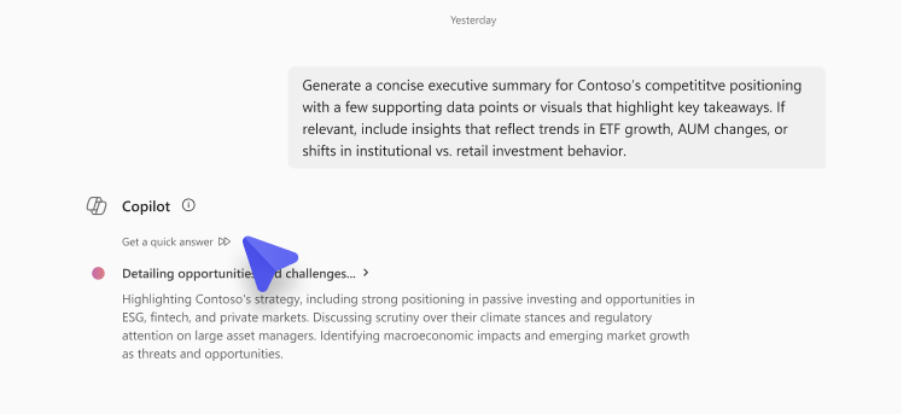
Copilot Chat will soon use GPT-5 by default. You’ll automatically get faster responses for simple questions, and more advanced reasoning for complex tasks. A toggle will let you switch back to the faster chat model, for now.
• Rollout begins this month.
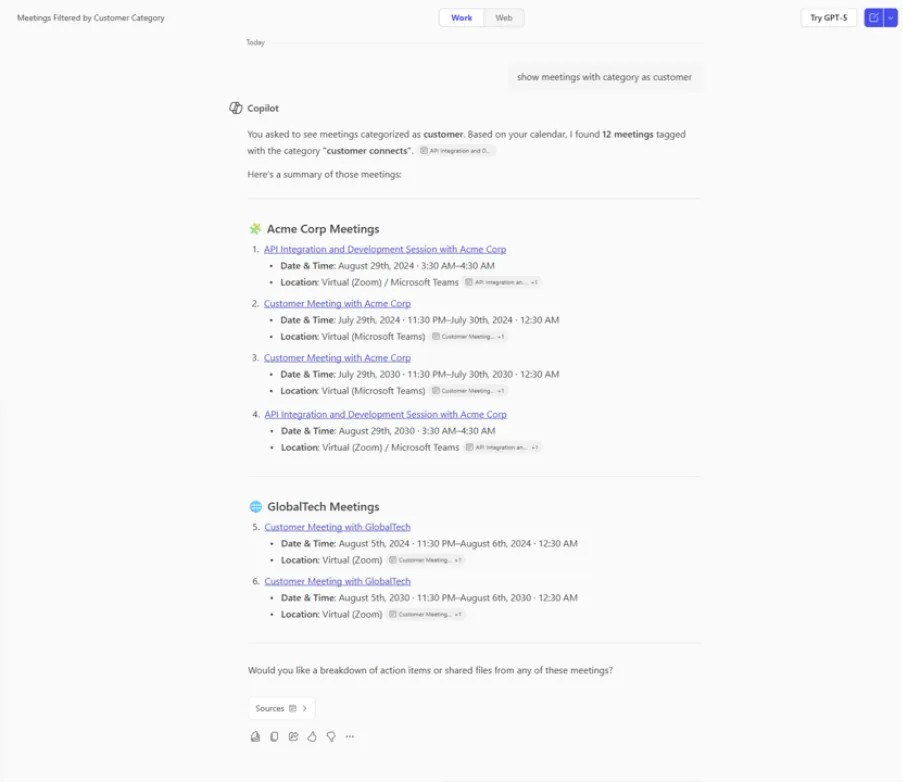
Smarter Calendar Search in Chat
You can now ask Copilot to search your calendar by:
– Organiser
– Category
– Delegate access (if you manage someone else’s calendar)
• Handy for preparing for meetings or finding time blocks quickly.
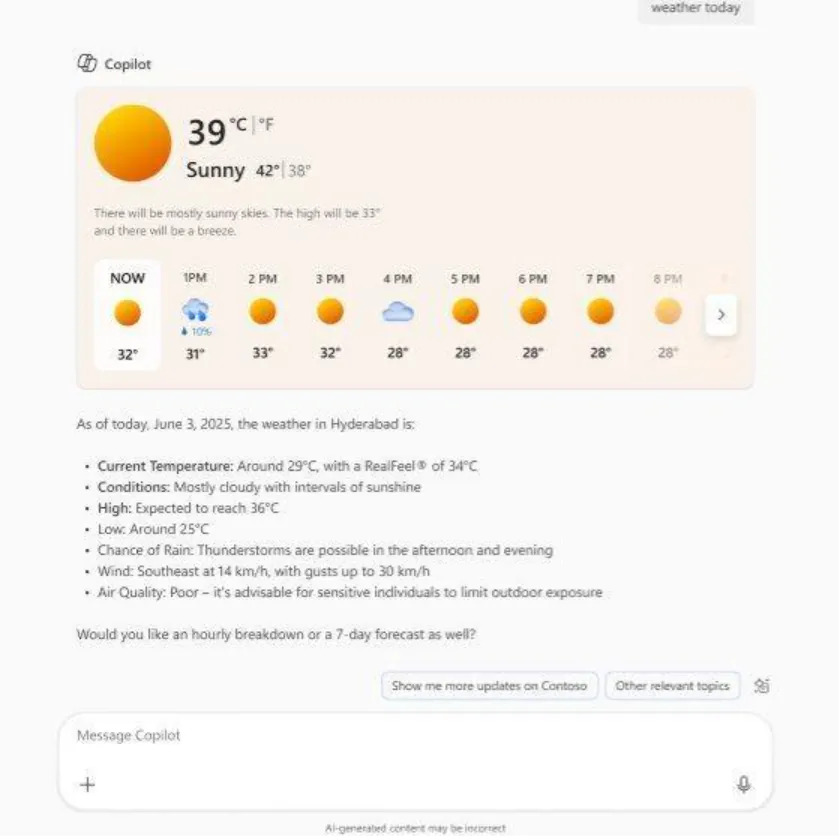
Bing Web Cards in Chat
When searching the web through Copilot Chat, you’ll now see quick-view cards for things like:
– Weather
– Stocks
– Sports
– News
• A cleaner, more visual way to get information without leaving Chat.
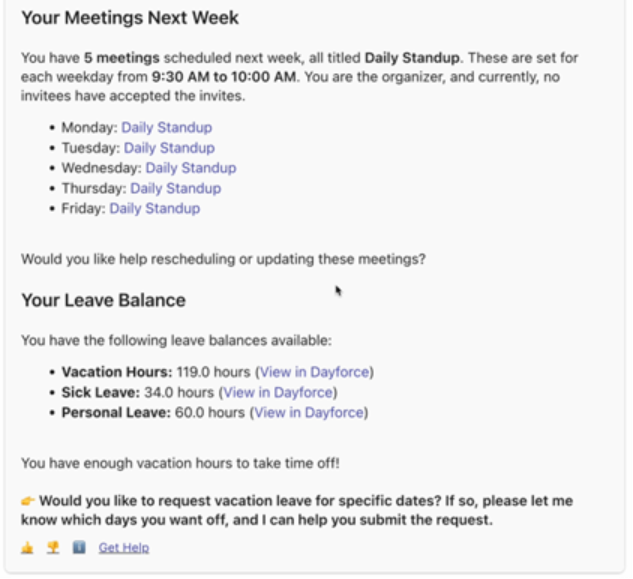
Copilot Chat API
A new secure API lets organisations embed Copilot capabilities directly into their own AI solutions, without data leaving Microsoft 365. This supports multi-turn conversations grounded in both work and web data.
• Great for building custom agents safely.
Mobile & Search Improvements
AI Views in Copilot Search
Search results now include enriched, contextual summaries with:
– Metadata
– Related files
– Suggested actions
• Designed to help you understand whether a result is relevant without opening it.
Smarter Natural Language Search
Copilot can now answer queries with more context, surfacing related actions and deeper resources so you can move from searching to doing.
• Helps you and your team to work faster.
Improved People Search
You can now search for colleagues by skills or attributes, e.g.:
– ‘Developers in London.’
– ‘Project management lead.’
• Helps you find the right contact quickly.
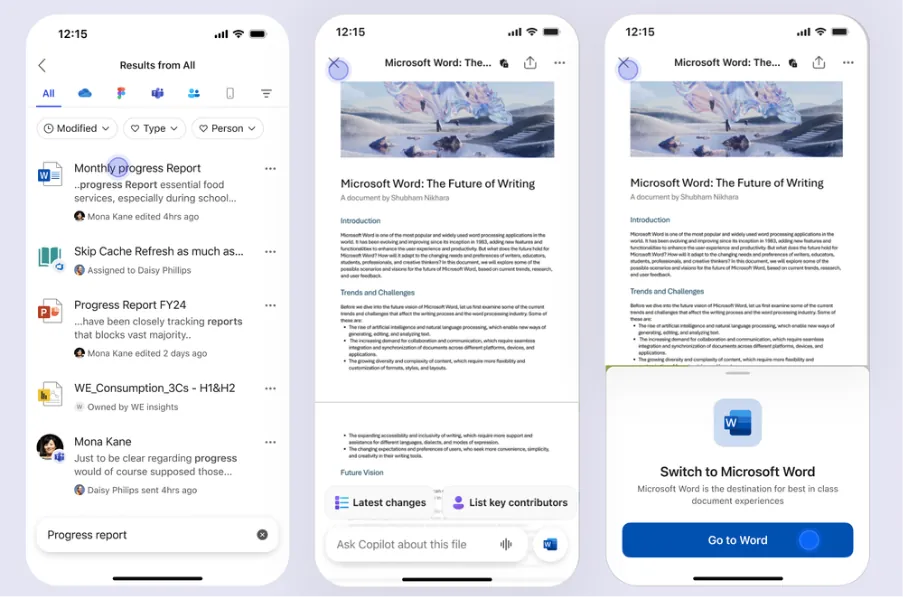
Chat About Files in the Mobile App
Open a Word, Excel, or PowerPoint file in the Copilot mobile app and ask things like:
– ‘Summarise this document’
– ‘Pull deadlines from this deck’
– ‘Explain this data’
• Ideal for working on the go.
Audio recap and new file summaries for Copilot in Teams
Audio Recap
You can now listen to meeting recaps like a podcast, which is perfect when commuting or multitasking.There are three styles:
– Newscast: fast and factual.
– Executive: concise, minimal commentary.
– Casual: more conversational.
• Available on desktop and mobile.
Quick File Summaries in Teams Chat
When someone shares a Word document in Teams, Copilot can instantly summarise it without opening it, even on mobile.
• Security labels and permissions are fully respected.
PowerPoint Enhancements
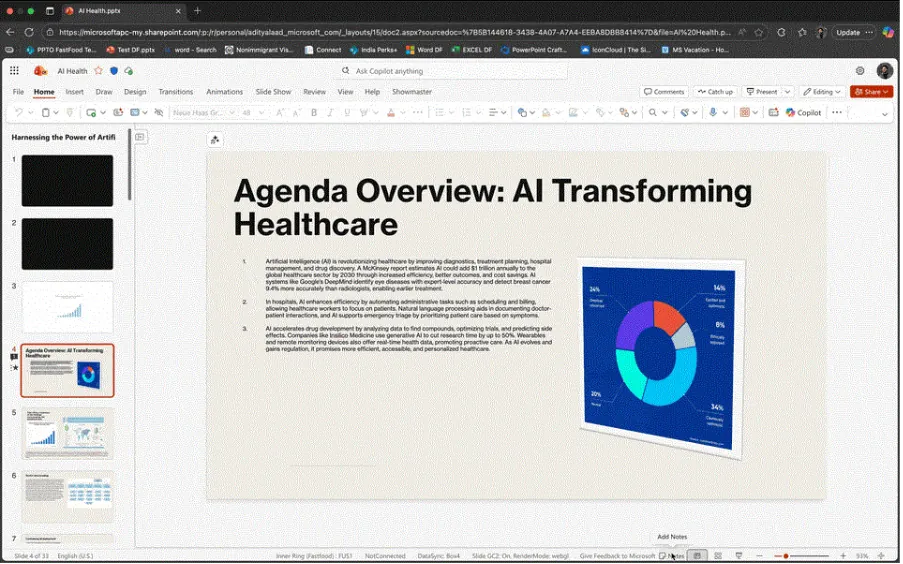
On-Canvas Speaker Notes
Instead of using chat, you can now generate speaker notes directly on slides, either for one specific slide or an entire deck.
• Keeps all content creation inside the slide workspace for better focus.
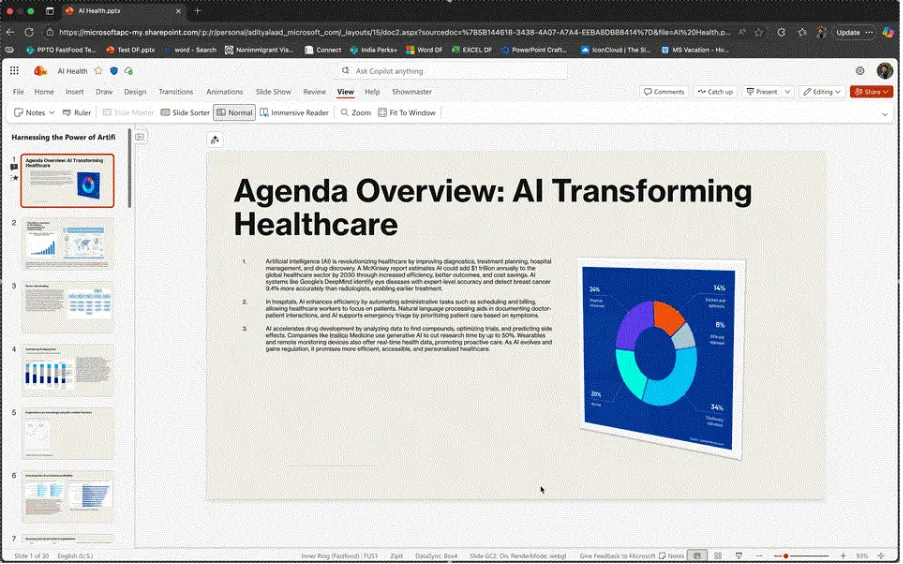
On-Canvas Slide Translation
Translate presentations into another language in just a few clicks, so there’s no more switching between tools.
• Reduces dependency on external tools or manual translation steps.
New Agent Mode Features
Agent Mode in Word
Write documents conversationally, by telling Copilot what you need (‘Summarise customer feedback and pull key trends’) and it:
– Drafts content
– Suggests edits
– Asks clarifying questions
– Uses Word’s formatting automatically
• A much more natural way to create content.
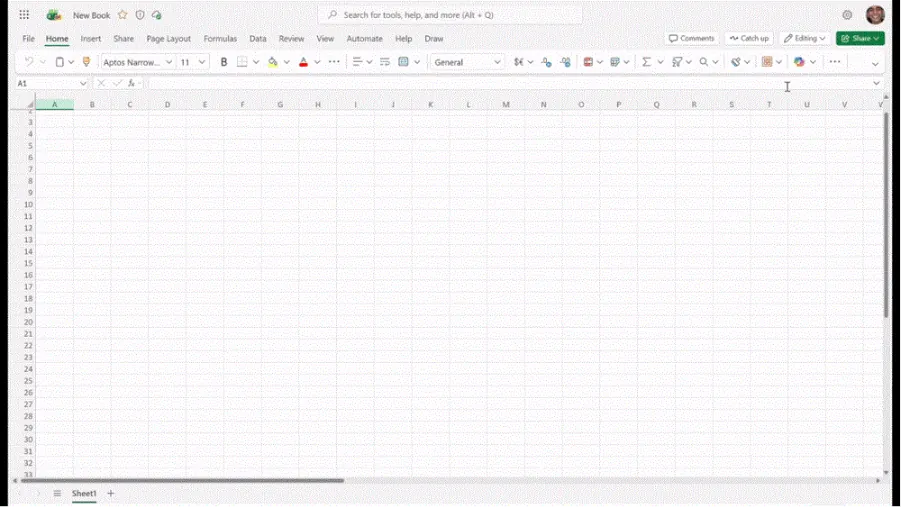
Agent Mode in Excel
Agent Mode plans and executes multi-step tasks directly in Excel, such as:
– Building models
– Reshaping data
– Creating charts
• You stay in control, with clear steps and editable results.
Available on Excel for Web and rolling out to desktop soon.
Outlook Meeting Upgrades
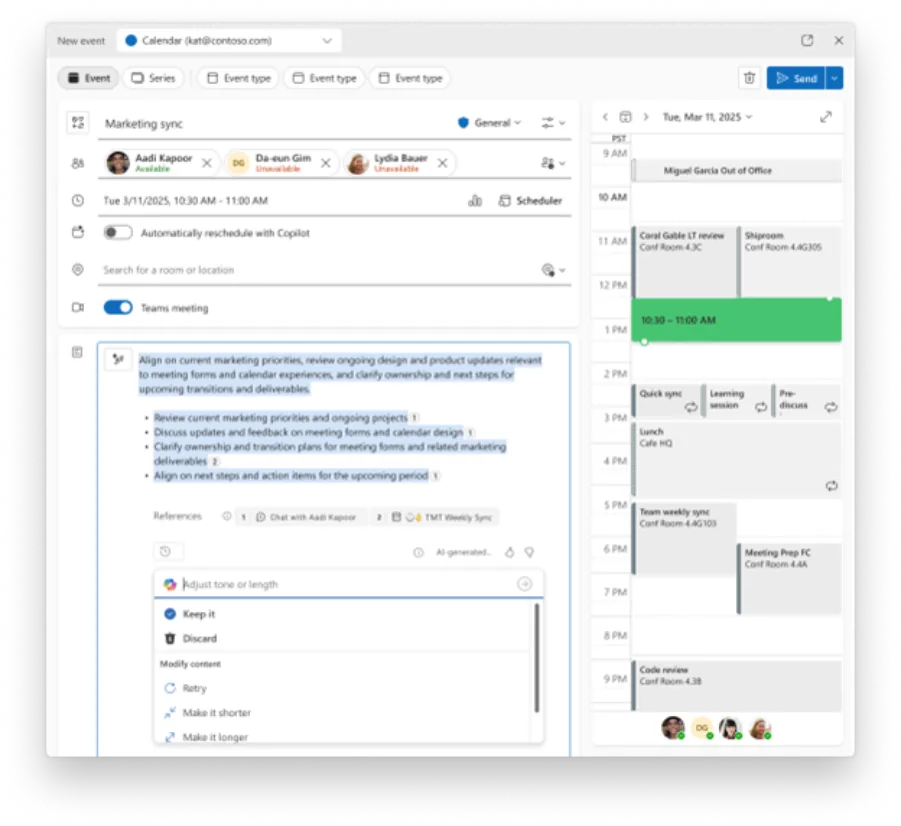
Auto-Generated Agendas
Create a meeting invite and Copilot can draft an agenda based on:
– The title
– Attendees
– Recent emails, files, or chats
• You can refine or revise before sending.
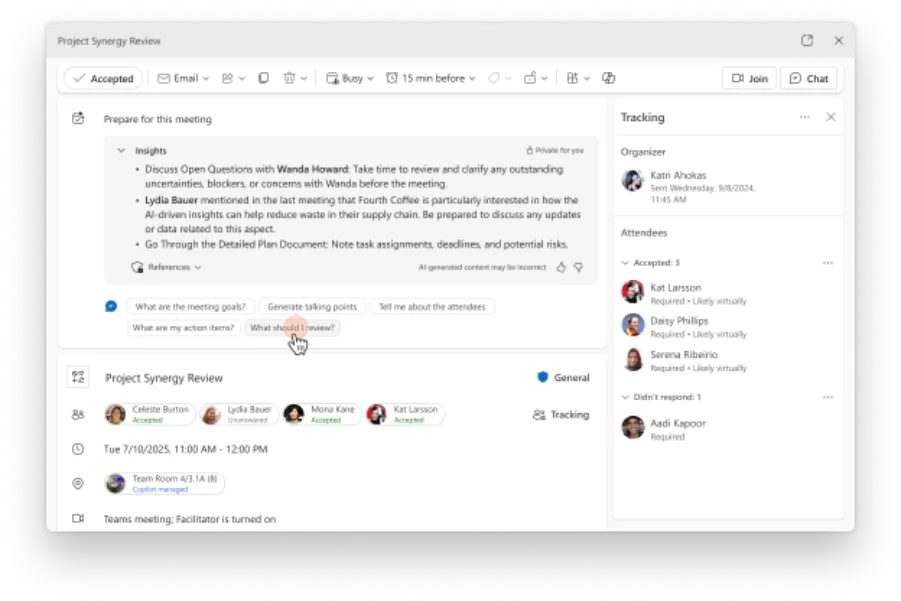
Better Meeting Preparation
Inside the meeting invite pane, Copilot now automatically surfaces:
– Key insights
– Pre-reads
– Expected outcomes
– Suggested follow-up prompts
• Now also available for 1:1 meetings.
New Agents & Research Improvements
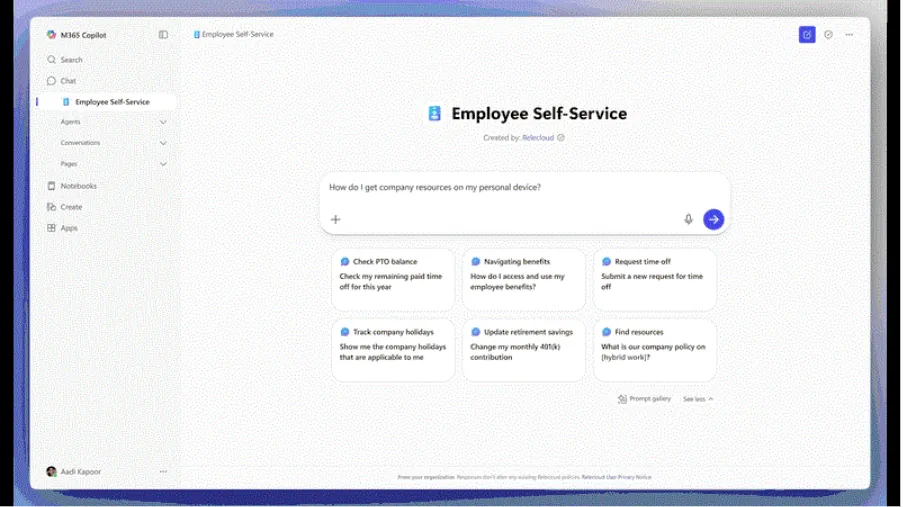
Employee Self-Service Agent
A central hub for HR and IT questions, such as leave balances or IT tickets, with seamless handoff to tools like Workday or ServiceNow.
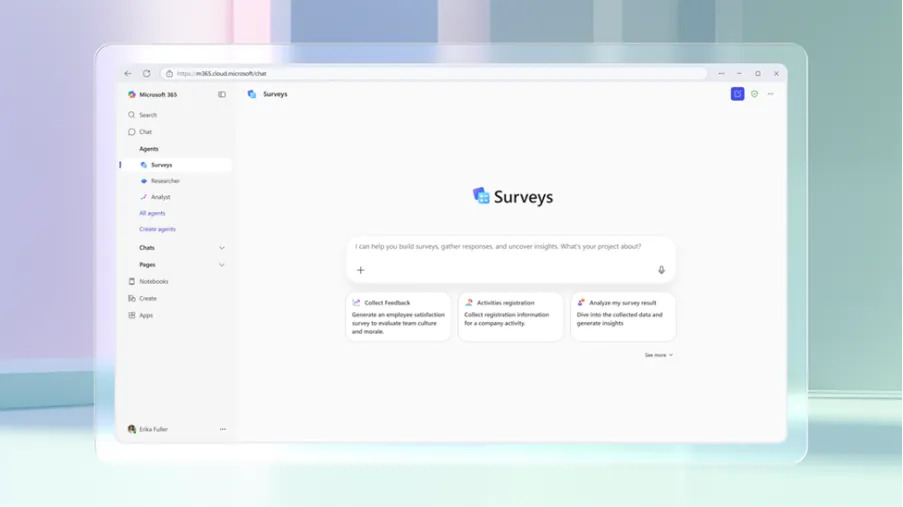
Surveys Agent
Create surveys, gather responses, and interpret feedback in one conversational experience, with no jumping between apps
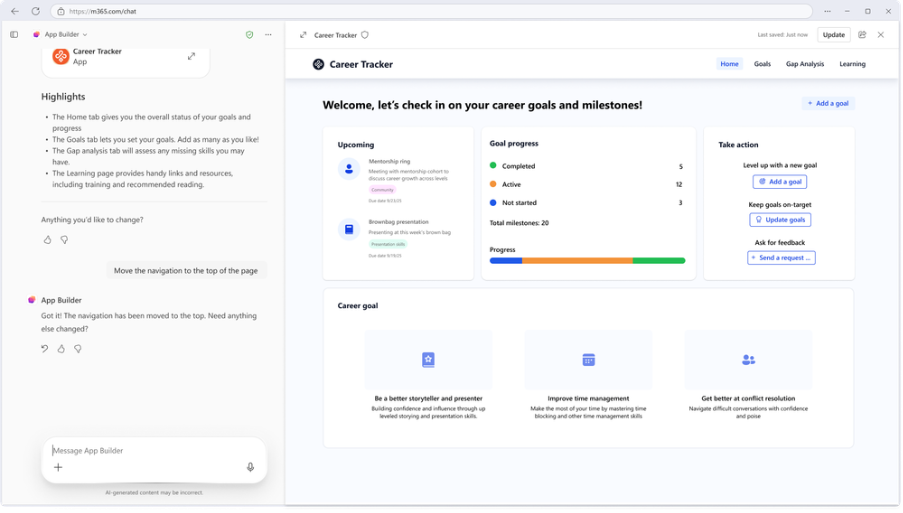
App Builder Agent
Build simple apps (trackers, dashboards, forms) with natural language. Data is stored in Microsoft Lists and permissions follow Microsoft 365 standards, so it’s safe, quick, and collaborative.
Workflows Agent
Automate everyday tasks across Outlook, Teams, SharePoint, Planner, and more using plain language. Includes testing and monitoring tools and integrates with Graph data.
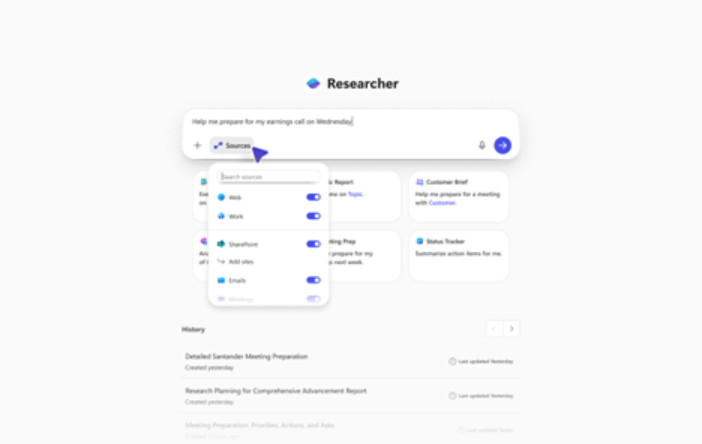
Researcher Upgrades
Researcher now makes deep-dive research easier with:
– Customisable data sources
– Adjustable report length (quick summary or detailed analysis)
– Export to Word
– Easy switching from Copilot Chat
• Perfect for structured research workflows.
Need help navigating the latest enhancements to Copilot?
The latest updates in Microsoft Copilot bring a host of new features designed to enhance productivity, streamline communication, and provide a more personalised experience. With improvements in chat and collaboration, Copilot continues to evolve as a powerful tool for seamless and efficient communication.
Get More from Microsoft 365
Ready to explore more about Microsoft 365? Explore more ways to unlock the full power of your suite:
Introducing Microsoft Copilot for Finance
Why Use Microsoft Copilot in Chat Over ChatGPT
Getting Started with Microsoft Copilot 365
Further reading: Microsoft Teams Updates | November Edition
What's new in Microsoft 365 Copilot in November?

What is session persistence in Copilot Chat?
Can Copilot answer questions across several files?

Schedule a Free IT Audit & Cost Breakdown


Want it fixed and kept that way? From just £14 a month, we verify your domain and monitor it 24/7, so your email lands and nobody else can send as you.