
One Month Testing Microsoft Teams Anywhere


Discover More About Teams Anywhere
Ignited with anticipation for weeks, I couldn’t contain my enthusiasm after hearing about the potential of Teams Anywhere for businesses on the move. Eager to explore its capabilities, I embarked on an intensive testing journey, documenting my first-hand experience with this powerful tool. In this blog, I delve into how Teams Anywhere revolutionised my productivity and connectivity while on the go, unravelling the impact it can have on businesses seeking seamless collaboration and cyber security services.
So what is Teams Anywhere?
Teams Anywhere is essentially an E-Sim that can be added to your iPhone or Android supporting mobile.
It enables the direct delivery of Teams Calls (External or Internal) to your mobile device as a voice call over the EE Network.
If you’re wondering how this differs from the fantastic Teams Mobile App that you may already use, here’s the distinction: To receive or make a call through the inclusive App, you need to be connected to a trustworthy and reliable WiFi network or remain stationary on 5G, as those calls are delivered over Data.
This implies that if you’re travelling in a car, experiencing data connectivity issues, or moving between mobile masts, your call could end up sounding distorted, much like a Doctor Who Dalek.
So who is it designed for?
If you spend most of your day sitting at your desk, answering calls on the Teams Inclusive App over Wi-Fi then truthfully, you don’t need this product.
However, if you’re like me and constantly driving between client sites throughout the day, then Teams Anywhere may become your go-to solution. It utilises the EE Network to deliver every call, making you completely accessible for direct client calls, office internal calls, or even answering any call queues whilst on the road.
If you have workers in the field who need to make client calls, instead of providing them with another number, such as a work mobile number or even a personal mobile number, you can simply use your Landline Direct Teams Number. This way, you’ll have one number for all scenarios – whether you’re at your desk, in the car, or even working from home.
For me, it’s been a great addition. I now have one Direct Cardiff Number that clients can call, and I can pick up wherever I might be. Plus, every call I make comes from my Cardiff personal Number rather than my personal mobile, which ensures I don’t receive late-night customer calls on my personal phone!
Here Are Some Great Use Cases That I Believe Will Benefit From Teams Anywhere
Estate Agents
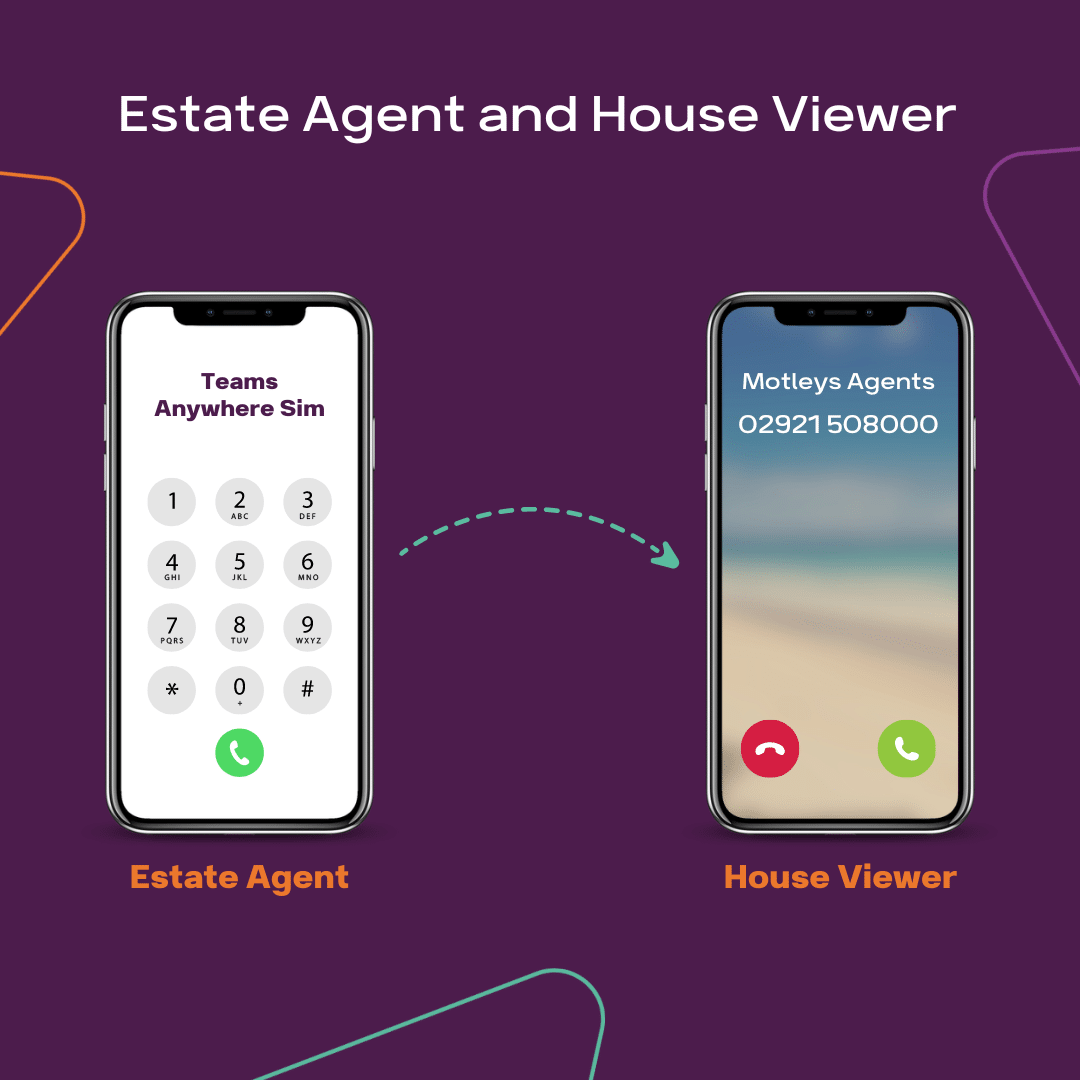
They can stay in touch with customers while out on viewings.
By calling from the main office number, they can handle enquiries and schedule appointments but when it’s time to make an offer, the customer rings back and the call returns back to the office rather than direct to the agent.
Legal or Financial Clients
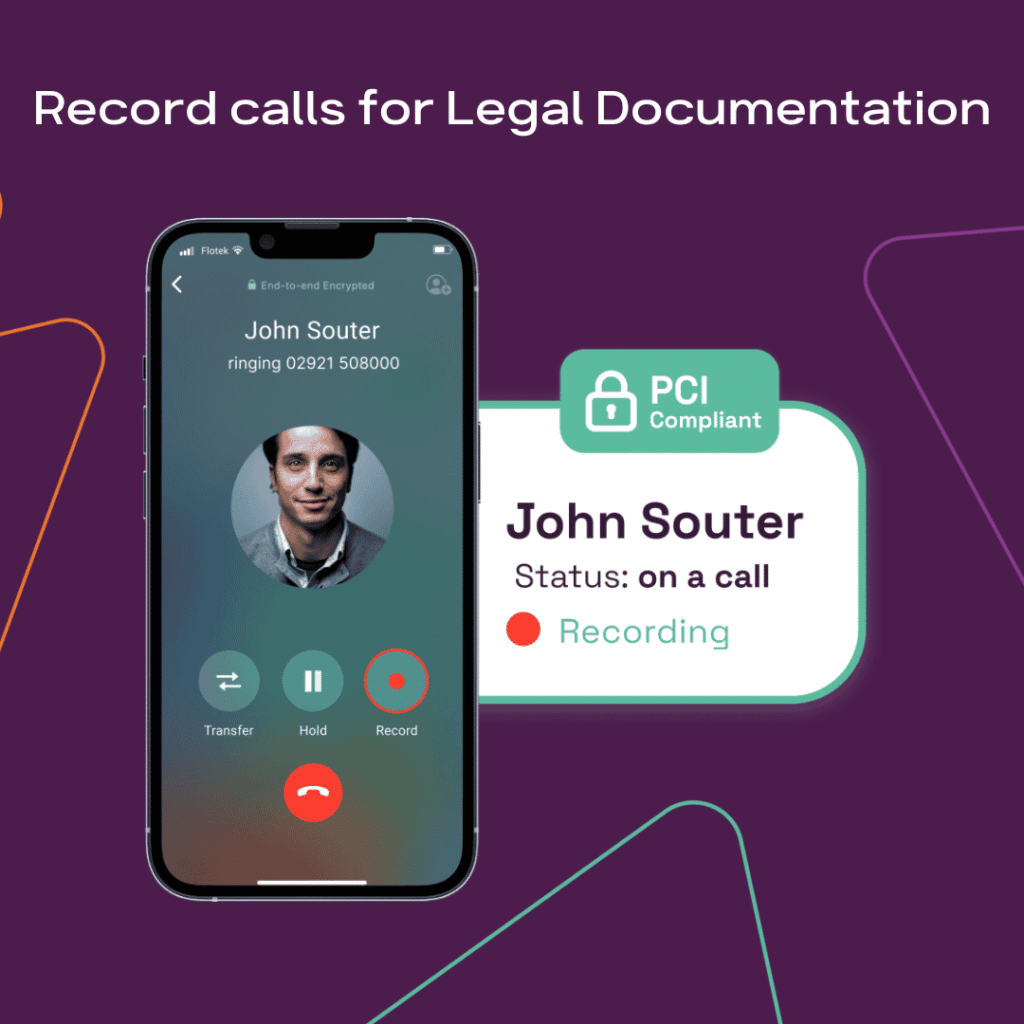
For those who need to record all calls, Teams Anywhere comes in handy.
If you have Teams Recording Enabled, your mobile sim calls will be recorded, and all customer interactions will be securely stored and encrypted for you.
Salespeople
With just one direct number, sales reps can be easily reachable by customers no matter where they are.
Whether they are in the office, at their desk, or on the go, the desk phone, Teams App, and mobile will all ring. Moreover, each call is logged and can be recorded if you have this feature enabled.

Back to the trial, how did it really go?
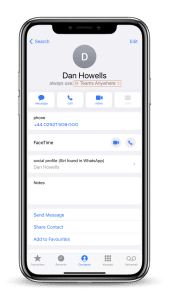
I absolutely love it! After a month of using Teams Anywhere, I’ve decided to switch to this sim whenever I dial customers.
My iPhone remembers the last dial, so each time I ring a client, it automatically selects my Teams Anywhere sim instead of my personal sim and number.
The only time I miss a direct call is when I’m in a meeting and my phone is on silent. Previously, I would often pick up voicemails and then play phone tag with clients just to finally speak with them.
I must say, the EE Signal is, in my opinion, the best network in the UK, ensuring I always have excellent coverage wherever I go.
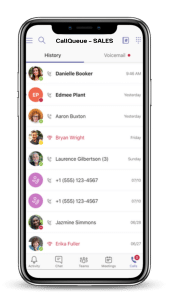
Moreover, any call queues I’m a member of now come directly to my sim, displaying whether it’s a sales or client relations call.
I now have the option to answer if the office isn’t able to pick up within a reasonable ring time. This level of convenience is truly invaluable!
I’m able to control when calls come to me by changing my ring settings within Teams to send calls to voicemails, or I can simply turn the E-Sim off within my iPhone on Weekends and let Teams follow its usual ring pattern.
Sounds Great – What are the next steps?
I’m personally a big fan of Teams Anywhere, and I’ve decided to keep my sim long-term, ditching my separate work mobile to have just one number for all my communications.
If you or any of your team could also benefit from Teams Anywhere, or any of our other IT support services, feel free to reach out to our sales team at 02921 508000. They’ll be happy to assist you!
Further reading: Flotek Launches Teams Mobile with EE
What is Teams Anywhere?

Who is Teams Anywhere designed for?
Does Teams Anywhere need mobile data?

Schedule a Free IT Audit & Cost Breakdown


Want it fixed and kept that way? From just £14 a month, we verify your domain and monitor it 24/7, so your email lands and nobody else can send as you.