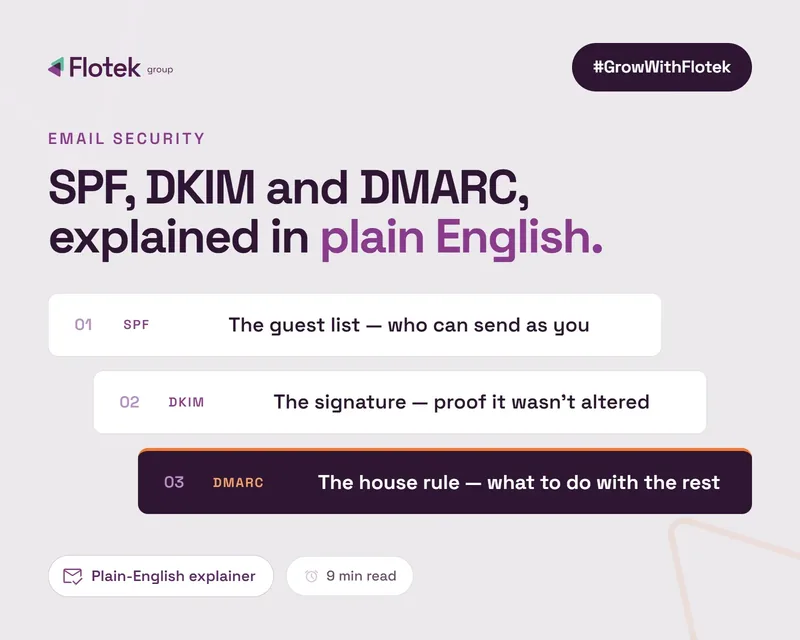
SPF, DKIM and DMARC Explained in Plain English


SPF, DKIM and DMARC Explained: How Email Authentication Works Together
SPF, DKIM and DMARC are the three DNS records that decide whether the world trusts email from your domain. They get explained badly almost everywhere, so here is the plain English version, using an analogy that actually holds up: sending a letter.
SPF: the approved list of post offices
SPF (Sender Policy Framework) is a list, published in your DNS, of every server allowed to send email on behalf of your domain. When your email arrives somewhere, the receiving server checks: did this come from a server on the list? Microsoft 365 will be on yours. So should your CRM, your invoicing software and anything else that sends as you.
Common SPF problems: senders missing from the list (their mail fails), and too many entries. SPF allows a maximum of 10 DNS lookups; go over and the whole record silently breaks. Years of bolting on "include" entries for every new tool is how most businesses get there without noticing.
DKIM: the tamper-proof seal
DKIM (DomainKeys Identified Mail) puts a cryptographic signature on each email you send. The receiving server checks the signature against a public key in your DNS. If it matches, two things are proven: the email genuinely came from your domain, and nothing in it was altered in transit. Think of it as a wax seal that shatters if anyone opens the envelope.
DKIM fails quietly when it's never been switched on for a sending service (it is not automatic for custom domains in Microsoft 365) or when a key gets rotated at one end and not the other.
DMARC: the instructions and the CCTV
SPF and DKIM do the checking, but on their own they have a gap: neither tells the receiving server what to do when a check fails, and neither tells you it happened. DMARC fills both gaps. Your DMARC record says "if an email claims to be from us and fails SPF and DKIM, deliver it / junk it / reject it", and it instructs receiving servers to send you reports on everything sent as your domain. We cover the policy levels and the fraud angle in What is DMARC and Why Does Your Business Need It?
How the three work together
• An email arrives claiming to be from yourbusiness.co.uk.
• The receiving server checks SPF: did it come from an approved server?
• It checks DKIM: is the signature valid and intact?
• DMARC then checks alignment: do the domains in those checks actually match the domain in the From line the recipient sees? This step matters because criminals pass SPF for their own domain while displaying yours.
• Based on the result, your DMARC policy decides the email's fate, and the event goes into your reports.
What happens when one is missing
• No SPF: receiving servers can't verify your sending servers. Expect junk folder placement.
• No DKIM: no proof of integrity, weaker authentication, and you can't reach a reliable DMARC pass on forwarded mail.
• No DMARC: no instructions and no visibility. Spoofers operate freely and you'll never know. Since the 2024 provider crackdowns, no DMARC also increasingly means your own legitimate mail gets treated with suspicion, one of the causes we unpack in why emails go to spam.
Want to know which of the three your domain is missing? Scan your domain and see in 20 seconds.
Setting them up
Publishing the initial records takes an afternoon, but doing this properly, auditing every sender, working through the reports and tightening the policy in stages, is realistically 6 to 8 weeks of work, not a one-off task. And it doesn't stop once you reach full enforcement: new tools get added, suppliers change infrastructure, and a sender nobody re-checks can quietly start failing. At p=reject, that failure isn't your mail going to junk, it's refused outright. Our Microsoft 365 DMARC setup guide gives you the exact steps, and the deliverability pillar guide puts it all in context.
Prefer it done for you? Flo Verified Mail handles the lot: setup, daily report monitoring and the journey to full enforcement, managed by our team, for as long as you need us.
Further reading

Schedule a Free IT Audit & Cost Breakdown


Want it fixed and kept that way? From just £14 a month, we verify your domain and monitor it 24/7, so your email lands and nobody else can send as you.