






%20(31).avif)
Build Apps with Microsoft Copilot - Updates
.avif)


.avif)

Build Custom Apps with Microsoft Copilot Studio – What’s New
Microsoft has expanded the capabilities of Copilot Studio, making it easier than ever for businesses to build custom AI-powered apps and agents without writing code.
Here’s a breakdown of the latest updates and what they mean for your organisation.
What Is Copilot Studio?
Copilot Studio is Microsoft’s low-code/no-code platform for building custom AI agents and applications. It sits within the Microsoft 365 ecosystem and lets you create intelligent assistants that can:
• Answer questions using your organisation’s data
• Automate repetitive workflows
• Integrate with external systems and APIs
• Operate inside Microsoft Teams, on your website, or within other apps
What’s New?
The latest updates to Copilot Studio include:
1. Autonomous Agents
You can now build agents that operate independently, triggered by events rather than user input. For example, an agent could automatically process incoming invoices, flag overdue tasks, or send follow-up emails based on predefined rules.
2. Multi-Source Knowledge
Agents can now pull information from multiple sources at once, including SharePoint, websites, uploaded documents, and third-party databases. This makes them significantly more useful for complex queries that span different data sources.
3. Improved Conversation Design
The conversation builder has been updated with better visual tools for designing dialogue flows. You can now create more natural, branching conversations that handle edge cases and follow-up questions more effectively.
4. Custom Connectors
Copilot Studio now supports custom connectors, allowing agents to interact with external systems like CRMs, ERPs, and industry-specific tools. This opens up a wide range of automation possibilities.
5. Analytics and Monitoring
New analytics dashboards give you visibility into how your agents are performing, including usage patterns, resolution rates, and common topics. This data helps you refine and improve your agents over time.
Who Is This For?
Copilot Studio is designed for:
• IT teams who want to build internal tools without heavy development resources
• Business teams who need automated assistants for HR, finance, or customer service
• Organisations that want to extend Copilot’s capabilities beyond standard Microsoft 365 features
Getting Started
Copilot Studio is available as part of Microsoft 365 Copilot or as a standalone licence. If you’re already using Microsoft 365, you may have access to basic features through your existing subscription.
If you’d like help exploring what’s possible with Copilot Studio, or if you want to build a custom agent for your business, get in touch with our team.
Further reading: 16 Benefits Of Microsoft 365 | What Is Microsoft Copilot
Discover how Flotek can help with our Microsoft 365 solutions. Get in touch today.





.jpg)







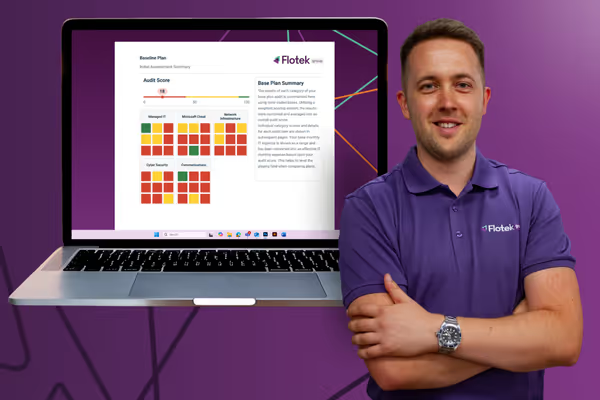
Schedule a Free IT Audit & Cost Breakdown

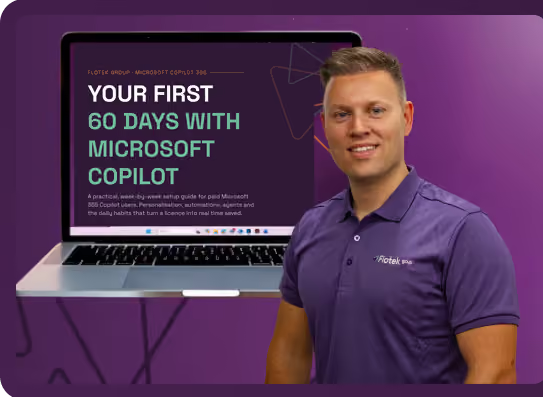
Download ‘Your First 60 Days with Microsoft Copilot’ Guide


%20amended%20logo.avif)






.avif)
.avif)
%20(1).avif)
.avif)