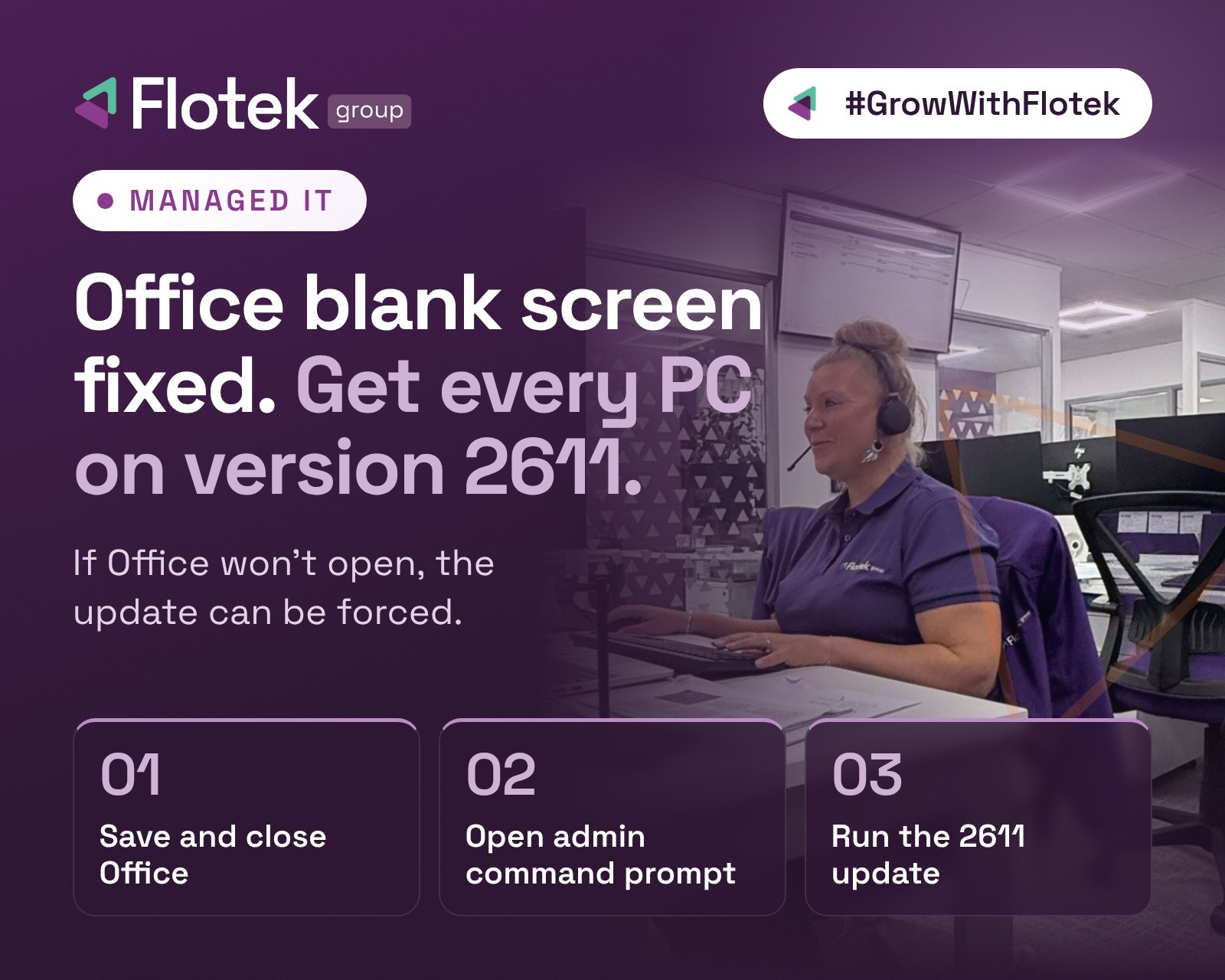
Office blank screen bug fixed


When an update stops your team from working
Most Microsoft 365 updates arrive quietly and nobody notices. This one was different. Microsoft has fixed a bug that put a blank dialog box over Office apps as they opened, with no text, no buttons and no way to close it. For the people it hit, that meant no Word, no Excel and no Outlook until the problem was sorted.
The fix is now out. Here is what happened, how to get past it if Office still won’t open, and what it says about how updates are managed in your business.
What happened
When someone opened an affected Office app, a blank dialog window could appear on top of it. Because it had nothing to click and couldn’t be dismissed, the app was effectively unusable. Microsoft lists Word, Excel, Outlook, PowerPoint, Access and OneNote for Microsoft 365 as affected.
Microsoft has marked the issue as fixed in Version 2611 (Build 16.0.20625.20142). According to The Register, Microsoft hasn’t said which versions were affected or what caused the problem. Some people also reported activation and sign-in problems alongside the blank windows.
The catch: the update needs Office to open
The awkward part is that the blank dialog can stop you opening the apps you would normally use to install the update. Microsoft’s own guidance for that situation is to force the update from an elevated command prompt:
- Save your work and close all Office apps. Make sure nothing is left open in the background.
- Open a command prompt as an administrator. On most business devices this needs an admin account, so your IT team may need to do it.
- Run the update command. "%programfiles%\Common Files\Microsoft Shared\ClickToRun\officec2rclient.exe" /update user updatetoversion=16.0.20625.20142
Once the update has installed, Office should open as normal on Version 2611.
Other fixes people have tried
Before the fix arrived, people tried a range of workarounds. A volunteer moderator on Microsoft’s forum suggested an Office repair or the more thorough Online Repair, which reinstalls Office. Some people reported that rolling Office back solved it, and others found that signing in through another app, such as Edge, did the trick.
Now that Microsoft has released a proper fix, updating to Version 2611 is the cleaner route. A full reinstall takes longer and can bring its own sign-in and activation headaches.
What this means for your business
A bug like this is a reminder that Office problems rarely stay with one person. If it lands on a Monday morning across a sales team or a finance department, the cost is measured in hours of lost work, not minutes.
It also hit IT teams setting up new machines. The Register quotes one IT admin who couldn’t hand over a newly set-up machine without getting calls that new starters couldn’t get Office to work. That is the kind of first-day experience nobody wants for a new hire.
Three practical steps help:
- Know your version. Make sure every device is on Version 2611 or later, rather than assuming updates have landed everywhere.
- Manage updates centrally. When updates are pushed and tracked from one place, a fix can reach every device quickly, including the ones that can’t open Office on their own.
- Watch Microsoft’s known issues. Microsoft publishes known issues and fixes for its apps. Someone in your business, or your IT partner, should be checking them so a widespread problem is spotted before the helpdesk fills up.
How Flotek can help
Flotek track Microsoft’s known issues, manage updates centrally and step in when something stops your team working, so a bug like this is handled for you rather than by you. Our managed IT support covers the day-to-day, and our Microsoft 365 services keep your licences, apps and updates in good shape.
Not sure every device in your business is up to date? Speak to Flotek.
Source: The Register, Microsoft fixes Office dialog that had nothing to say and wouldn’t go away, 25 Nov 2026. Fix details from Microsoft Support.
Further reading

Schedule a Free IT Audit & Cost Breakdown


Want it fixed and kept that way? From just £14 a month, we verify your domain and monitor it 24/7, so your email lands and nobody else can send as you.