

How Small Businesses Can Use AI to Improve Productivity



.avif)

How Small Businesses Can Use AI to Improve Productivity
For the average SME, there’s a growing need to do more with less. As admin pressure mounts for teams trying to achieve their goals with fewer resources, AI productivity tools for small businesses are a viable solution to enhance efficiency and meet deadlines.
In this guide, we explore how Microsoft 365 Copilot for small businesses is beneficial for companies with under 300 team members, including use cases and security considerations.
Why AI Matters for Small Businesses
With the right integration and training, AI tools for SMBs are powerful, productivity-boosting solutions for many problems faced by smaller businesses. Some of the ways that AI like Copilot can resolve or manage day-to-day workplace problems include:
- Repetitive admin tasks that cause significant time wastage
- Email overload
- Meeting fatigue
- Bottlenecks in document creation
- Meeting higher efficiency requirements to meet deadlines
Copilot has already been proven to support businesses of all sizes in achieving their goals. A recent study by the UK Government found that more than 70% of users reduced the time they spent sourcing information and performing
mundane tasks with the Microsoft AI assistant. In 2024, Microsoft reported that Copilot could drive up to 353% ROI when they improve productivity with AI tools.
What Is Microsoft 365 Copilot?
Copilot refers to Microsoft 365 AI tools that can be found in everyday cloud IT solutions used by many small businesses, including Word, Excel, Outlook, Teams and PowerPoint. This method of AI workplace automation integrates seamlessly into existing workflows and secures business content through Microsoft Graph.
Unlike external AI tools like ChatGPT or Claude, Copilot for Outlook and other Microsoft 365 tools are available directly in the tools that employees use day-to-day. This means that this AI productivity software enhances pre-existing workflows instead of adding extra steps or disrupting the way your team already works.
5 Ways Small Businesses Can Improve Productivity with AI
Manage Emails Faster
AI email management reduces the amount of time spent reading long threads, providing clear summaries with the key points you need to know. Copilot can also prioritise important emails for you, separating them for immediate notice, and organise your calendar to reduce the time spent scheduling.
We go into more detail about Copilot Outlook integration and AI email management in our guide here.
Create Documents and Proposals Quickly
Document creation can often be a significant bottleneck for small businesses. One of Copilot's most beneficial features is its integration with Microsoft Word. You can quickly draft first versions of documents, summarise notes or rewrite content for different tones and audiences directly within Word.
Improve Meetings and Team Collaboration
AI for business productivity goes beyond solo working. Copilot is also capable of improving and enhancing meetings, supporting team collaboration by handling the admin around Teams calls. This includes providing meeting recaps and summarising action points, reducing the amount of note-taking required to stay organised.
Analyse Data Faster
Copilot is also a vital tool in Excel, providing a practical way to gain oversight of large sets of data with clear information about trends and outliers, including generating visualisations to demonstrate different points. AI tools can also reduce the amount of time spent sourcing help or resources, with Copilot able to suggest formulas and build PivotTables on request.
Reduce Repetitive Admin Tasks
One of the biggest benefits of Copilot is the ability to automate low-skill, repetitive tasks that take significant time out of employees’ days. This could include generating daily reports, creating task lists, sending routine communications and delivering meeting recaps to participants automatically. These automations free up time, leaving more space for important strategic work.
Security, Compliance and GDPR Considerations
Security is a consideration when integrating any new technology into your business. With Copilot, some of the key concerns of AI productivity tools are mitigated. As it is built into the existing Microsoft ecosystem, it benefits from the same enterprise-grade security as all Microsoft 365 tools. Data stays within the existing environment, with no third-party tools or manual processes transferring data outside of your existing infrastructure.
However, it is important to be mindful of GDPR and compliance concerns. Ensuring you have full oversight of what data is being processed, where it is stored and whether any data leaves your business is essential. If data is used to train models, it’s also important to remain GDPR-compliant in how that data is stored and disposed of.
We cover what you should be mindful of when introducing Copilot licensing into Microsoft 365 in more detail here.
Is Microsoft Copilot Worth It for Small Businesses?
Adopting AI is a vital time-saver for today’s small businesses. While there is an up-front licensing cost for this service, evidence has shown the ROI can be significant for businesses of all sizes, streamlining workflows and achieving improved productivity across many key tasks.
Before you jump into AI productivity tools headfirst, proper training and rollout planning are vital for safe, successful integration of Copilot. That’s where our Purple Army can help. At Flotek, we’ve made ourselves the experts on Microsoft’s AI solution, hosting webinars and providing strategies to help SMEs get the most out of AI while protecting their businesses.
If you’re considering Copilot for your small business, get in touch with our team today to start the process. We offer fully managed IT support, training and advice to help you get more out of AI. Fill out our contact form or give us a call on 02921 50 8000.
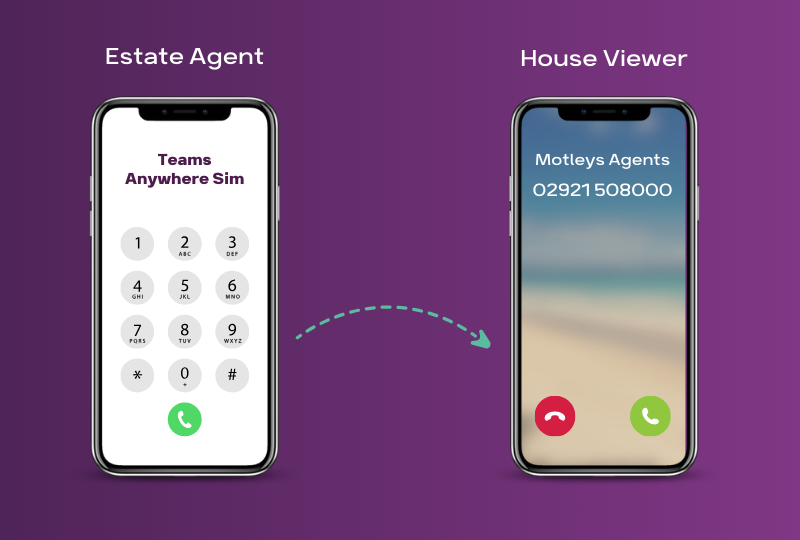
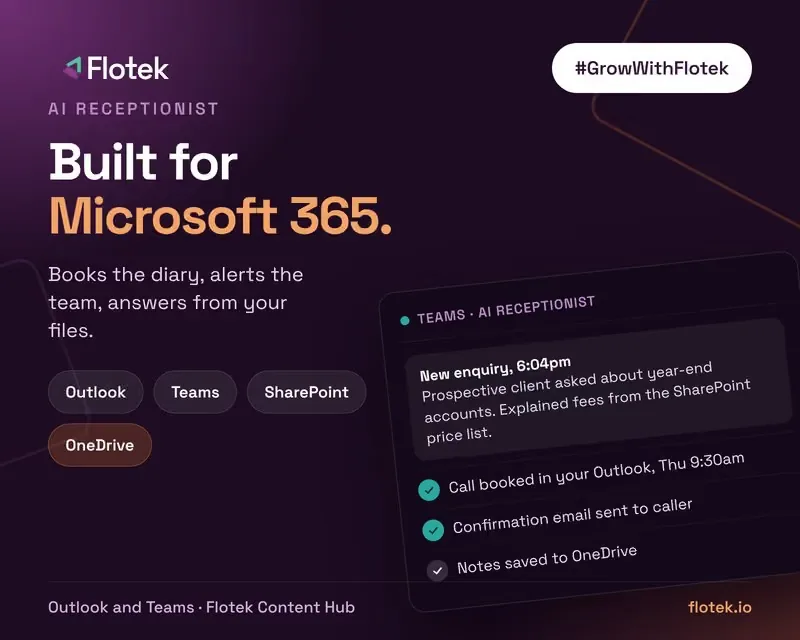
Answering the phone is one of the easiest places to start. An AI receptionist picks up every call 24/7, books appointments and logs every call in your CRM, so your team can focus on their own work. See how one property firm now saves five to seven hours a week.





.jpg)







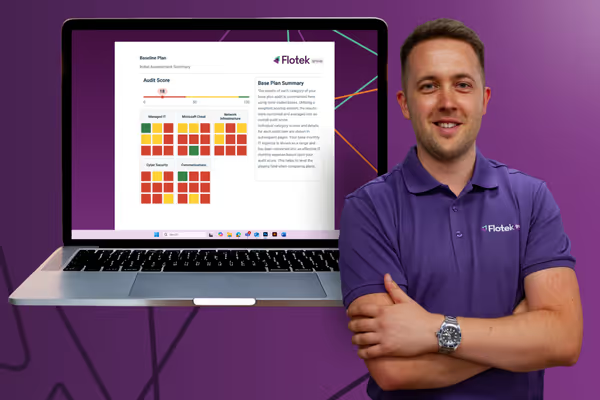
Schedule a Free IT Audit & Cost Breakdown


Want it fixed and kept that way? From just £14 a month, we verify your domain and monitor it 24/7, so your email lands and nobody else can send as you.










.avif)
.avif)
%20(1).avif)